

A dental distributor needs correct items, invoices and stock movements in one clear picture. iDentist.Live’s supplier workspace keeps the product catalogue, HSN/GST fields, orders, reports and warehouse together.
Keep a controlled tax list for every product, match purchase bills to goods received, issue itemised invoices, link every return to its invoice, and review with a qualified adviser.
GST starts with the product
Dental distributors sell goods with different classifications, and sometimes services too. So correct GST begins with the right classification and today’s rate for each product — then clean purchase, stock, sales and return records.
Copying one tax percentage onto every item is easy, but it can be wrong. Check HSN codes and the latest notifications with a qualified tax adviser.
Five steps to clean invoicing
- Keep a controlled tax list. For each product: description, HSN, rate and the date it applies from, whether prices include tax, and why it is classified that way. Limit who can change these.
- Match purchase bills. Compare the purchase invoice, quantity, batch and tax with the goods received. Record differences before adding stock.
- Issue itemised invoices. Show both parties, invoice number and date, each item, quantity, taxable value, discounts, and CGST/SGST or IGST as the sale requires.
- Handle changes openly. Use credit or debit notes for returns, shortages or price corrections, each linked to the original invoice and stock movement.
- Reconcile and review. Compare sales, purchases, tax and stock reports. Ask your adviser about unusual products and rule changes before filing.

The real iDentist.Live screen, with demo data — no real patients.
How iDentist.Live helps
The supplier’s administration area has a product list with HSN/GST fields, and the daily dashboard shows orders and warehouse work. Tax treatment starts from a well-described product — not a percentage typed over the final bill. You still confirm classifications and return rules with your adviser.
- Product list: descriptions, variants and tax fields set before invoicing.
- Orders linked to stock, so goods and sales can be matched.
- Reports to review orders, collections and problems.
- Free essentials — no paywall on products or orders.
A real example
A distributor sells a curing light and some restorative materials to a clinic. The lines may have different HSN codes or rates. The bill should work out each line from its checked tax entry, know whether the sale is within the state or between states, and keep the invoice safe in case a later return needs a credit note. One spreadsheet total that hides the line details is not enough.
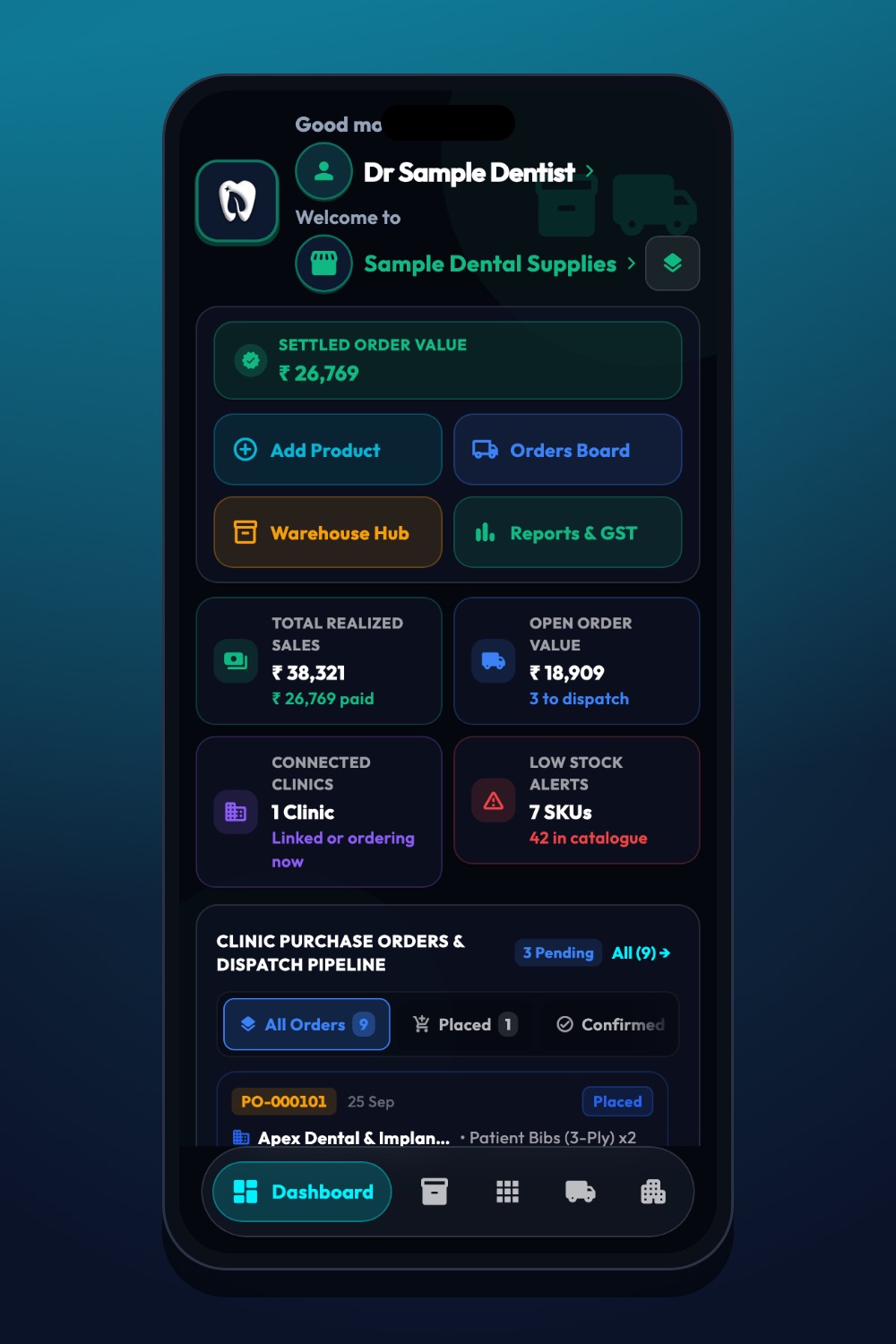
The real iDentist.Live screen, with demo data — no real patients.
Try it in iDentist.Live
In the free demo, start with one made-up product on the supplier side and check its description, unit and tax fields. Follow an order to dispatch, then compare the quantity with the bill and the stock. For real sales, have your accountant review HSN and rates before invoices go out.
What to measure
Watch invoices with a missing HSN, rates changed by hand, credit notes, stock-to-invoice mismatches and unsolved purchase differences. Review rates whenever the government changes them.
Keep it honest
Do not assume all dental supplies count as healthcare services, or that every dental product has the same GST rate. This is a working checklist, not tax advice.
Questions people ask
Does a clinic’s healthcare exemption cover a distributor’s goods?
Do not assume so. Goods sold by a distributor follow the goods rules and current notifications.
Can a rate card replace an invoice?
No. The invoice records the actual sale, tax, parties, date and quantity.
Is the supplier workspace free?
Yes. Products, orders and records are free with no order limit.