
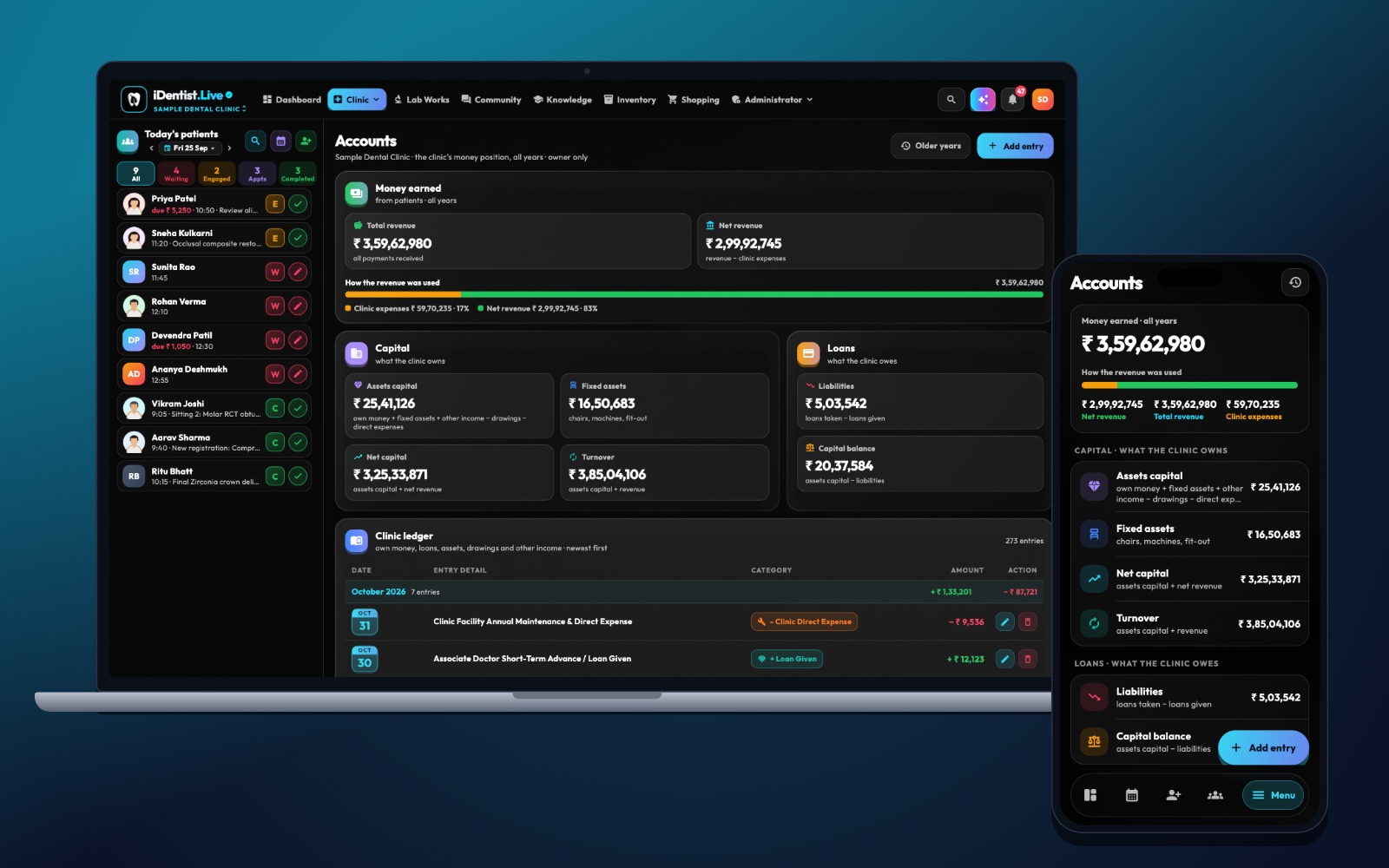
Income alone cannot tell you whether your clinic is healthy. iDentist.Live puts expenses, accounts, stock, lab work and reports in one place, so you can see what it really costs to give care.
Use a few fixed expense categories, record each cost when it happens, link materials and lab fees to treatments, compare money paid with bills received, and look into anything unusual before cutting costs — never cut patient safety.
Why a busy clinic can still lose money
A clinic can feel busy and still lose money quietly — to rent, salaries, materials, lab bills and unpaid invoices. Tracking costs shows where the money goes. It works best when you separate fixed costs (like rent) from costs that rise with each treatment (like materials), and compare both with the money you actually collect.
Five steps to track costs
- Use a small list of categories. For example: rent, salaries, electricity and water, equipment repairs, software, marketing, clinical materials, lab fees and loan payments. Keep the same categories every month.
- Record costs when they happen. Note the bill date, supplier, tax details, whether it is paid, and which clinic it belongs to. A bank entry alone does not say what was bought.
- Link direct costs to treatments. Where you can, estimate the materials and lab fee for common treatments. That shows what each treatment really earns.
- Compare cash and bills. Compare money paid this month with bills received this month. Spread large yearly payments, like insurance, across the year when planning.
- Look into the unusual, then decide. Check odd stock use, overtime, repairs or ad spend. Find out if the cause is price, waste, process or volume before cutting anything.
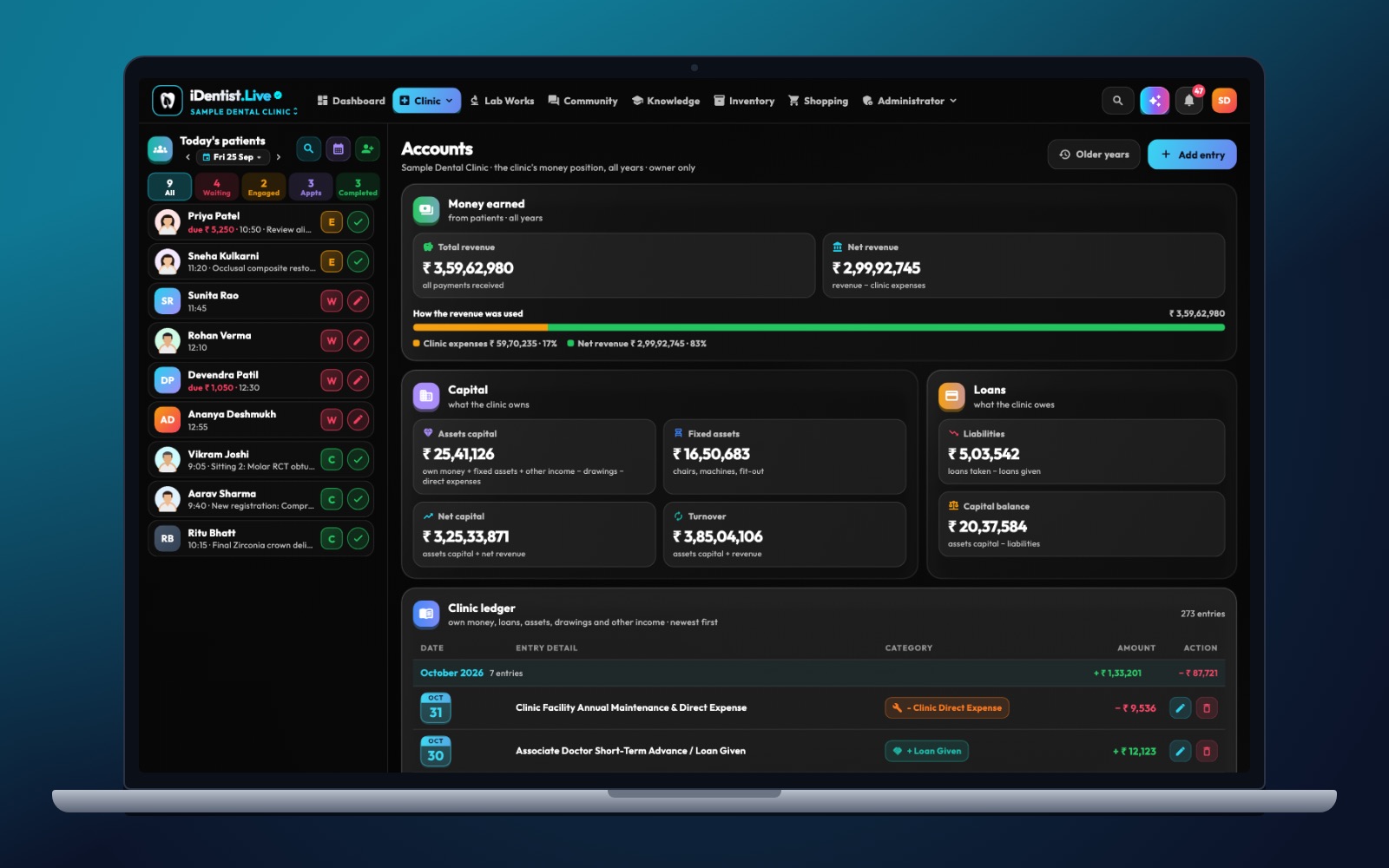
The real iDentist.Live screen, with demo data — no real patients.
How iDentist.Live helps
From the daily dashboard, an owner can open Accounts, Expenses and Reports without rebuilding the month in different apps. That matters when a material order, a lab case or an unpaid bill explains why your margin changed. Because the everyday tools are free, a small clinic can start good habits early. The app makes the numbers clearer — it should never push you to cut infection control or care quality.
- A dedicated screen to record and review expenses.
- Income and billing reports next to expense reports.
- Lab work and stock in the same system as your money.
- No limit on how many entries you record.
A real example
Say you collect ₹8 lakh a month, fixed costs are ₹3 lakh, and materials plus lab fees are ₹2 lakh. The remaining ₹3 lakh is before your own pay, tax, loan payments and other costs. If lab remakes cost an extra ₹40,000 one month, record them separately — otherwise it looks like costs simply rose, and the real cause stays hidden.
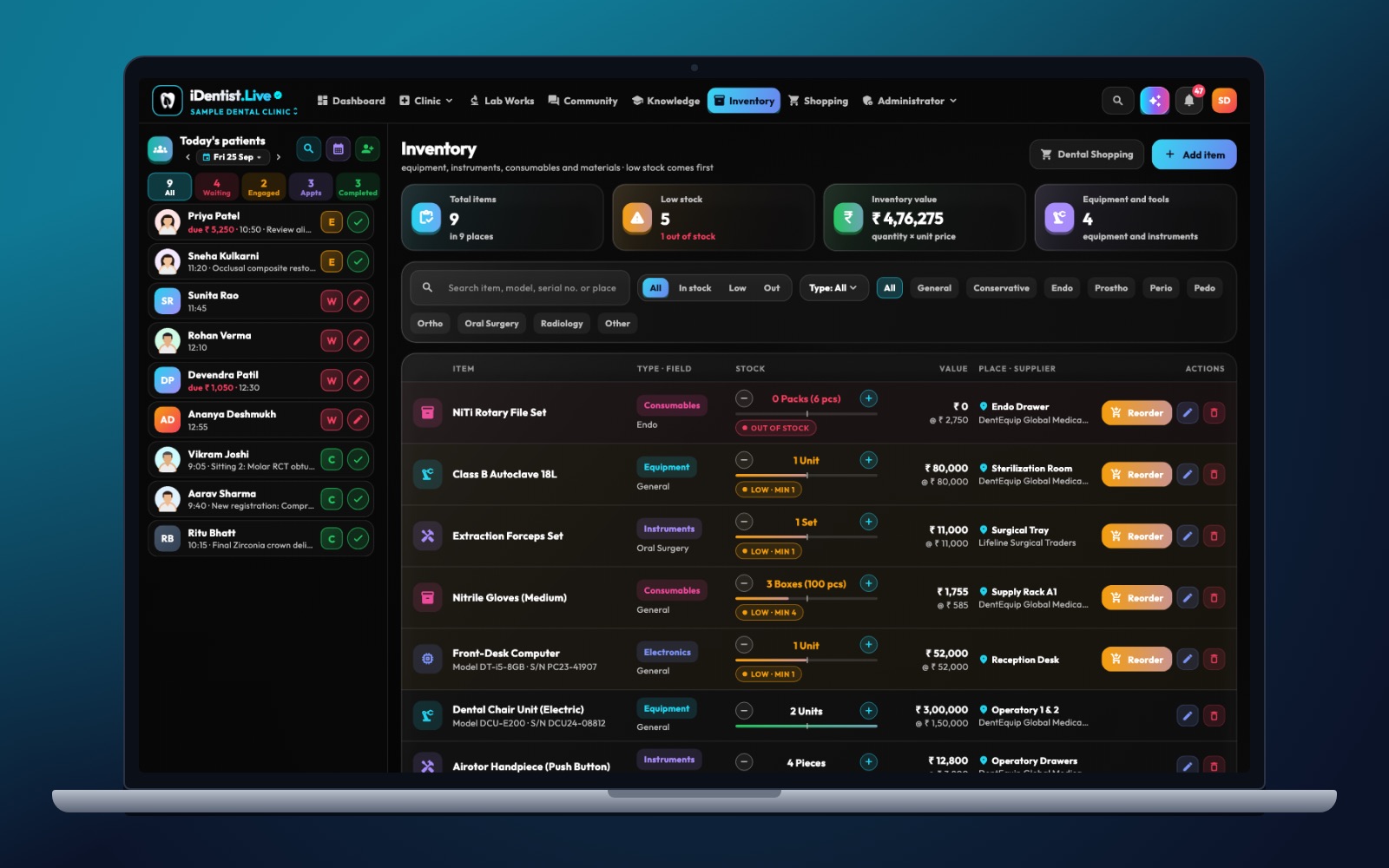
The real iDentist.Live screen, with demo data — no real patients.
Try it in iDentist.Live
In the free demo, look at the dashboard, then open Expenses and Accounts. Pick one made-up treatment and list its material, lab and chair-time costs. Then compare that with rent and salaries in a monthly report. Use this to improve how you record costs — not to set a price from one example.
What to measure
Watch the share of fixed costs, the direct cost per type of treatment, salaries as a share of income, lab remake costs, how long patients take to pay, and how many months of cash you have. Look at trends over several months, not one big purchase.
Keep it honest
Income minus expenses is not real profit if your own pay, equipment wear, tax or loans are missing. And never cut sterilisation or patient safety to make a spreadsheet look better.
Questions people ask
What counts as overhead?
The regular costs of running the clinic — rent, salaries, utilities and administration. Keep direct treatment costs like materials and lab fees separate.
How often should costs be reviewed?
Record them as they happen, check unusual items weekly, and close the month for a reliable trend.
Is expense tracking free in iDentist.Live?
Yes. Accounts, expenses and reports are part of the free everyday tools.