
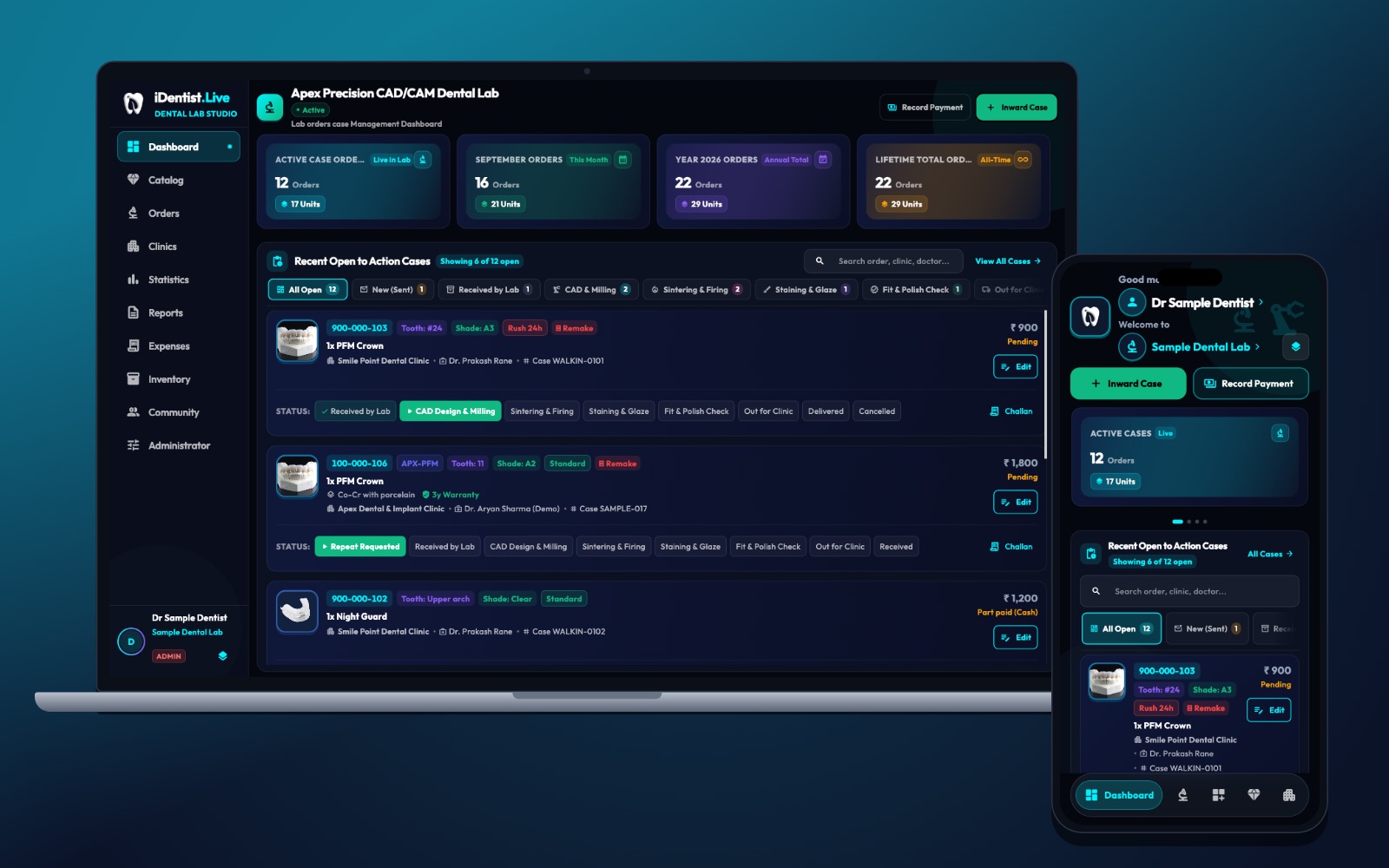
A CAD/CAM centre needs more than a busy mill. In iDentist.Live the order, tooth, material, shade, production stage and dispatch status are visible together, so technicians can organise the whole case — not just the machine run.
Check every file before it reaches the mill, match the right blank and lot, nest and schedule sensibly, record each run, and finish with the material’s own post-processing and a quality check.
The mill is one part of the journey
A five-axis mill is only one part of a digital restoration. Reliable results depend on approved design files, the right material, good nesting, tool condition, machine calibration, post-processing and a final quality check.
Good automation keeps everything traceable: every unit should link back to its order, design version, material lot and machine run.
Five steps from intake to dispatch
- Check the digital file. Confirm the file, units, orientation, margin, path of insertion and design approval. Reject unclear jobs before they take mill time.
- Choose the material and blank. Match the restoration and prescription with the approved blank, shade, size and lot. Note the maker’s processing instructions and expiry.
- Nest and schedule. Place units with proper connectors, support and clearance. Group jobs only when materials and processing match. Plan for tool life and furnace capacity.
- Record production. Note the machine, operator, program version, start and finish, tool changes, interruptions and material lot. After an odd run, stop and inspect before sending a doubtful unit on.
- Finish and check. Follow the material’s own sintering or crystallisation, finishing and staining steps. Check fit, surface, labelling and count before dispatch.
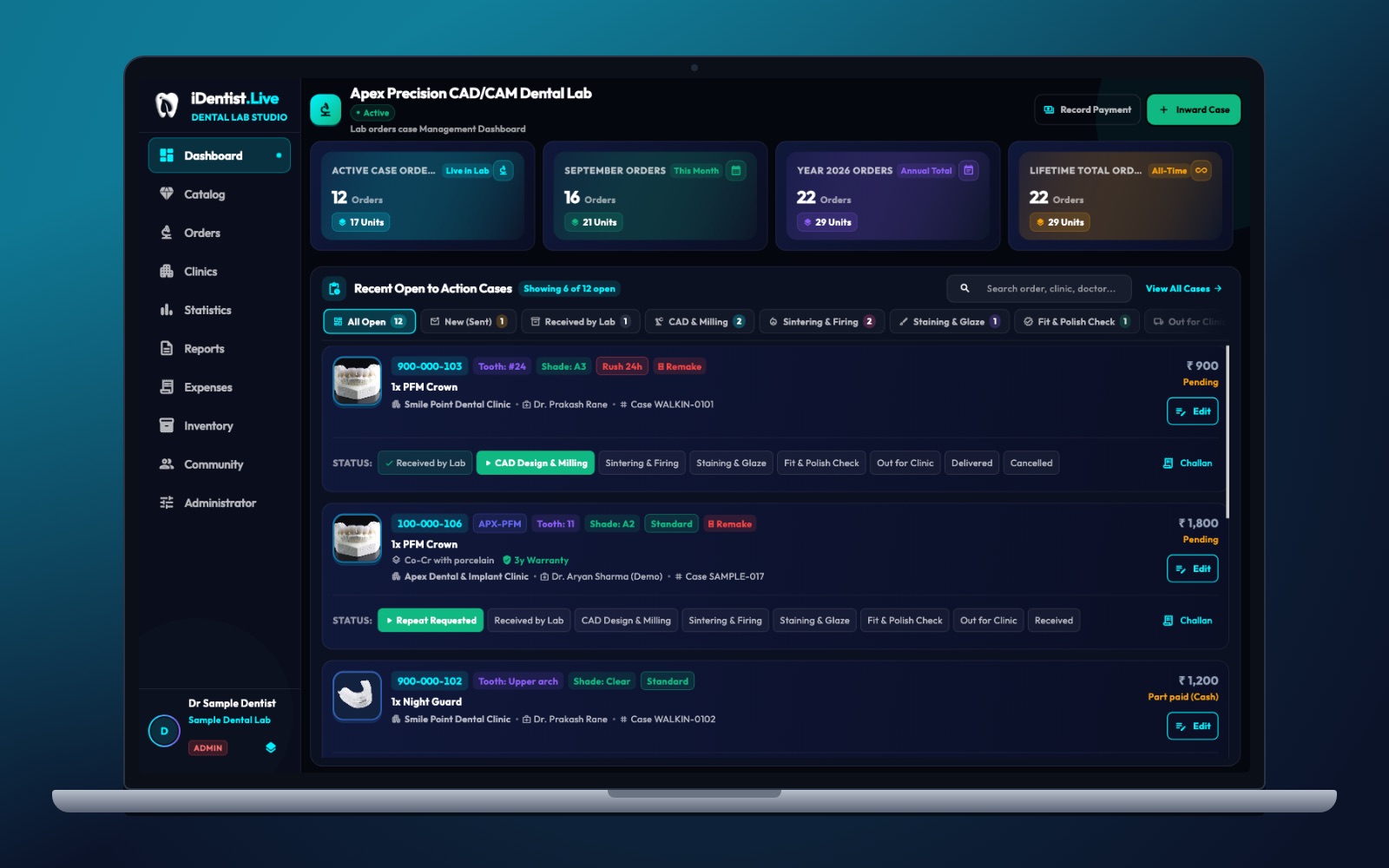
The real iDentist.Live screen, with demo data — no real patients.
How iDentist.Live helps
The lab board separates CAD and milling from sintering, staining and fit-polish checks. That suits a milling centre, because each stage has different people, machines and checks. The clinic sends the case into a shared order, the lab manages production, and both see when something needs attention. The software never sets a firing cycle or inspects a crown — experienced technicians and dentists stay responsible for that.
- See which cases are ready for design and which still need better input.
- Tooth, shade and restoration travel with the case through production.
- Firing, staining and fit checks each have their own place on the board.
- The clinic follows the order while production stays under the lab’s control.
A real example
A milling centre receives three zirconia crowns from two clinics. One file has an unclear margin and waits for an answer; the other two pass. The technician nests only matching blanks, records the lot and tools, runs the mill, and logs sintering and finishing. The finished units are compared with the approved design and sent out with their case numbers. The waiting case shows the clinic exactly what is missing.
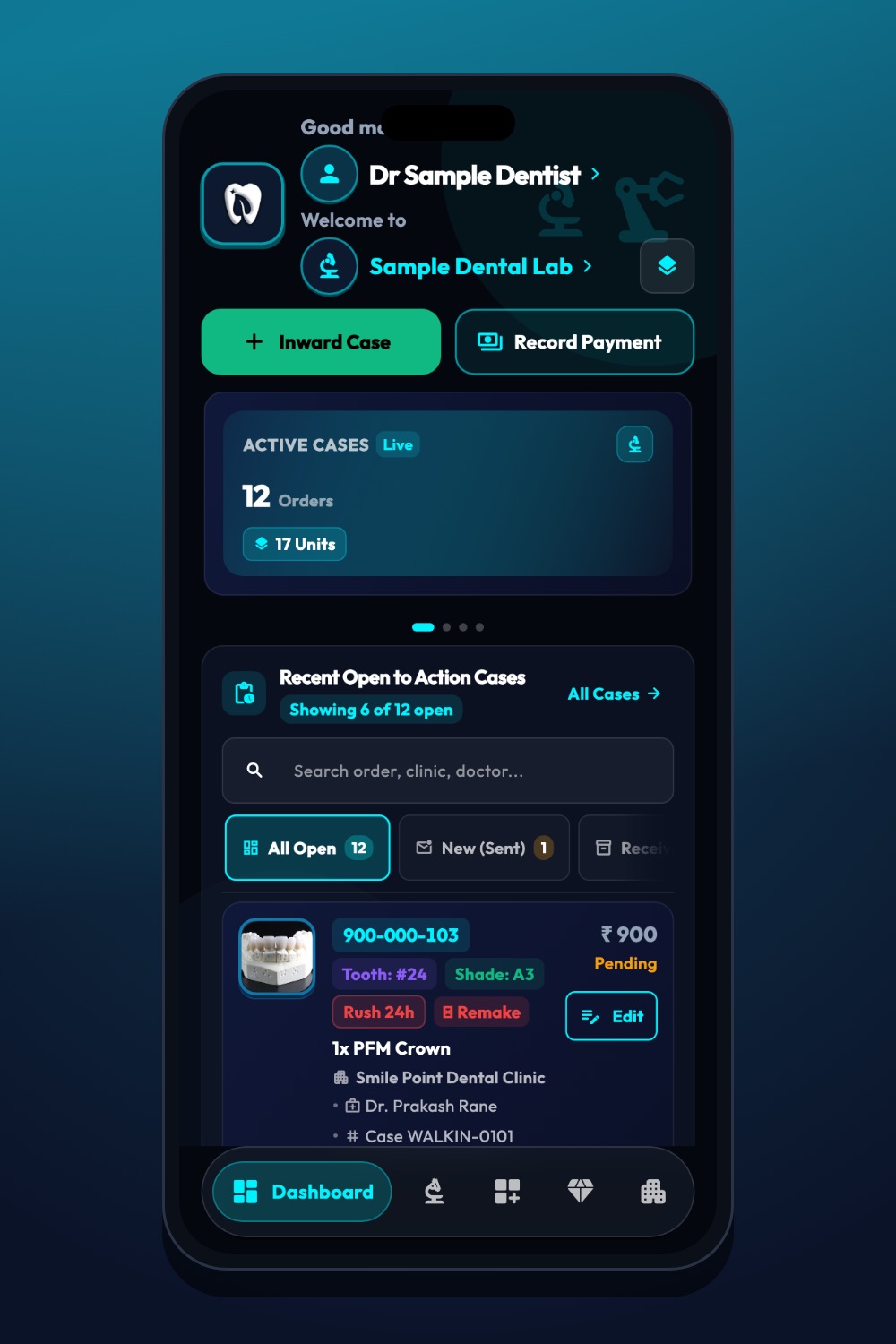
The real iDentist.Live screen, with demo data — no real patients.
Try it in iDentist.Live
In the free demo, follow a case from CAD and milling to sintering and firing. At each step, write what the operator must check and what should be recorded. Then see how the clinic would know about a new dispatch date. Use the app to organise the path — never to skip material instructions.
What to measure
Measure first-time success, machine use, tool-related defects, rejected files, queue time, post-processing delays and how complete your records are. A busy machine is not success if remakes go up.
Keep quality first
Five-axis does not guarantee quality, and not every zirconia blank uses the same firing program. Keep the maker’s instructions, calibration and the technician’s judgment in every step.
Questions people ask
Does automation remove the need for a technician?
No. Technicians check the input, handle problems, inspect the result and protect quality.
What should a production record contain?
At least: case number, approved design version, material lot, machine run, key processing steps, quality-check result and dispatch number.
Is the lab board free?
Yes. The lab’s case board, catalogue and clinic orders are free, with no order limit.