
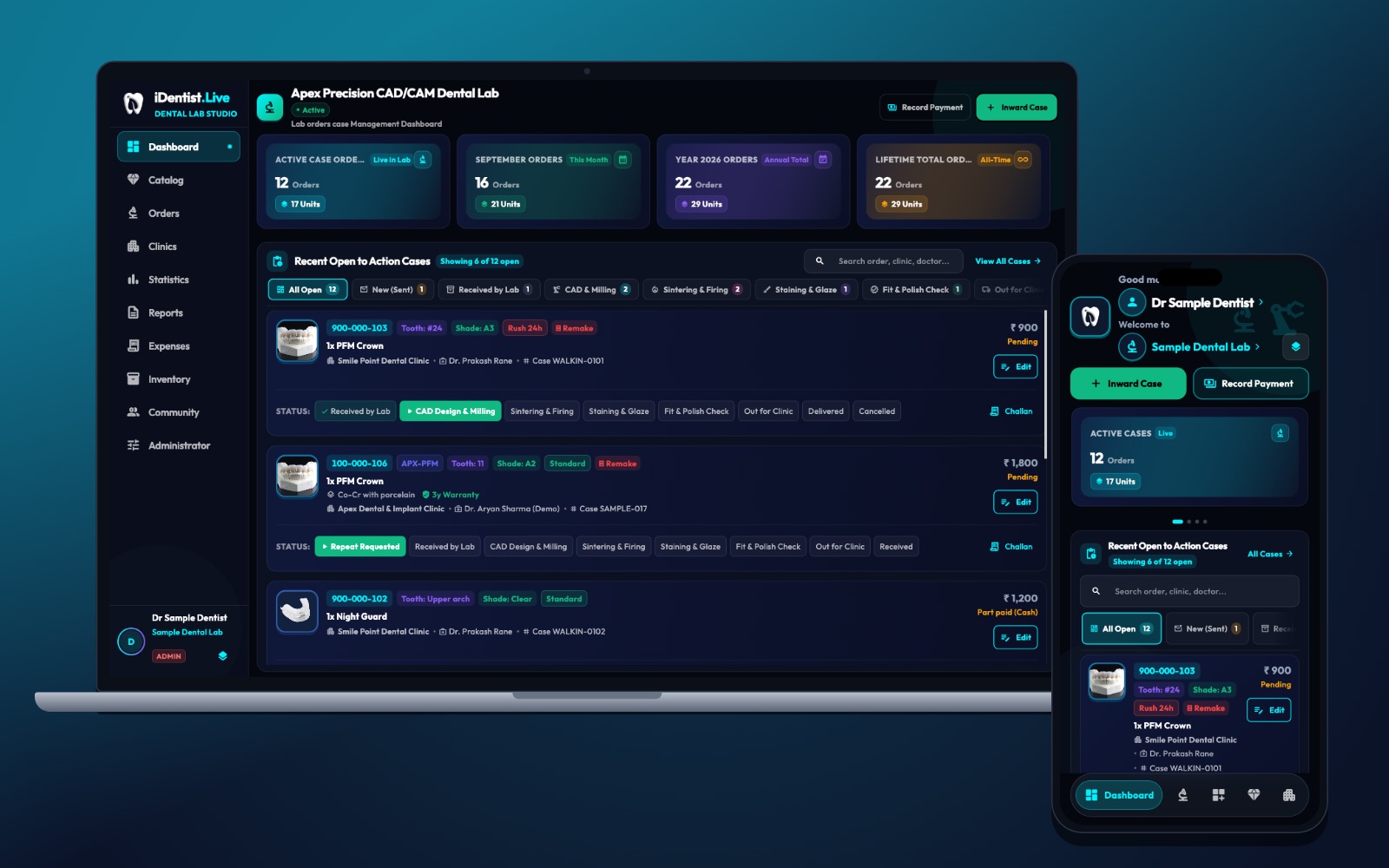
A clinic should know exactly what it is ordering before an impression leaves the surgery. iDentist.Live connects the lab’s product catalogue and rate card to the clinic’s order, so price, material and turnaround are clear from the start.
Describe each product precisely, show how prices are worked out, list the inputs you need, keep a dated version of every price change, and compare the quote with the final bill. Catalogue and rate cards are free.
What makes a rate card useful
A digital rate card is useful when a clinic can see exactly what is included, how long the case usually takes and which choices change the price. A price with no material, unit, warranty or revision terms leads to arguments later.
Link each catalogue item to the work order, so the accepted price can always be checked later.
Five steps to a clear catalogue
- Describe each product precisely. Say the restoration type, material, unit (per crown or per bridge unit), what is included, finish options and any limits. Keep crowns, bridge units and implant parts separate.
- Show how prices are worked out. Show the base price, extras, taxes where they apply, delivery, rush fees and how long the price is valid. Keep clinic-specific deals separate from the public list.
- List what you need from the clinic. For each item: scan or impression needs, shade, bite, photos and prescription details — and when the turnaround clock starts.
- Keep versions. Save the date of every price change and the price agreed on each order. Never quietly change the price of an order that is already accepted.
- Compare quote and final bill. After dispatch, compare the quoted and final charges, why they differ, turnaround and remake terms. Use clinics’ questions to improve your descriptions.
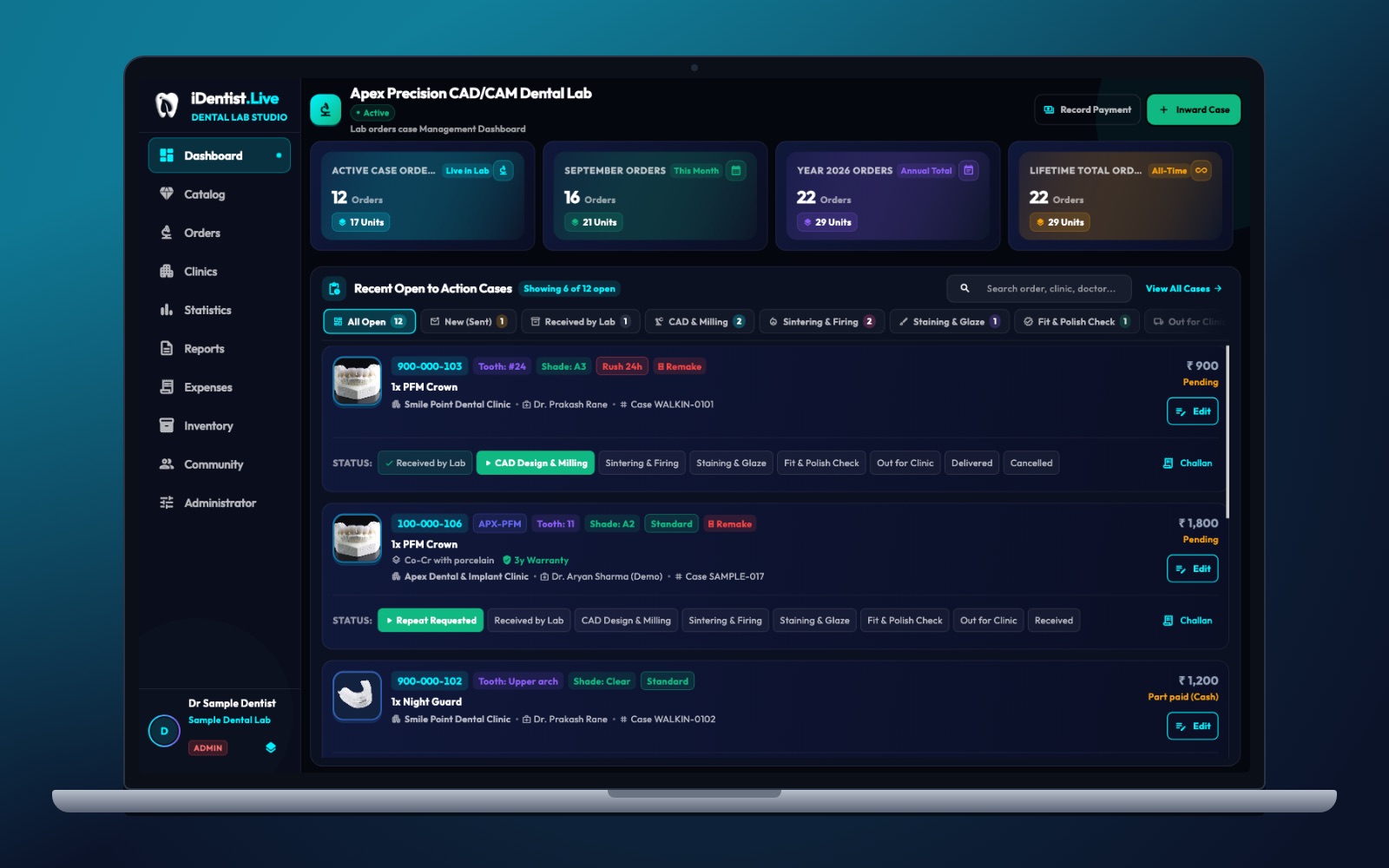
The real iDentist.Live screen, with demo data — no real patients.
How iDentist.Live helps
The lab’s admin area includes the catalogue and rate cards next to orders, clinics, reports and stock. That works well for a lab serving many clinics: the product description guides the clinic’s choice, the accepted order keeps the price, and production starts from a clear specification. Clinics can also see your lab’s public business page, with ratings and reviews from other clinics.
- Organise your products before they appear in a clinic’s order form.
- Price and turnaround settings live in the lab workspace.
- Manage linked clinics and their terms without losing order history.
- Free, with no limit on products or orders.
A real example
A clinic picks a monolithic zirconia crown. The rate card shows the price per unit, standard finish, optional staining, the digital records needed and a five-working-day target after a complete case. The clinic accepts and sends the scan. If a custom abutment becomes necessary, the lab sends a revised quote for approval before making it. Both versions stay in the order history.
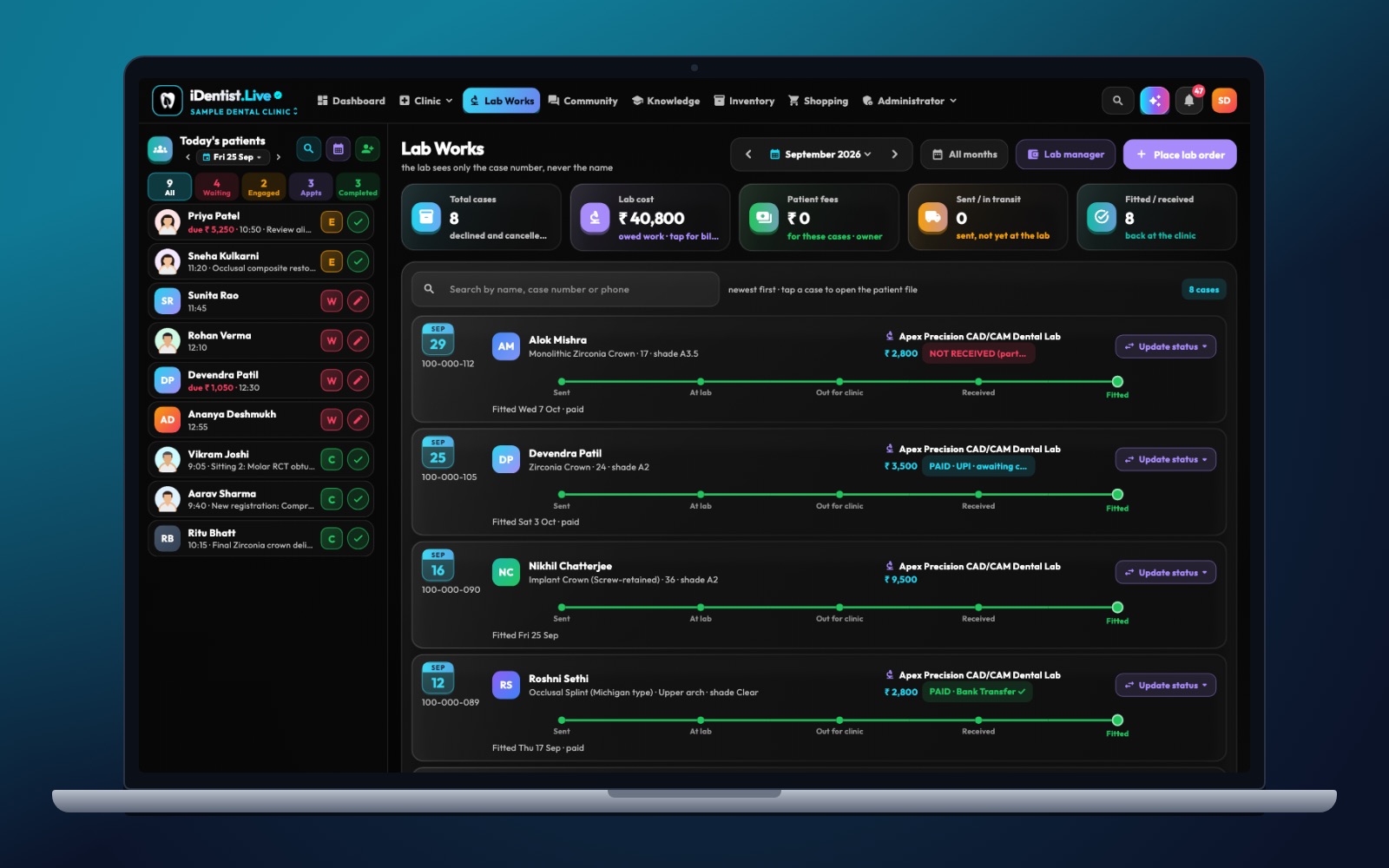
The real iDentist.Live screen, with demo data — no real patients.
Try it in iDentist.Live
In the free demo, compare the lab’s Catalogue with an example order. Is the material, shade, unit, included work and promised date clear? In real use, save a new version for any price change, and ask for approval before changing a case that was already accepted.
What to measure
Track how many catalogue views become orders, differences between quote and bill, questions caused by unclear descriptions, price disputes and on-time delivery by product.
Keep it clear
Do not use one “crown” price for every material and difficulty. Do not promise one guaranteed date if case quality and capacity vary. Check tax classification with a qualified adviser.
Questions people ask
Should prices be public or only for linked clinics?
Both can work. Clearly label public prices and contract prices, with dates and what is included.
What happens when a lab changes its prices?
Publish a new version and keep the agreed price for existing orders, unless both sides approve a change.
Do labs pay to publish a catalogue?
No. The catalogue and rate cards are part of the free lab workspace.