
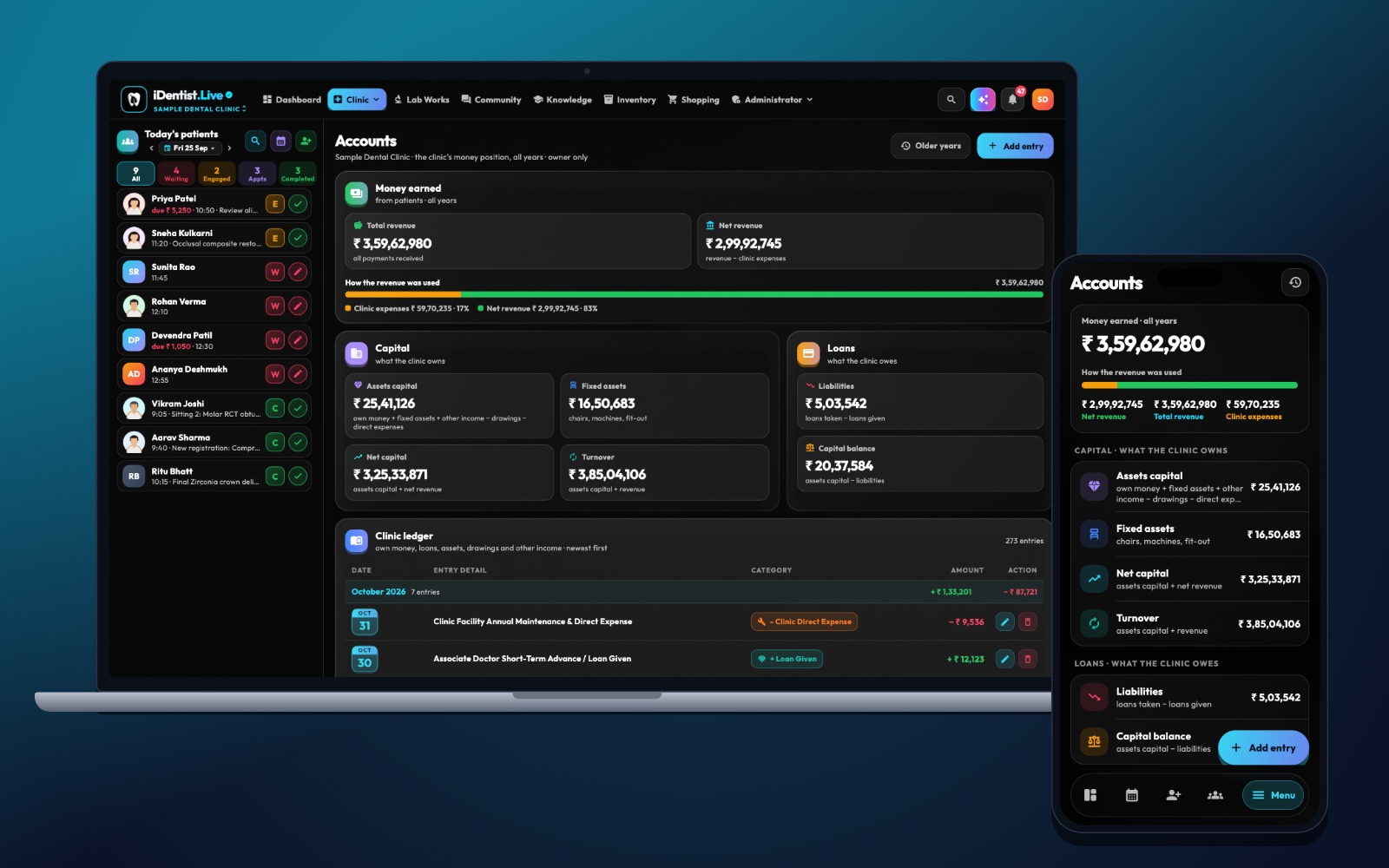
Billing should feel like part of the patient’s care, not a second system the patient has to decode. iDentist.Live keeps your accounts, payment history and the patient file together, so the bill always matches the treatment. Your team still applies the correct, current tax treatment to each charge.
Keep the treatment plan and the bill separate but linked, describe every charge in plain words, never edit a paid bill (use a correction or credit note), and match every payment to a receipt each day. Check tax classification with your accountant.
Billing has two jobs
A dental bill must do two things: explain the charges clearly to the patient, and classify each item correctly for tax. In India, GST depends on what is supplied, who supplies it and the current government notifications. Qualifying healthcare services may be exempt — but do not assume that cosmetic work, products or bundled items are treated the same way.
A simple billing routine
- Keep plan and bill apart, but linked. The treatment plan shows options and consent; the bill shows what was actually done. Never quietly turn an estimate into a final bill.
- Name your charges clearly. Keep simple descriptions for consultation, procedures, products, lab charges, discounts and adjustments. Decide each item’s tax treatment only after checking the current rules with a professional.
- Make every bill traceable. Include the bill number, date, clinic details, patient file number, each item with quantity and price, discounts, tax where it applies, payments and balance. Note how the patient paid.
- Handle changes properly. If the treatment changes, show the new item and get the patient’s agreement. Use a cancellation, refund or credit note — never edit a paid bill.
- Match payments every day. Check cash, card, UPI and bank receipts against bills. Look at unpaid balances and double payments before closing the day.
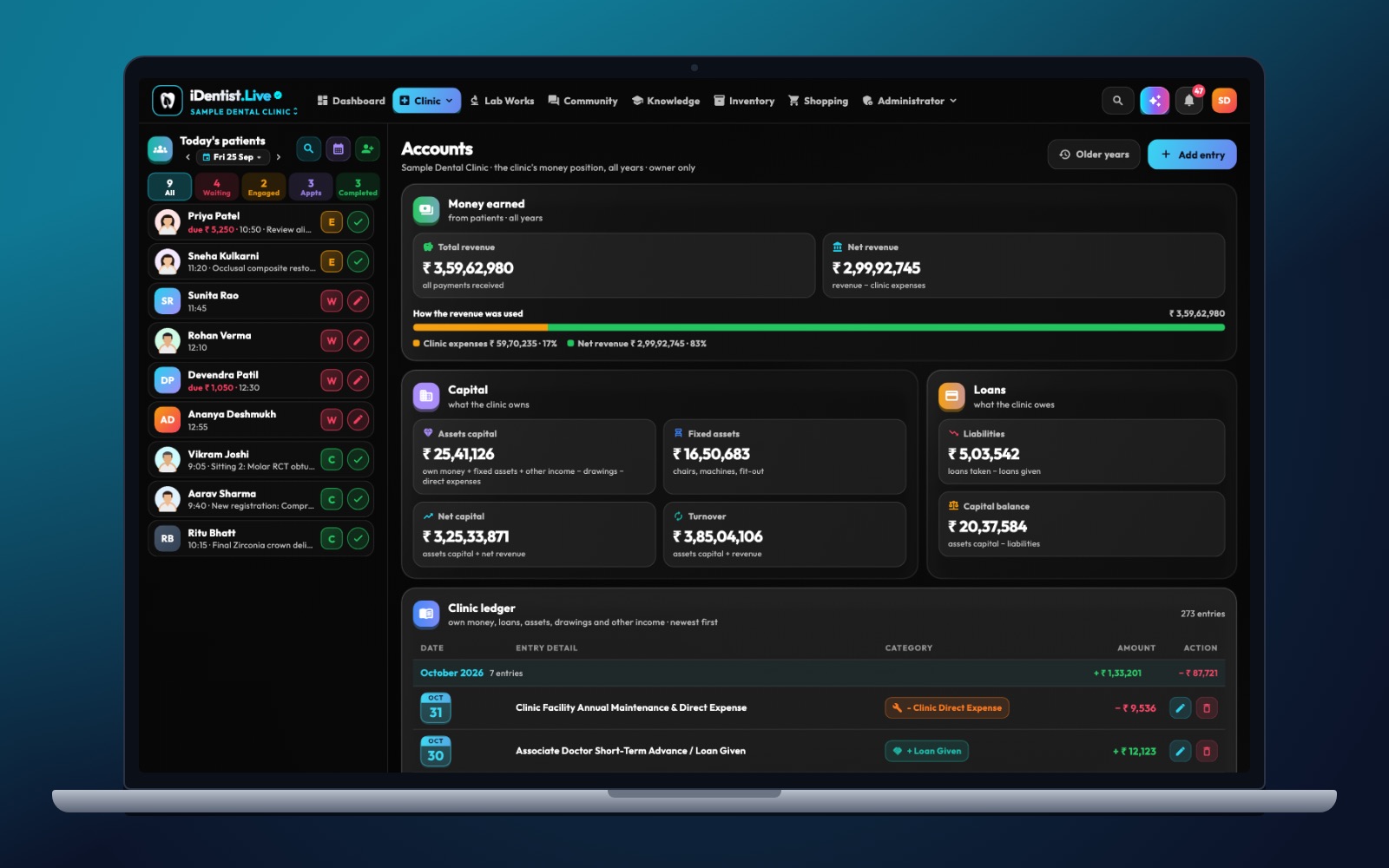
The real iDentist.Live screen, with demo data — no real patients.
How iDentist.Live helps
The clinic workspace has Accounts, Expenses, Reports and a payments view inside every patient file. So the team moves from an estimate to the real bill without losing track of the treatment. Patients can pay you directly by scanning your clinic’s own UPI QR code, and you can send the bill on WhatsApp in one tap. In the patient portal, the patient sees their own bills and receipts.
The goal is simple: the dentist, the front desk and the patient all understand what was done, what was paid and what is still due. Tax classification stays the clinic’s responsibility — check it with your accountant.
- Charges linked to the patient’s treatment and follow-up.
- Clinic accounts and expenses in one place.
- Patients see their own bills in the portal.
- Free billing, with no limit on the number of bills.
A real example
A patient has a consultation, a filling and buys an oral-care product. Do not apply one tax setting to all three. Check how each item is classified, issue the right document and show the patient a clear itemised total. If the filling plan changes after diagnosis, keep the first estimate and record the new consent and charge.
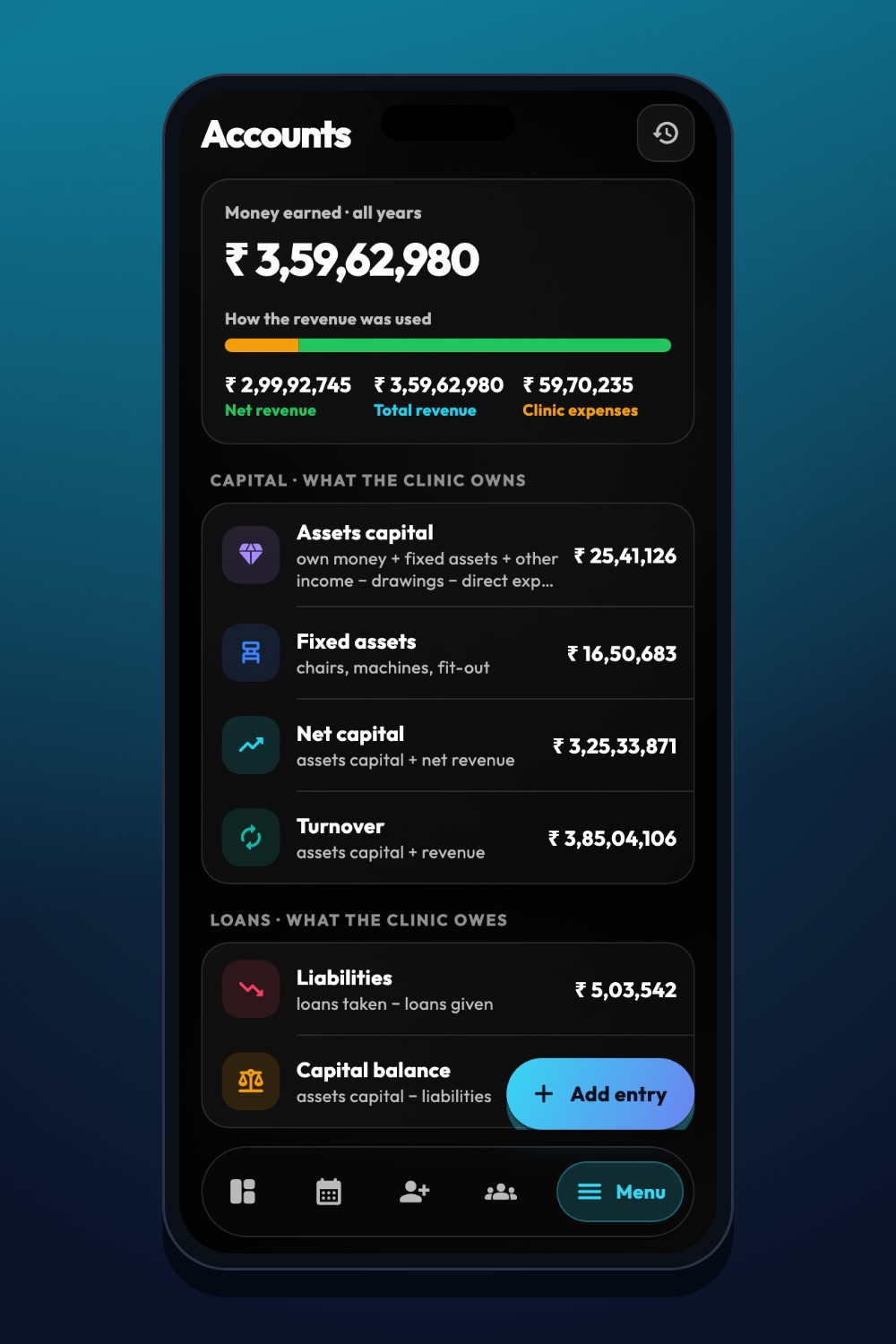
The real iDentist.Live screen, with demo data — no real patients.
Try it in iDentist.Live
In the free demo, open a patient and look at what is billed, paid and in advance. Then open Accounts and Reports from the menu. Follow one charge from treatment to payment and ask: would a patient understand this balance? Set up your real tax codes only after checking the current rules with a professional.
What to measure
Track receipts that do not match, corrected bills, unpaid patient balances and how many bills have clear descriptions. Ask your accountant to look at a few bills with mixed items.
Keep it correct
Do not put a fixed GST rate in a bill template without checking the current rules and HSN/SAC codes. Do not assume an exempt treatment makes every related item exempt. This article is a practical guide, not tax advice.
Questions people ask
Are all dental services free of GST?
Not automatically. Qualifying healthcare services can be exempt, but cosmetic services, products and bundles need to be checked case by case.
Should a cancelled bill be deleted?
No. Keep a cancellation or credit note so there is a clear record, following your accounting and tax process.
Can patients pay by UPI?
Yes. iDentist.Live can show your clinic’s own UPI QR code, so the patient pays the clinic directly.