
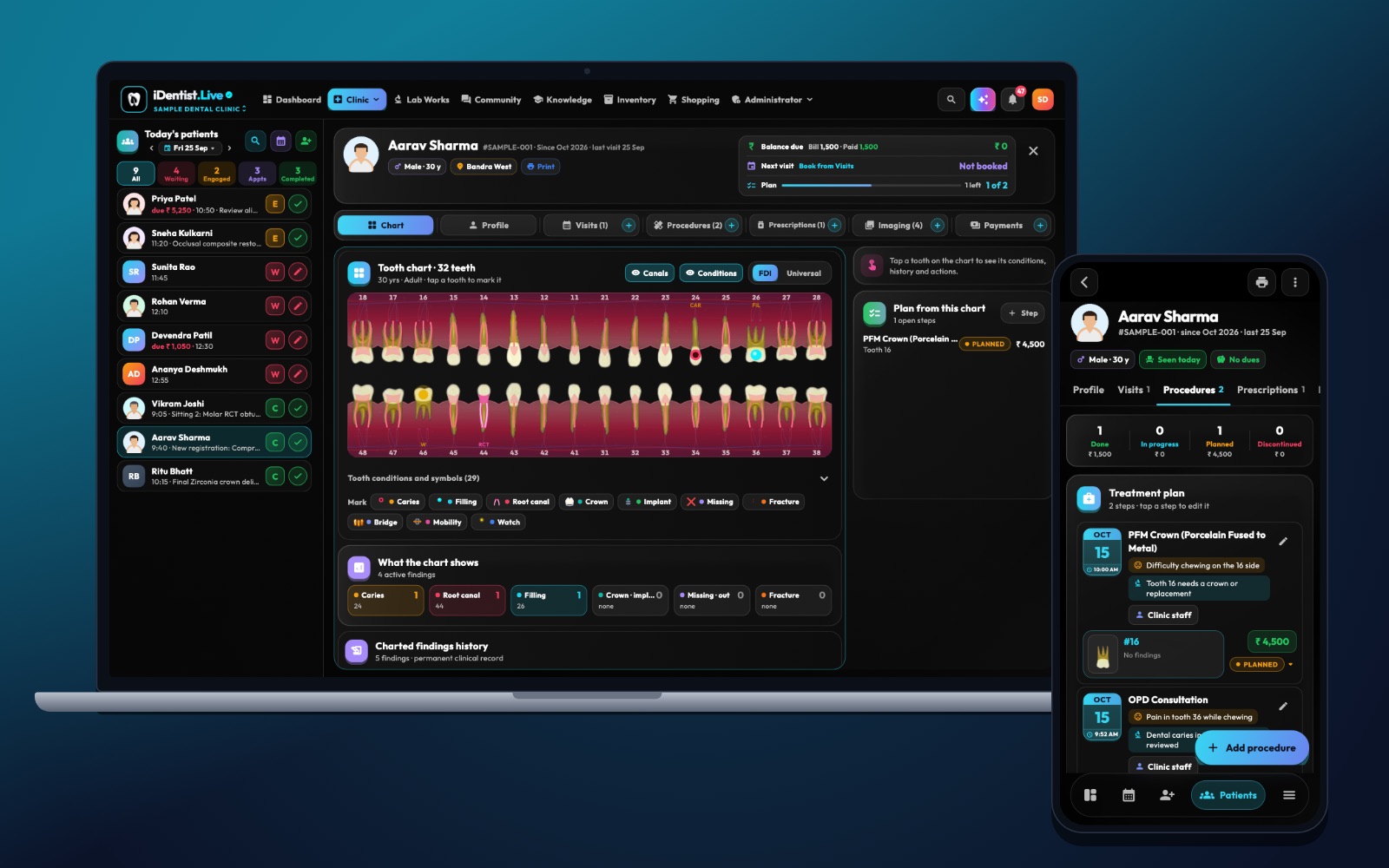
A patient trusts the clinic with private things: health history, X-rays, medicines, money. A clinic should know exactly how its software protects them. Here is how iDentist.Live does it — in plain words, with no promises we cannot keep.
Records are encrypted on your device and on our servers; each workspace sees only its own data; every change is recorded; only your signed-in devices get the keys; lost devices can be locked out; data stays in India and is backed up daily.
Locked on your device and on our servers
Patient and business records are encrypted (AES-256) on your phone or computer and again on the server. What travels and what is stored is sealed with your workspace’s own key — so the records are unreadable to anyone without that key, including people who run the servers.
Because the app works offline, your records also live on your own device, sealed in the same way. Nothing important waits for the internet.
Each workspace sees only its own data
A clinic, a lab, a supplier, a visiting doctor and a patient each have their own workspace. They share only what a job needs:
- A lab sees the case it is making — tooth, shade, material — not the patient’s health history.
- A visiting doctor sees only the treatments they were hired for, with no phone number or address.
- A supplier sees orders, never patients.
- A patient sees their own care in the patient portal.
Every change is recorded
The server records who changed what, when, and from which device. The clinic owner can read it in the Activity Tracker — which record, which field, old and new value. Deleted entries show as deletions, not as silence.
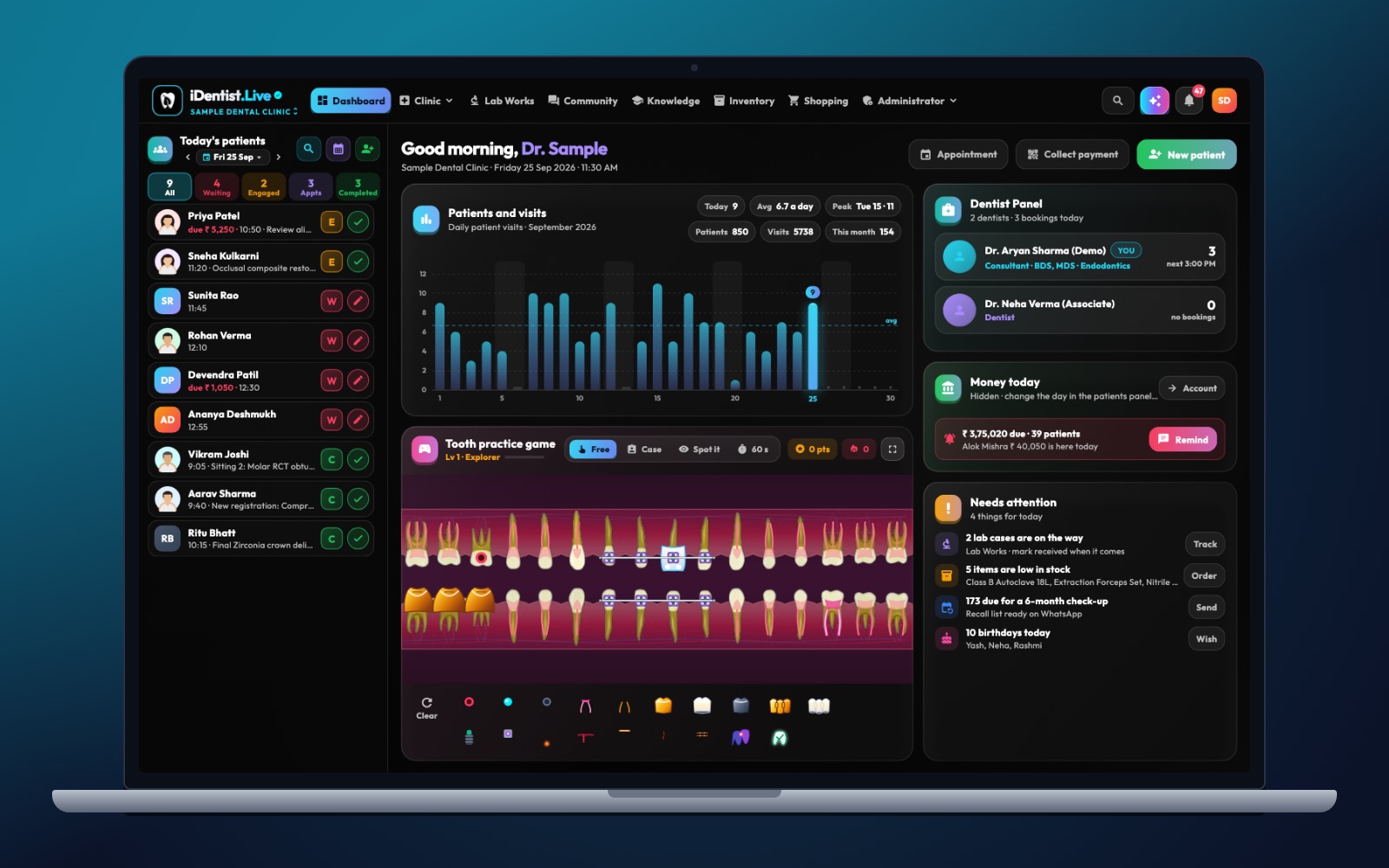
The real iDentist.Live screen, with demo data — no real patients.
Only your devices get the keys
Keys are given only to devices that are signed in and still allowed. Sign-in uses your mobile number with a one-time SMS code, or Google or Apple. If a phone is lost or a staff member leaves, the owner removes that device or person and it can no longer open the clinic’s data.
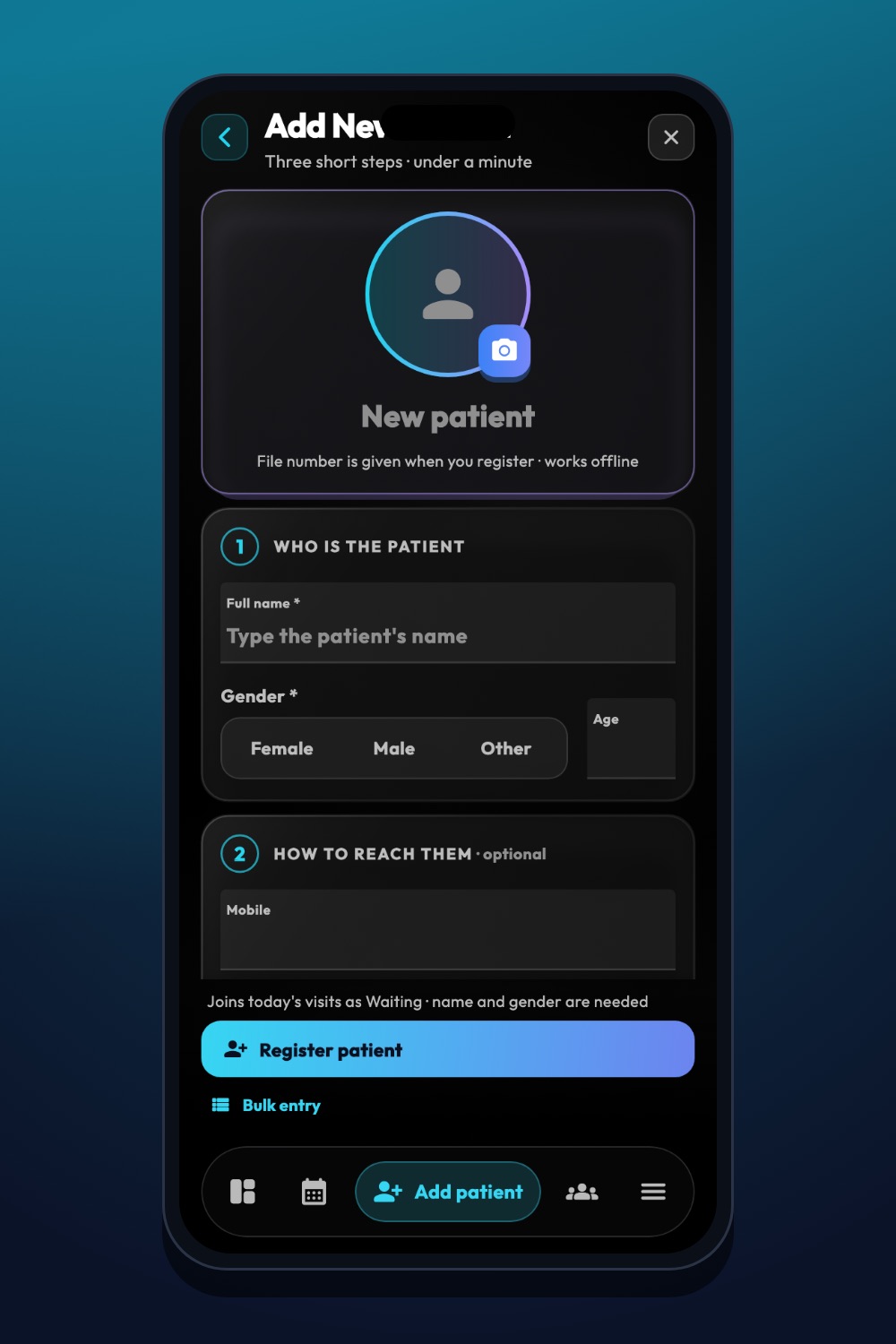
The real iDentist.Live screen, with demo data — no real patients.
Stored in India, backed up every day
Records are stored in India (Mumbai), with daily database backups kept for 35 days and a second copy in Hyderabad. That follows India’s Digital Personal Data Protection Act (DPDP) approach of keeping health data close and accounted for. You can erase your own account at any time; a clinic’s treatment and payment records stay with the clinic.
What the clinic still has to do
Software is only one part of privacy. Use a screen lock on every device, give each staff member their own sign-in (never share one), remove people who leave on their last day, and ask patients before sharing their pictures. No system is “100 % unhackable” — we will never claim that — but these steps together keep the risk low.
See it yourself
Open the free demo and look at the Activity Tracker and Team pages in the clinic. Every patient in the demo is made up, so you can explore safely.
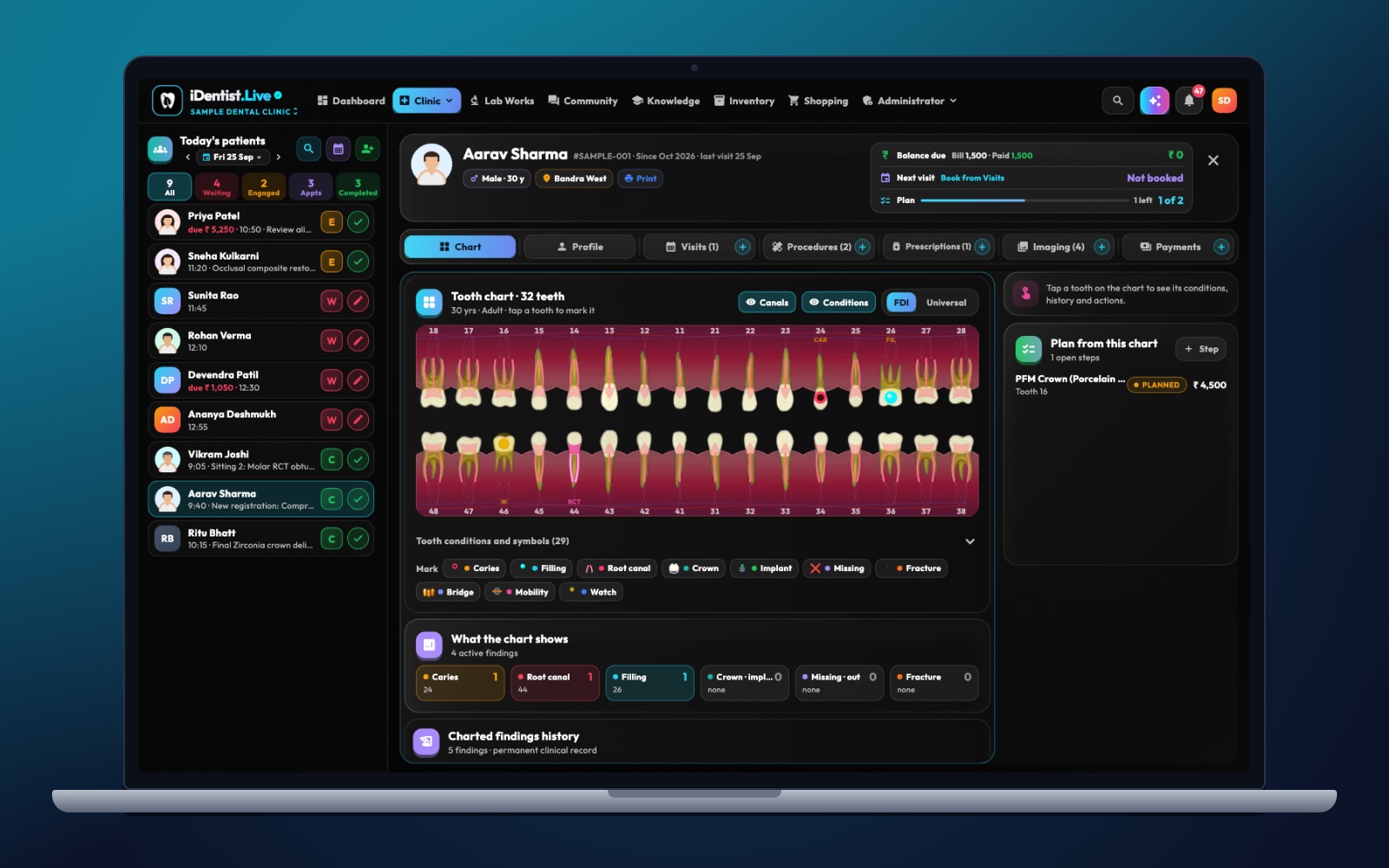
The real iDentist.Live screen, with demo data — no real patients.
Questions people ask
Can iDentist.Live staff read my patients’ records?
No. Records are sealed with your workspace’s key, which the servers do not hold in readable form.
Where is my data stored?
In India — Mumbai, with backup copies in Hyderabad.
What if a phone is lost?
The owner removes that device; it can no longer open the clinic’s data. Everything is still safe on the server and your other devices.