
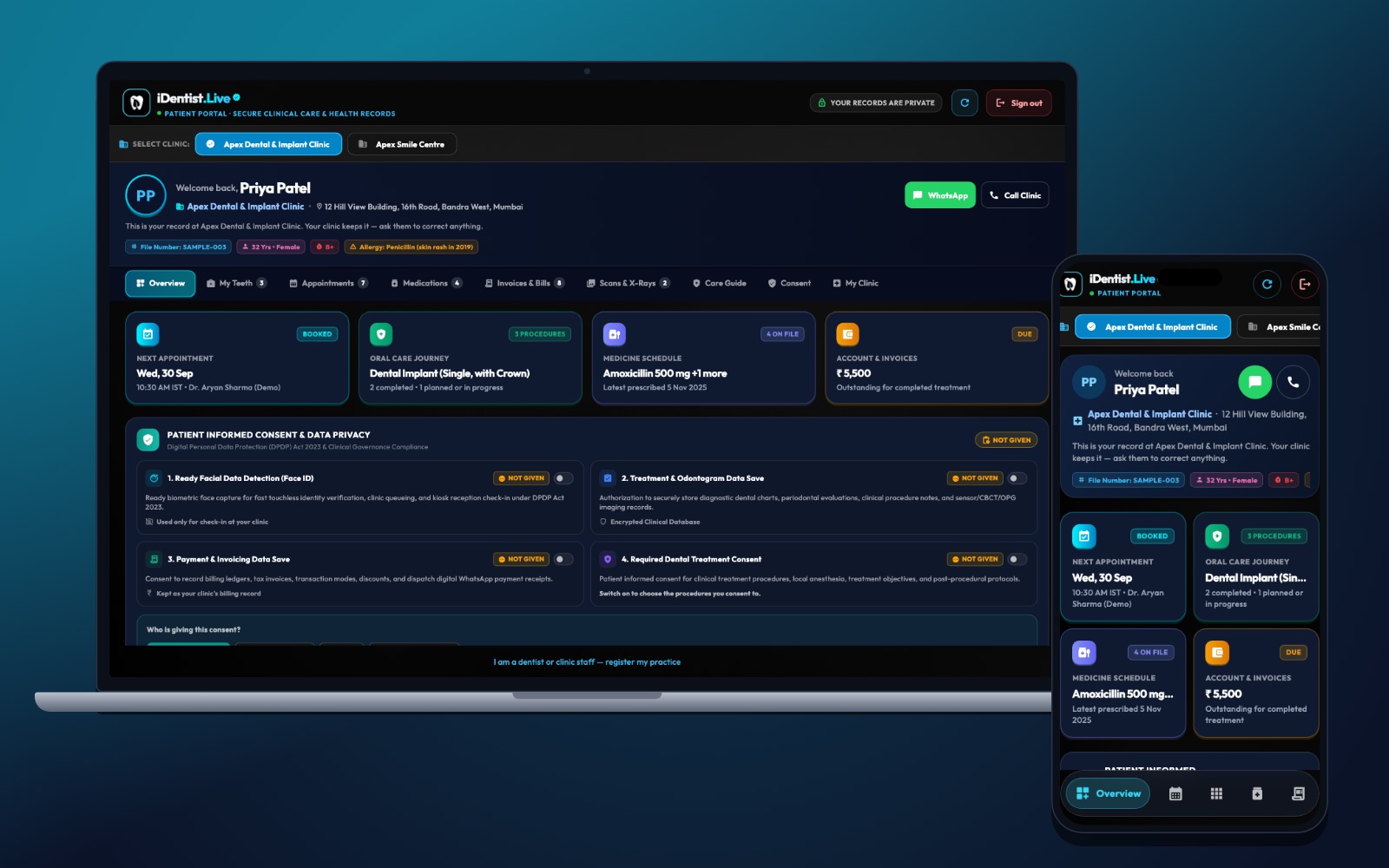
Patients deserve a clear view of the care their clinic has recorded for them. iDentist.Live gives every patient their own portal: appointments, their teeth, medicines, X-rays, bills, care advice and consent — clear on a phone or a computer.
The patient portal is the patient’s own view, not a clinic login. Patients see what their clinic shares and can ask the clinic to correct anything. It is free for patients, and each clinic’s data stays separate.
A view made for patients
The patient portal shows what a person needs to understand: which clinic they are looking at, their next appointment, their tooth chart, medicines, bills and care information. It never gives the patient the clinic’s editing controls.
On a computer, a patient picks their clinic and moves between My Teeth, Appointments, Medicines, Bills, X-rays and Scans, Care Guide and Consent. On a phone, the same journey stays easy to read.
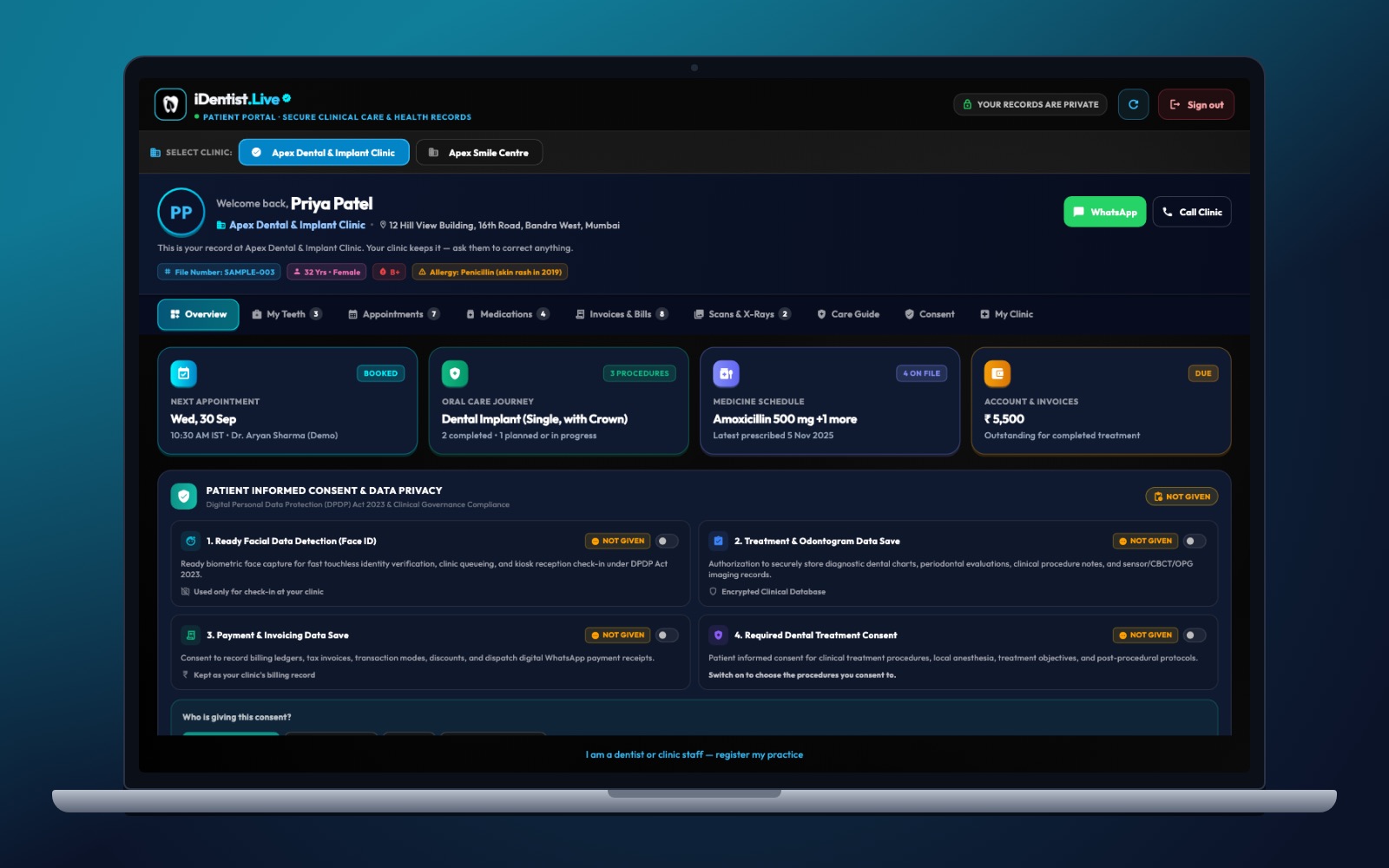
The real iDentist.Live screen, with demo data — no real patients.
Why it matters that it is connected
Nothing frustrates a patient more than being asked to remember dates and prices the clinic already knows. iDentist.Live connects the patient’s view to the clinic’s own file, so a shared bill or X-ray belongs to the same journey as the visit.
Patients can prepare better questions and look back at written instructions. The clinic still owns the record and corrects any mistakes; the portal helps patients understand, not diagnose themselves.
Consent and privacy you can see
Consent and data privacy have their own clear section — not hidden inside a sign-in form. A patient should know what is stored and who can use it. For example, facial data for the Face ID check-in is used only with the patient’s consent.
Allergy and medicine details matter for safety. If something is missing or old, the patient should tell the clinic. Records are encrypted, stored in India, and every change is recorded.
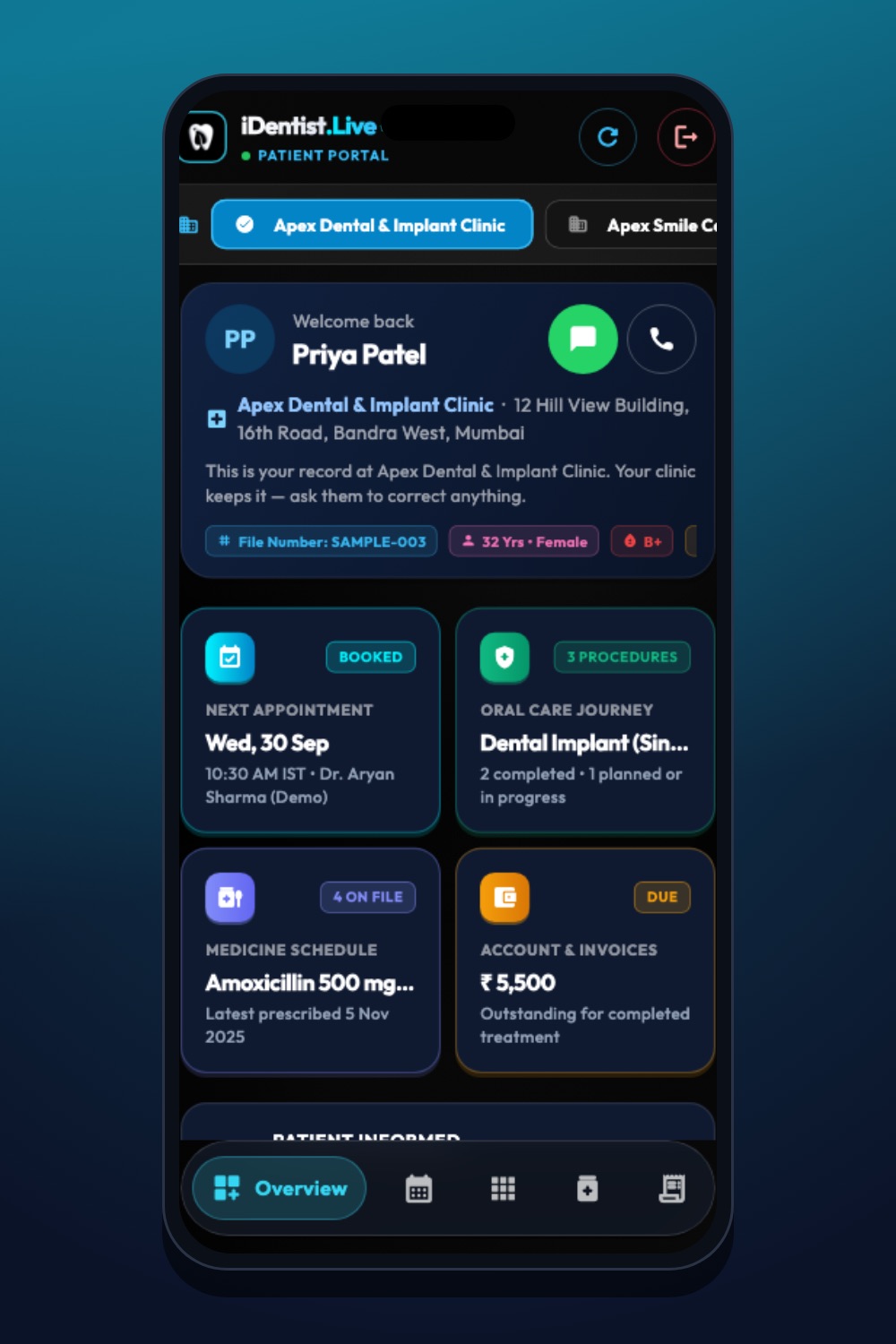
The real iDentist.Live screen, with demo data — no real patients.
Free for every patient
The patient portal is part of iDentist.Live’s free everyday tools. A patient never needs to pay to see what their clinic shares. A clinic may buy its own branded website and email as an optional service, but seeing your own appointments, records and bills is part of care.
Questions a patient should be able to answer
After opening the portal, a patient should be able to answer simple questions without remembering a conversation:
- When is my next appointment?
- Which clinic made this entry?
- What medicine was prescribed?
- Where is the bill or X-ray I was told about?
- What should I do, and whom do I ask if it is unclear?
Fixing a mistake
A good portal needs a simple way to fix errors. A wrong allergy, an old medicine or a bill the patient does not recognise is not just a display problem — it can affect safety and trust. The patient tells the clinic, the clinic corrects the source record, and the portal then shows the corrected information.
If a patient visits two clinics, each clinic’s records stay separate. Try it with a test patient before you invite real ones:
- Check the patient’s identity before showing anything on a shared phone.
- Test a correction for an allergy, a bill and an appointment.
- Confirm one clinic cannot see another clinic’s private records.
Explore the portal
Open the free demo on the web and choose the patient view. Find the next appointment, one tooth in My Teeth and one bill. Ask yourself: could a real patient tell which clinic created each entry and how to ask for a correction?
Questions people ask
Can patients change their own dental chart?
No. The portal is a view for patients. The clinic corrects clinical records through its own workflow.
Can patients see bills and X-rays on a phone?
Yes. The patient portal works on phones and computers and shows what the clinic shares, including bills and X-rays.
Does the portal replace the dentist’s explanation?
No. It helps patients review information and prepare questions. Diagnosis and treatment decisions stay with the dentist.