
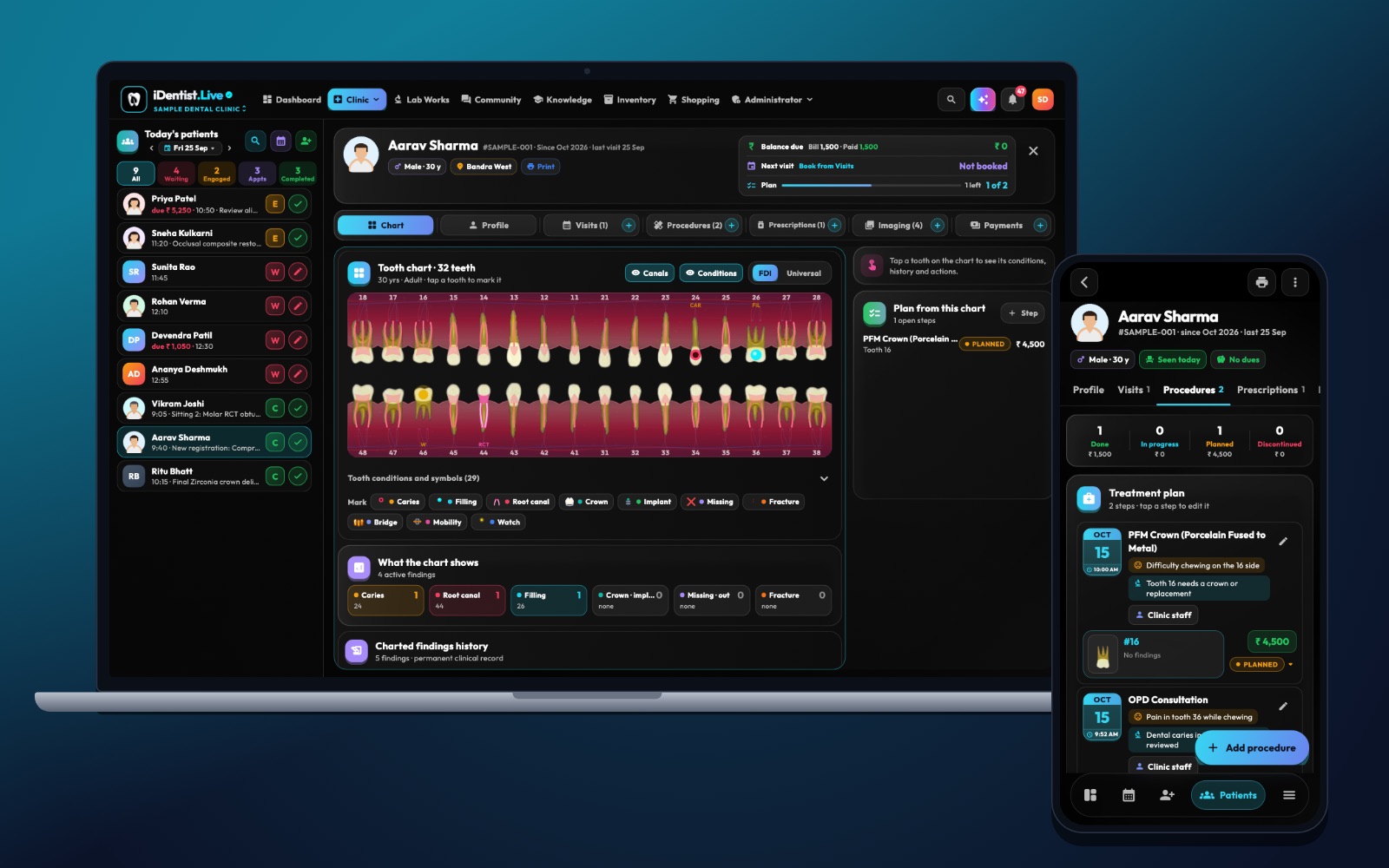
A patient should never turn into a pile of scattered notes. iDentist.Live gives your team one patient file with the tooth chart, profile, medical history, visits, procedures, prescriptions, X-rays and payments — one clear story from the first visit to the last.
Identify the patient carefully, record medical risks before treatment, write a dated note for every visit, label every image, and let each staff member see only what they need. iDentist.Live keeps all of this in one patient file, free, with no limit on patients or records.
What a good digital record looks like
A good dental record is a timeline, not a stack of scanned papers. Another dentist should be able to read it and understand the patient’s complaint, medical risks, findings, consent, treatment and follow-up without guessing.
A clear structure also saves time: fewer repeated questions at the next visit, and every correction can be traced.
Five habits for good records
- Identify the patient reliably. Use the patient’s file number and check two details at check-in. Keep contact and emergency details separate from the clinical history, and update them when the patient returns.
- Record medical risks before treatment. Write down medicines, allergies, relevant conditions (and pregnancy when relevant) and the date you checked. An empty box is not the same as “no allergies” — ask if you are not sure.
- Write a note for every visit. Include the complaint, findings, working diagnosis, tooth and surface, options discussed, consent, what was done, materials if they matter, any problems and the advice given. The app adds the date and the author.
- Label every image. X-rays, photos and scans should carry the date, the view, the tooth or area, and why they were taken. A small picture without context can mislead.
- Control who sees and changes what. Give each role only the access it needs. Correct mistakes by adding an amendment, not by quietly overwriting the old note.
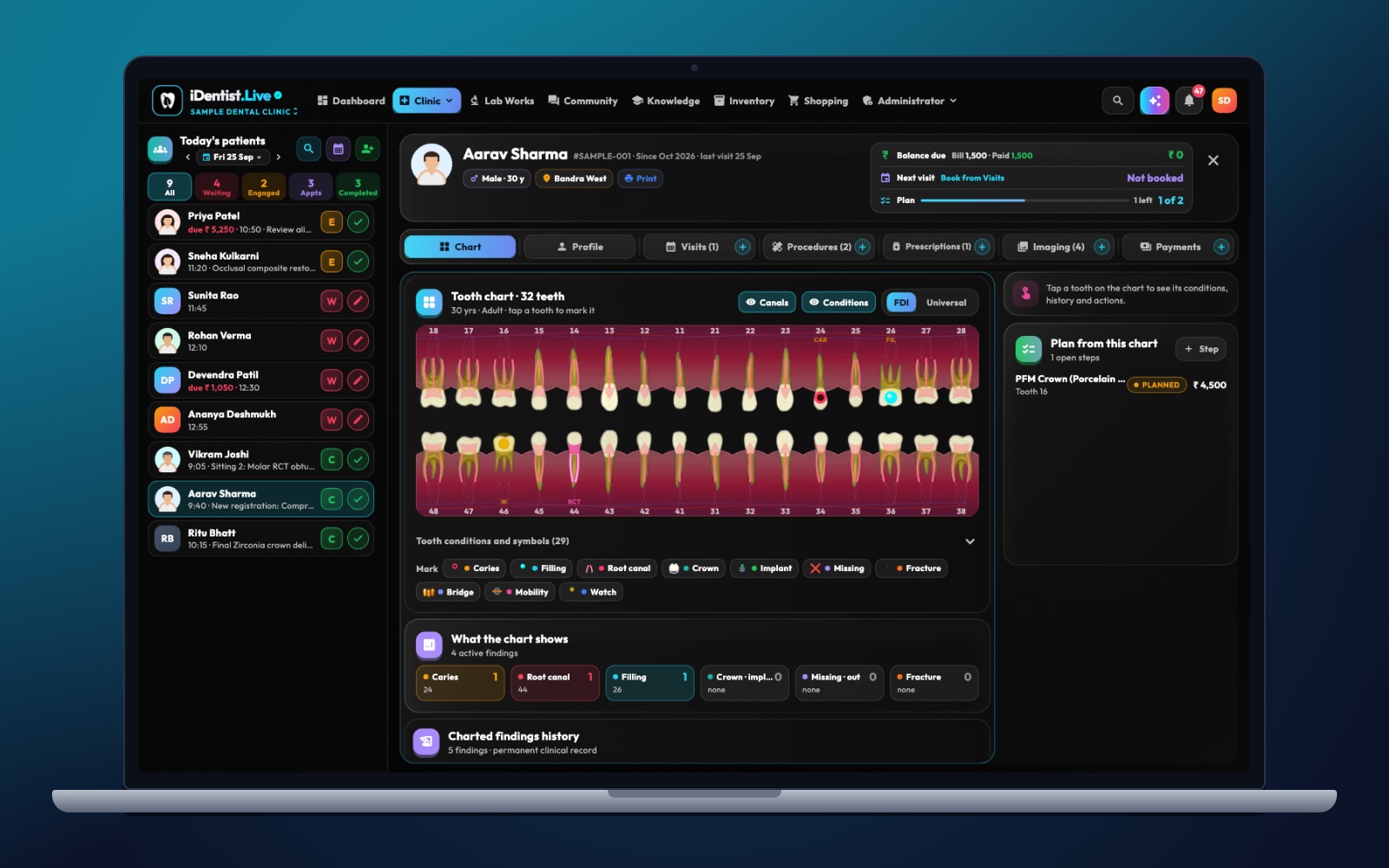
The real iDentist.Live screen, with demo data — no real patients.
How iDentist.Live helps
The patient file is one of the best reasons to choose iDentist.Live. The tooth chart and all the tabs are in one view, with the patient’s identity and balance visible to authorised staff. A dentist can see what was found, what was planned, what was done and what still needs talking about.
Patients get their own view in the patient portal. They can understand their records without ever touching the clinic’s editing controls.
- Every part of the record in one place: chart, profile, visits, procedures, prescriptions, images and payments.
- A visual tooth history, so you find the right tooth before reading the detail.
- Different views for clinic staff, the treating dentist and the patient.
- Free records, with no limit on how many patients you keep.
A real example
A patient comes back with pain in tooth 36 after a filling. The first note should show the symptoms before treatment, the examination, the X-ray, the material and procedure, the consent discussion and the advice after treatment. The new visit adds today’s symptoms and findings as a new dated note. If an earlier note was wrong, add a correction that says what changed and why — the original stays visible to authorised staff.
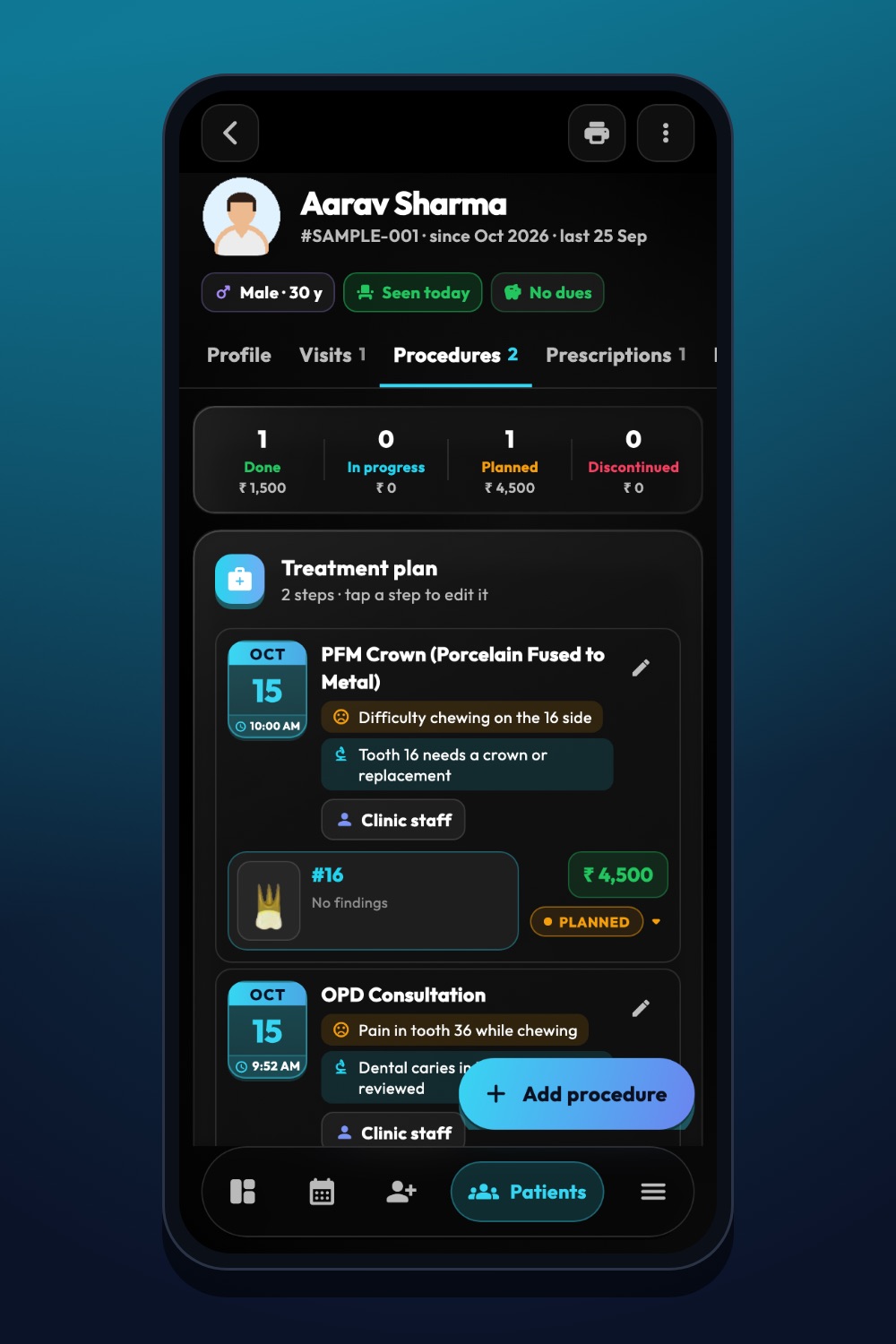
The real iDentist.Live screen, with demo data — no real patients.
Try it in iDentist.Live
In the free demo, open a patient and move through the chart, visits and images. Ask yourself: could a colleague follow one treatment journey from these entries? In your real clinic, start with a few patients, agree on what every note must contain, and check that you can find old records and images quickly.
How to know you are improving
Each week, check a few records for: a dated medical history check, the tooth or area, the diagnosis, consent, what was done, follow-up and the author. Also time how long it takes staff to find an old X-ray or treatment note.
Common mistakes to avoid
Rules about keeping and sharing health records can differ by place and role. iDentist.Live stores all data in India, encrypted, and records every change — but your clinic should still know the rules that apply to it.
- Copying an old “no allergy” forward without asking again.
- Sharing one login between staff — everyone should sign in as themselves.
- Writing clinical decisions only inside a bill.
- Assuming a backup works without ever checking that records can be restored.
Questions people ask
Should every visit have a new note?
Yes. Each visit should get a dated note with what was found, decided, done and explained.
Can a mistake be corrected?
Yes — add an amendment. iDentist.Live keeps the date, the author and the original so the record stays honest.
Is there a limit on how many patient records we can keep?
No. Patient records are part of the free everyday tools, with no limit built into the app.