
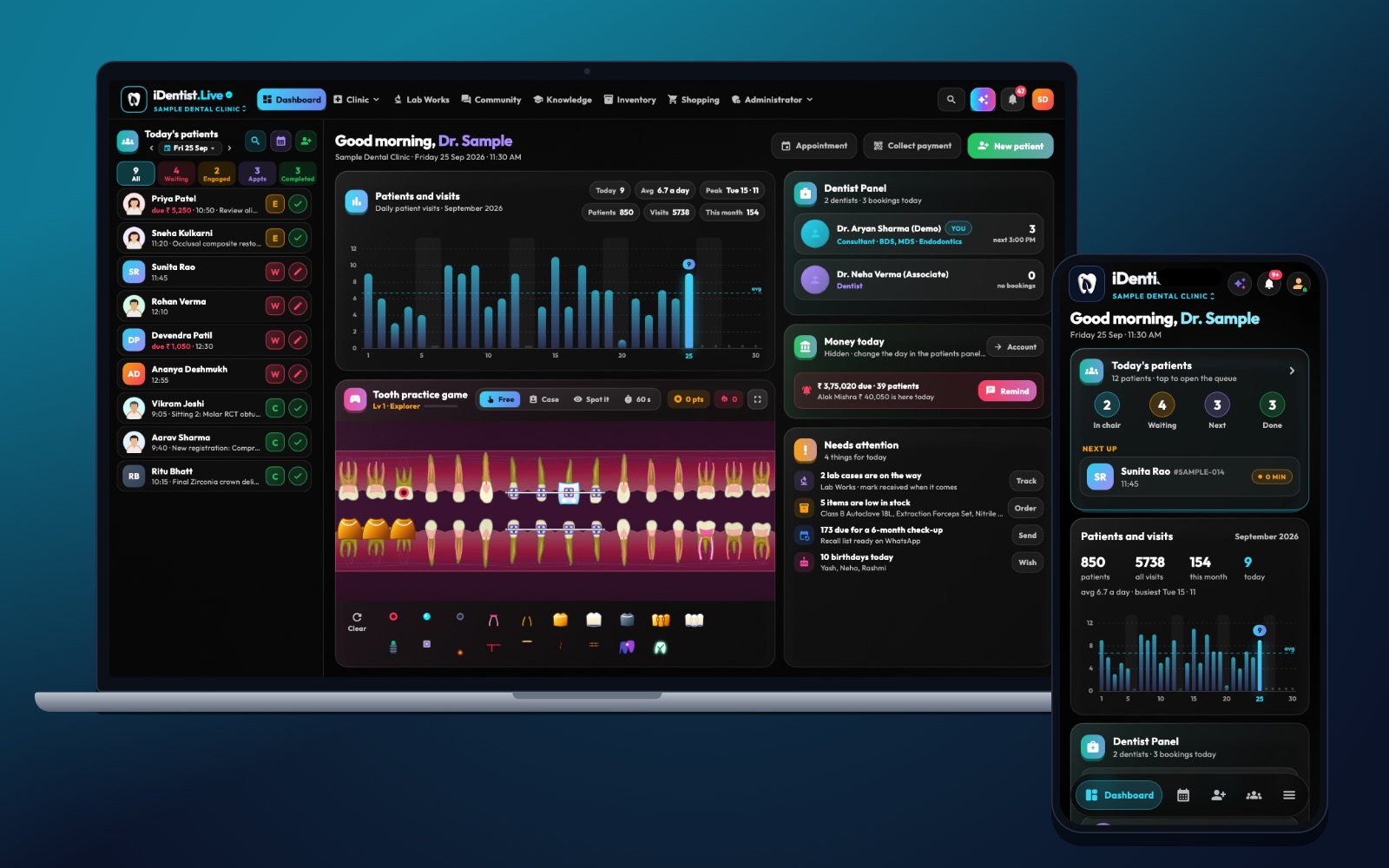
A power cut or a broken internet line should never turn your appointment list or a dentist’s notes into guesswork. iDentist.Live is built offline-first: everything you add, change or delete is saved on your device first, and it syncs by itself when the internet comes back.
Once you have signed in once, iDentist.Live keeps working without the internet. Your records are stored encrypted on your device, changes wait safely, and they upload on their own when you are back online. The app opens in about a second.
Why a dental clinic needs to work offline
Internet in many Indian towns and buildings comes and goes. Patients do not stop coming when it does. Your team still needs a safe place to write down what happened at the chair.
iDentist.Live keeps a copy of your clinic’s records in an encrypted database on each signed-in device. You can open patient files, add notes, book appointments and record payments even with no connection. When the line returns, the app sends your changes to our secure servers in India and brings back changes made by your colleagues.
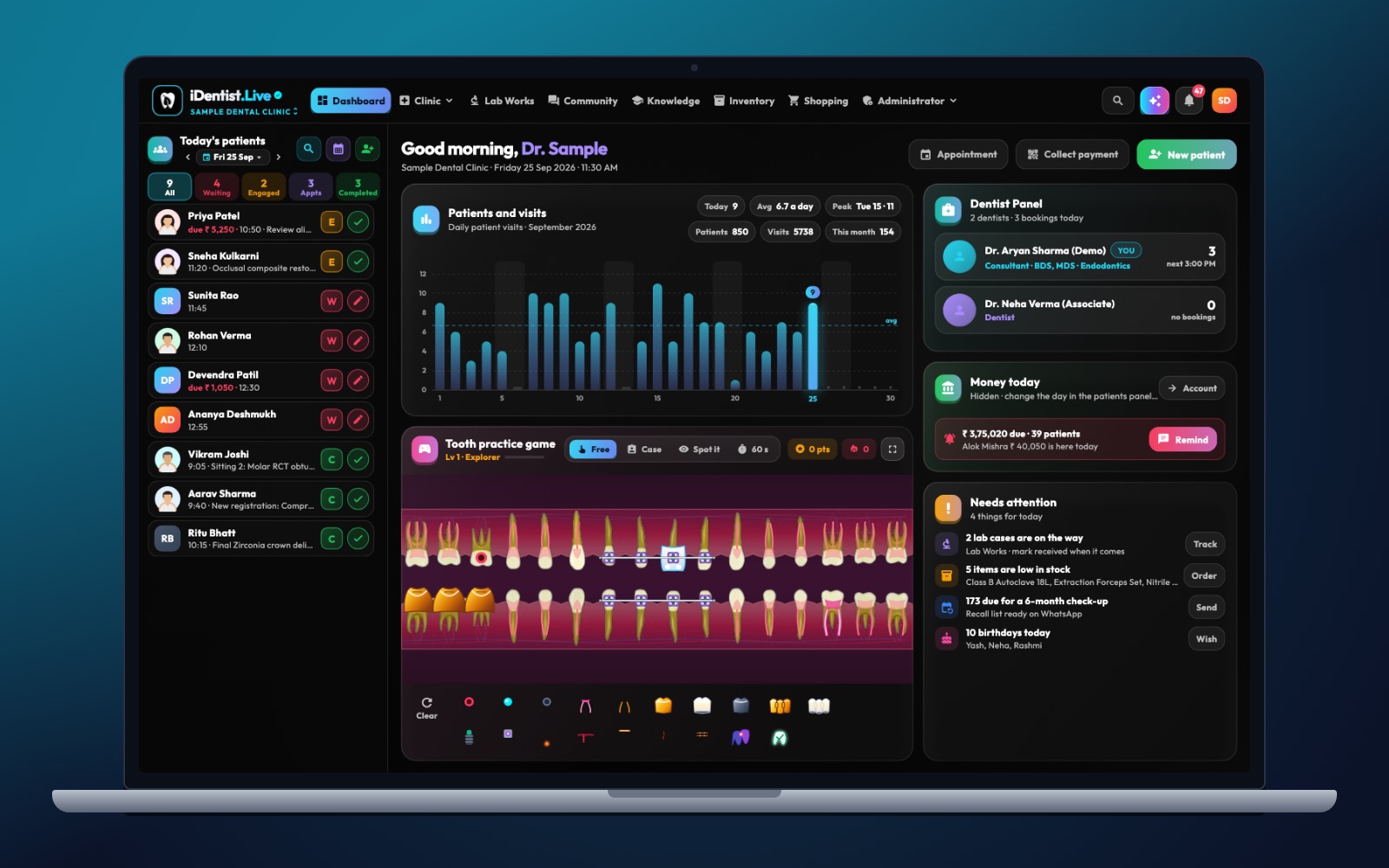
The real iDentist.Live screen, with demo data — no real patients.
What works offline, and what needs the internet
After your first sign-in, the everyday work happens on the device: reading patient files, writing notes, changing the schedule and recording payments.
A few things always need the internet because they talk to the outside world: signing in on a new device for the first time, receiving an SMS code, linking a new lab or supplier, and sending a WhatsApp message. The app keeps these clear, so you are never guessing.
What happens when the internet comes back
Saved changes upload on their own, in order, without making duplicate visits, bills or orders. If two people changed the same thing, the app follows a clear rule so the record stays tidy. Photos and X-rays follow once the connection is good enough.
There is no sync button to remember. The small status line in the app tells you whether everything is up to date.
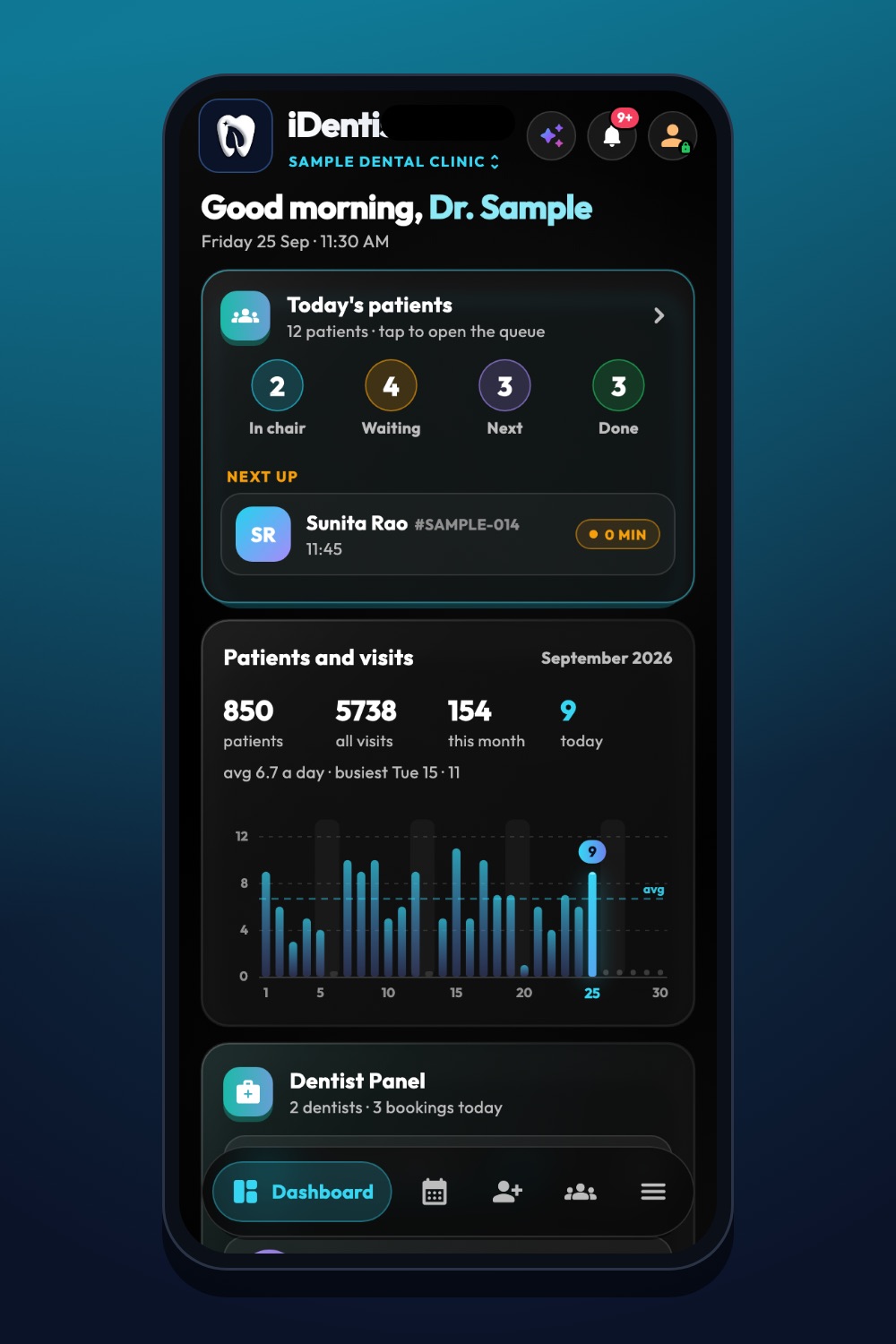
The real iDentist.Live screen, with demo data — no real patients.
One app for every device
Offline work is not only for one screen. The clinic, patient file, lab, supplier, patient portal and student areas all keep working from the device’s own copy. You can use iDentist.Live on the web, Android, iPhone, iPad, Mac and Windows, and the same rules apply everywhere.
Because the everyday tools are free, you never have to make a subscription decision in the middle of an outage. Your records are always yours.
Try it yourself in five steps
- Sign in on your device while you are online, and open a test patient.
- Turn off Wi-Fi and mobile data.
- Close and reopen the app. Check the patient file still opens.
- Add a note and an appointment. Close and reopen again — both are still there.
- Turn the internet back on. Open the same patient on a second device and see your changes arrive by themselves.
Good habits for offline days
A short test with flight mode is useful, but real life is messier. Try it on a busy day: a patient in the chair, another booking at reception, and a photo still uploading. Everything should still be there after a restart, and nothing should be lost silently.
Offline work also needs a few simple clinic rules. Decide who may use each device, and keep phones and laptops locked with a PIN or password. If a device is lost before it syncs, its unsynced changes are lost with it — so let devices go online regularly, and remove a lost device’s access from Settings straight away.
- Restart the app with no internet, not just leave a screen open.
- Check the app shows when changes are waiting and when they are synced.
- After going back online, compare a note, an appointment, a payment and a photo on a second device.
Questions people ask
Does iDentist.Live really work without the internet?
Yes. After your first sign-in, everyday clinic work is saved on your device first and syncs by itself when the internet returns.
Can a new user sign in for the first time without the internet?
No. The first sign-in needs the internet to check your SMS code. After that, daily work continues offline.
Can the cloud bring back a note that never synced?
No. If a device is lost before it goes online, its unsynced changes go with it. Let devices sync regularly.