
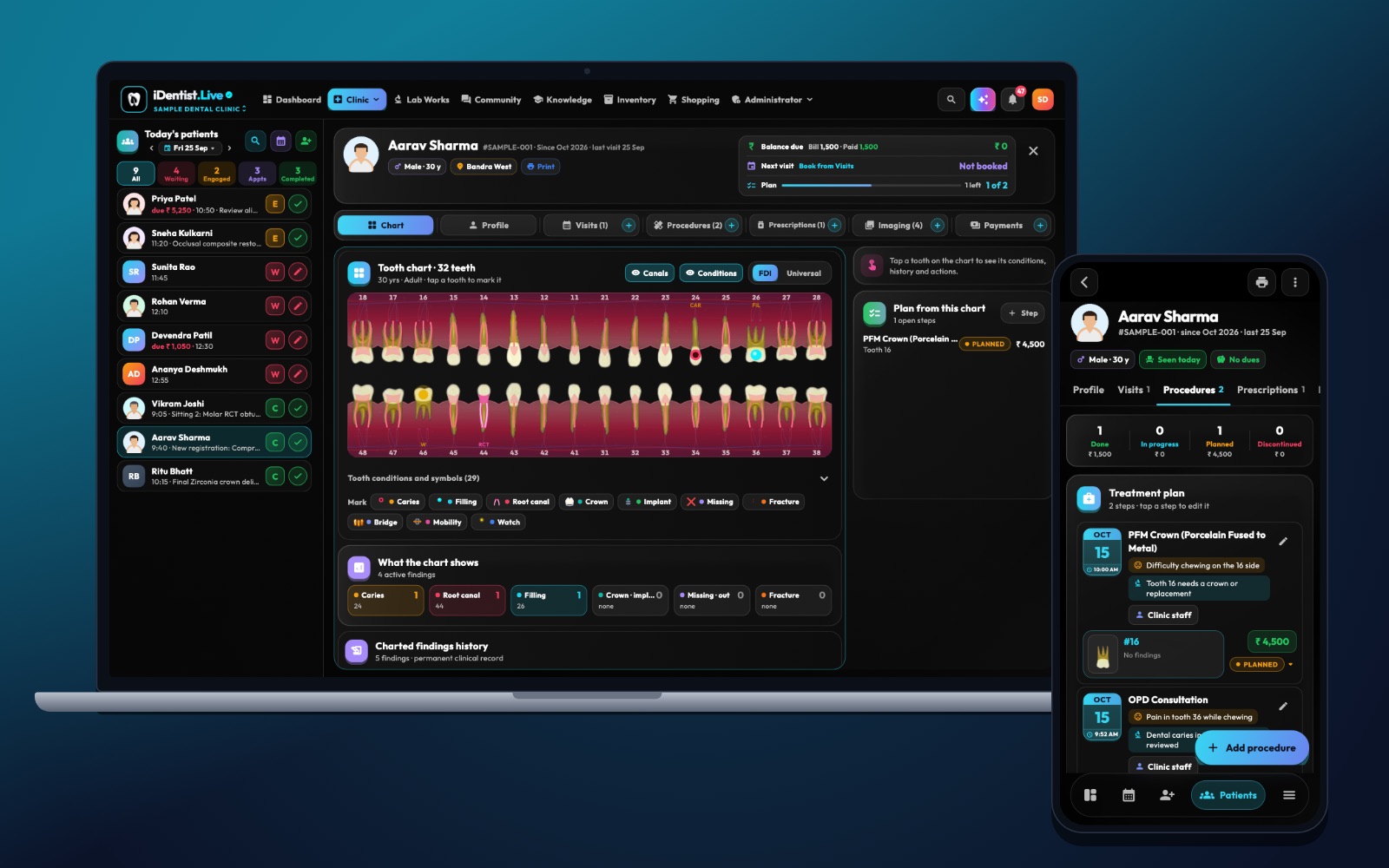
Graduating from BDS means turning knowledge into careful, written-down decisions. iDentist.Live gives a new dentist a bridge: the same app holds your study material and the clinic’s real patient-file workflow.
Agree what you may do alone, learn the clinic’s records with test patients first, review cases weekly with a mentor, explain options plainly, and learn every handover — lab, supplies, referrals.
A new pace, a new responsibility
Moving from BDS training to associate practice changes the speed and responsibility of every decision. You must turn textbook knowledge into safe, recorded care while learning the clinic’s systems, consent process, referrals and way of talking to patients. A good first year protects time for supervision and reflection — not just procedure counts.
Five steps for your first year
- Agree your scope. Write down which procedures you do alone, when to call a senior dentist, and how complex or urgent cases are passed on.
- Learn the clinic record. Practise registration, medical alerts, charting, diagnosis, consent, procedure notes, prescriptions and follow-up on test patients before seeing patients alone.
- Review cases weekly. Pick a few finished cases, compare diagnosis and outcome with a mentor, and note what you would do differently.
- Explain options plainly. Describe the finding, the uncertainty, the choices, costs and visits in simple words. Check the patient understood and record their decision.
- Learn the handovers. Lab prescriptions, ordering materials, referral letters, X-ray transfer, reporting incidents, and who to call for help.
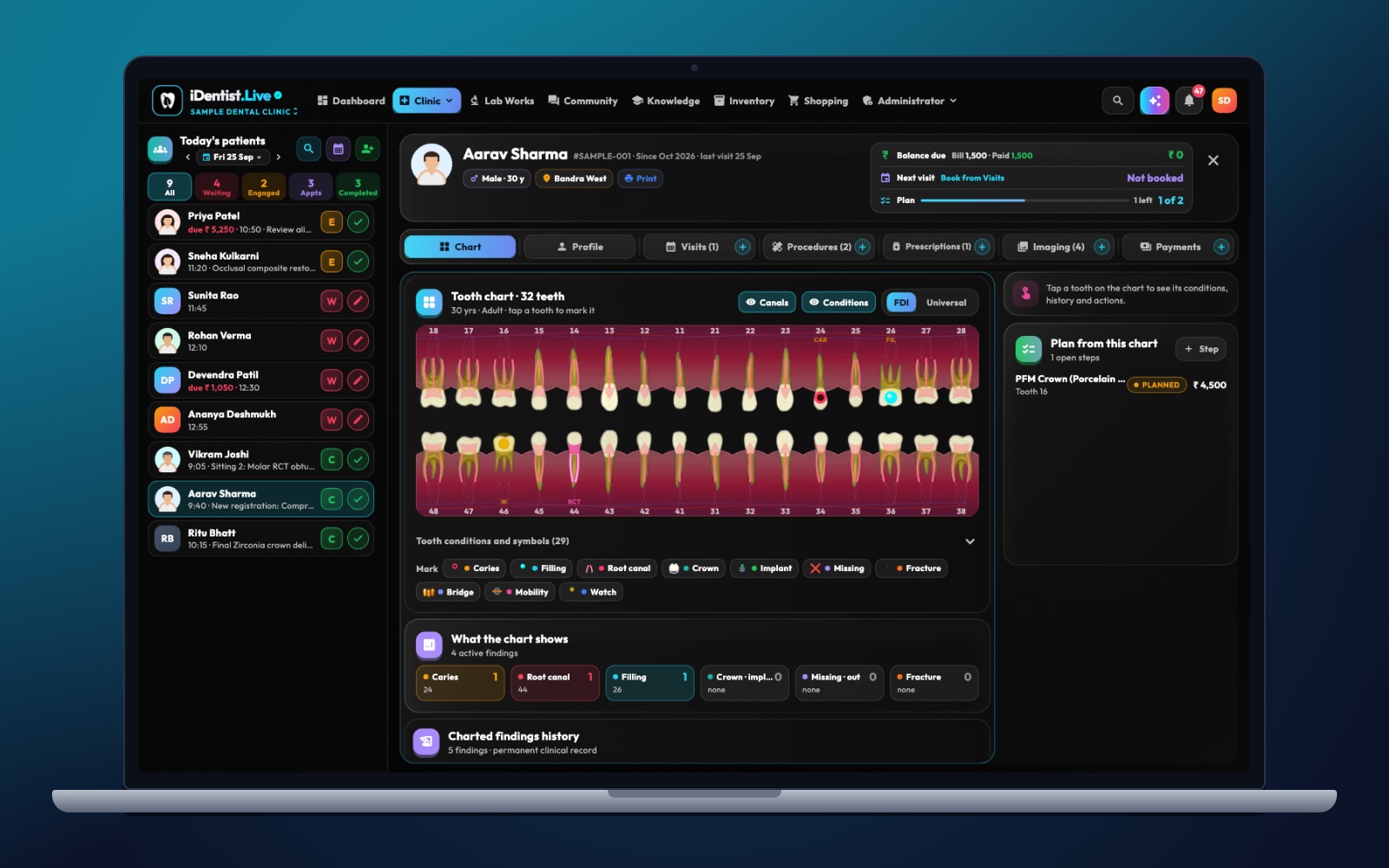
The real iDentist.Live screen, with demo data — no real patients.
How iDentist.Live helps
In the student workspace your books and chapters are grouped by year and subject; in the clinic workspace you see what a working dentist records. In one app you can get comfortable with charting, visits, procedure notes, appointments, lab orders and patient messages — instead of learning five separate products.
- Structured revision in the student workspace.
- Real clinic context: chart, visits, X-rays and bills together.
- Appointments and lab orders show the handovers a new dentist must learn.
- Free core tools — no subscription to get started.
A real example
A new associate sees a patient with on-and-off pain and an old filling. Instead of booking a crown straight away, they record the history and examination, discuss possible causes with a supervisor, order the right test and explain the uncertainty to the patient. The decision and the review date are written down. It is slower than a shortcut, but the path of care is clear.
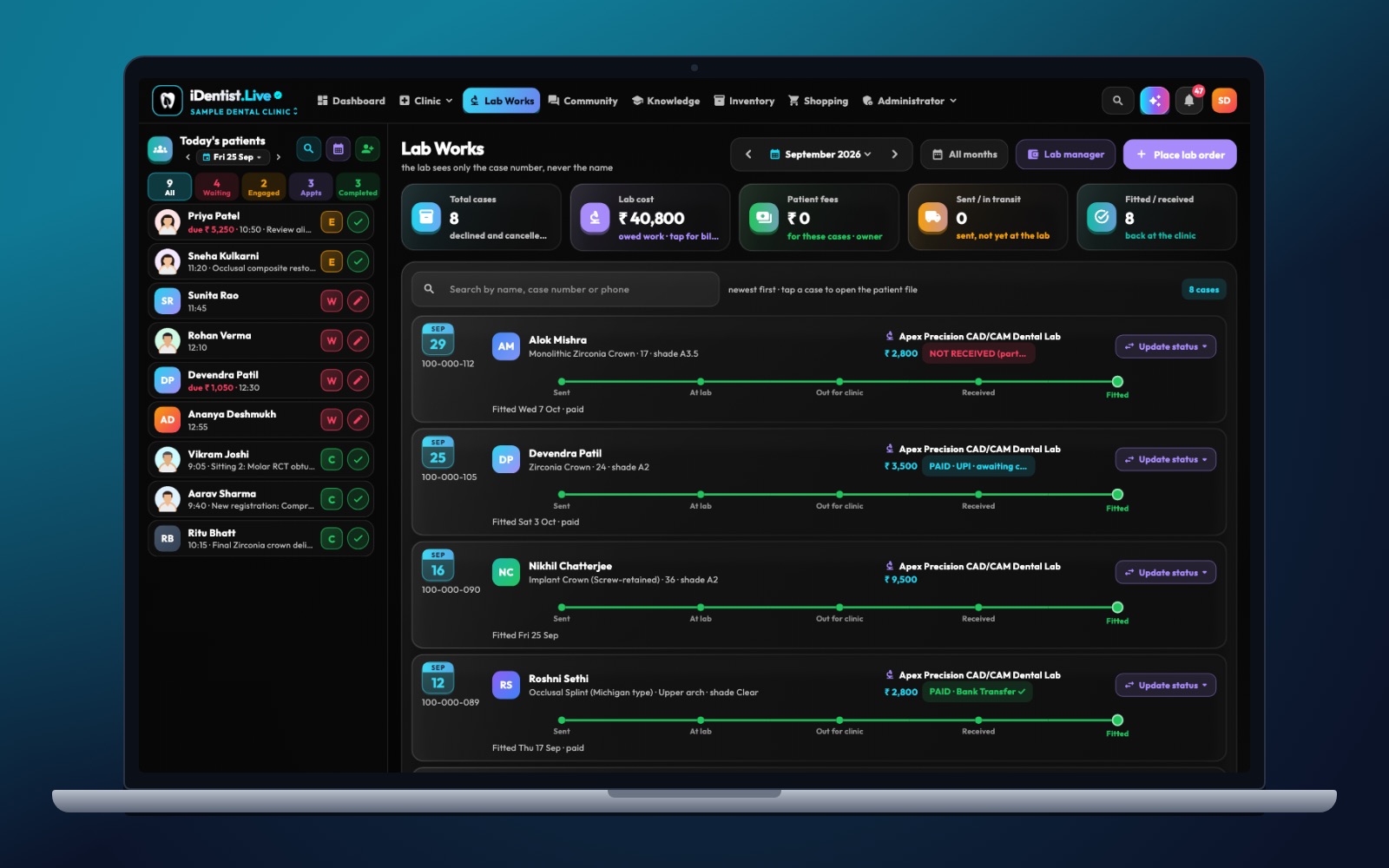
The real iDentist.Live screen, with demo data — no real patients.
Try it in iDentist.Live
Open the student workspace and pick a subject to revise. Then look at a made-up patient file in the demo and write a short note linking a finding to a possible plan. Discuss it with a supervising dentist. Practise moving around the app with demo data before you touch real patient records.
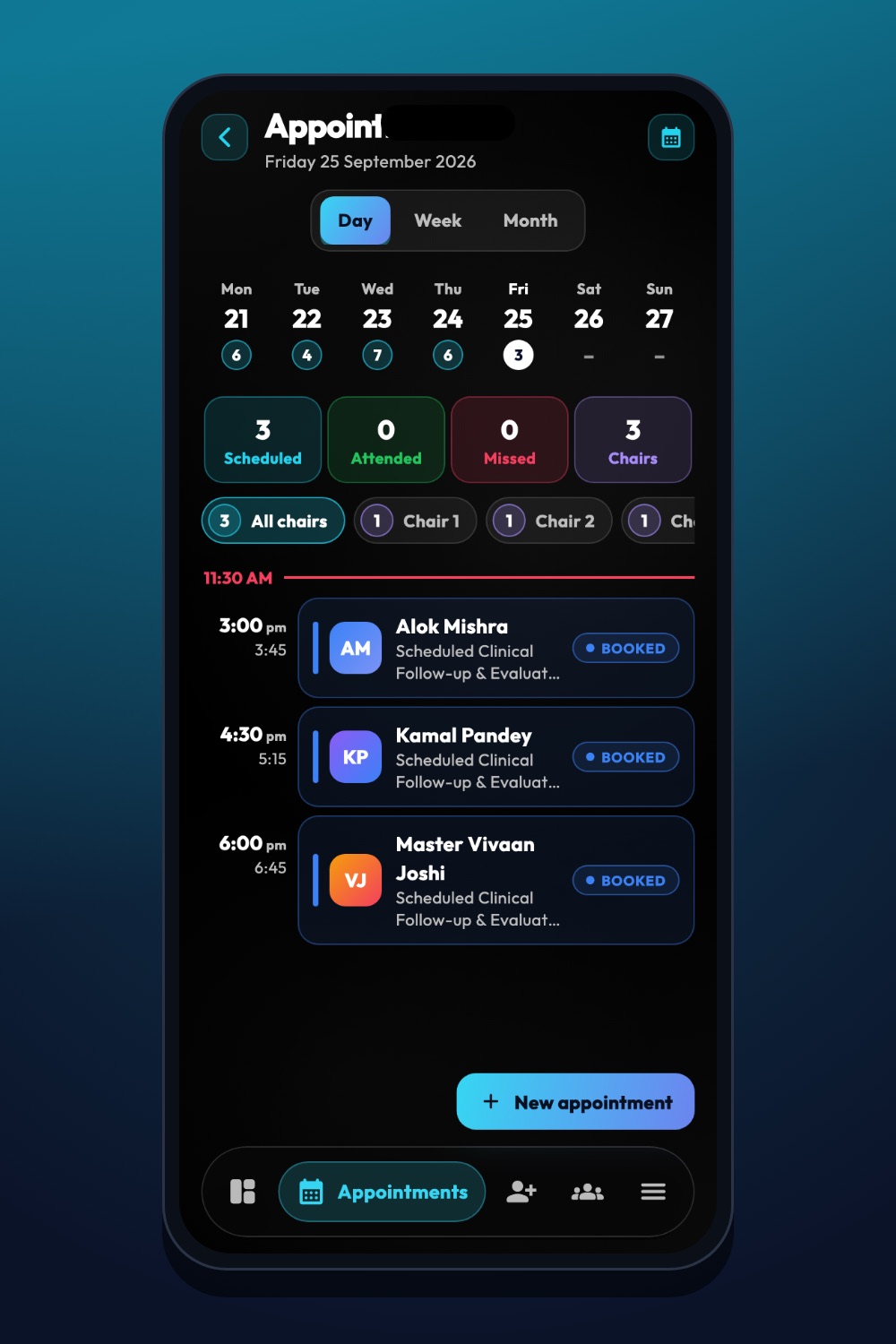
The real iDentist.Live screen, with demo data — no real patients.
What to measure
Complete records, times you asked for help, unplanned returns, patient questions left open, and following the agreed referral rules. Use these for coaching, not ranking.
Stay safe
Do not confuse speed in the app with clinical skill, copy notes without checking, or accept targets that squeeze out diagnosis and consent. Registration and scope rules come from regulators and employers.
Questions people ask
What should a new associate master first?
Good history and examination, records, consent, infection control — and knowing when to ask for help.
Can practice cases replace clinical experience?
No. They build reasoning; real patient care needs supervised experience.
Can I keep using my student workspace after I start work?
Yes. You can keep it and add a clinic workspace — and switch between them.