
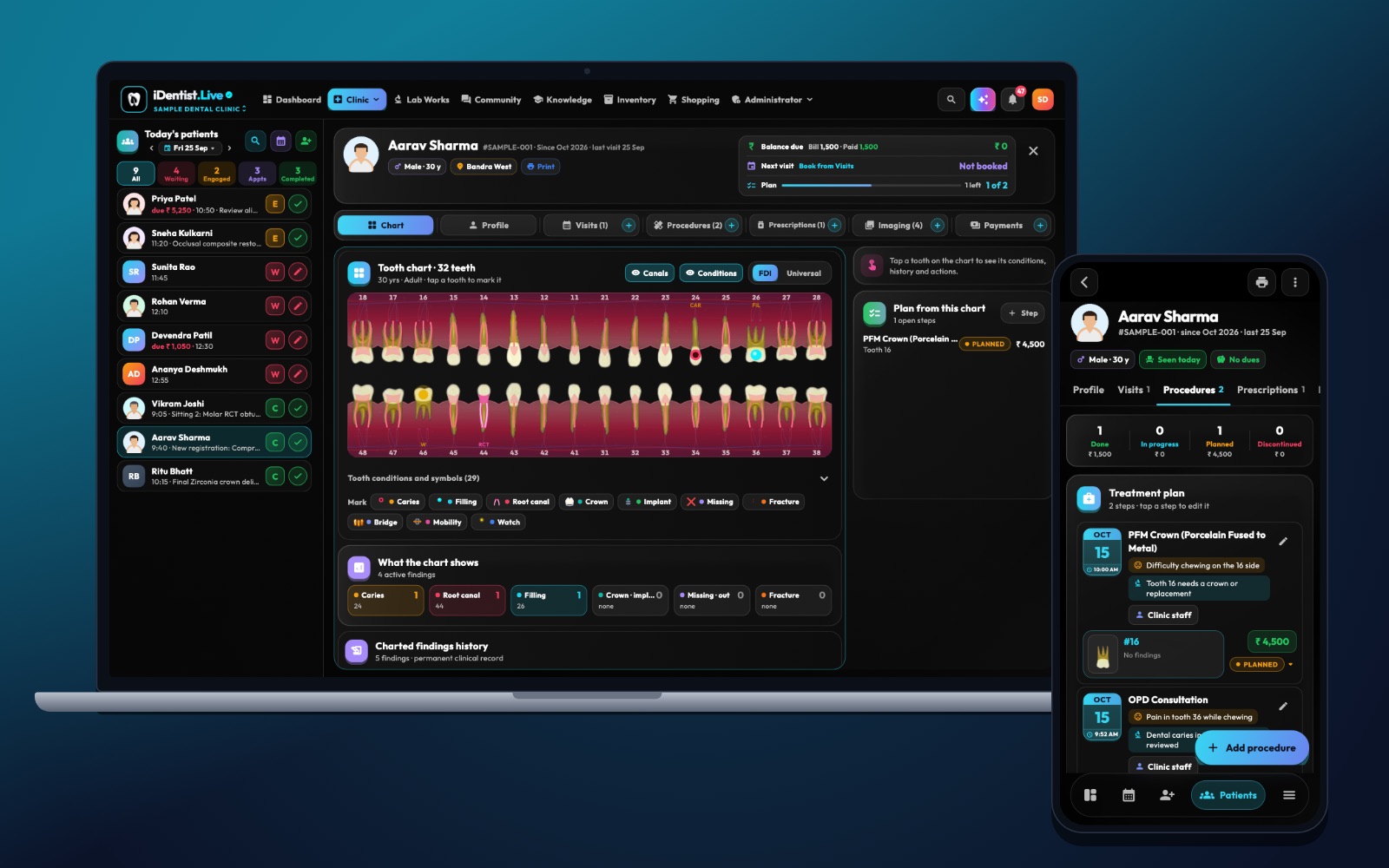
Tooth numbers are the shorthand that lets a dentist, assistant, lab and student talk about the same tooth. iDentist.Live shows FDI numbers right on the patient-file chart, so you learn them in context instead of memorising a grid.
First digit = quadrant (1–4 permanent, 5–8 milk teeth). Second digit = position from the middle (1–8 permanent, 1–5 milk). Always the patient’s left and right.
Two digits for every tooth
The FDI system gives each tooth a short number that works in charts, referrals and lab prescriptions. The first digit is the quadrant (and whether the tooth is permanent or a milk tooth); the second is the tooth’s position counted from the middle. The standard is ISO 3950.
Practise saying the number aloud with its arch and side before you attach a diagnosis or procedure to it.
Five steps to read any FDI number
- Find the quadrant. Permanent teeth: 1 upper right, 2 upper left, 3 lower left, 4 lower right — from the patient’s side. Milk teeth use 5, 6, 7 and 8 in the same order.
- Count from the middle. Permanent teeth go from 1 (central incisor) to 8 (third molar). Milk teeth go from 1 (central incisor) to 5 (second molar).
- Translate before charting. 11 is the upper right permanent central incisor; 36 the lower left permanent first molar; 75 the lower left milk second molar. Say the full name when talking to someone who uses another system.
- Check the side. The number follows the patient’s left and right, not yours on the screen. Check orientation on X-rays and mirrored photos.
- Add surface and status. “36” alone is not a treatment note. Add the surface, finding, date, and whether it is existing, planned or done.
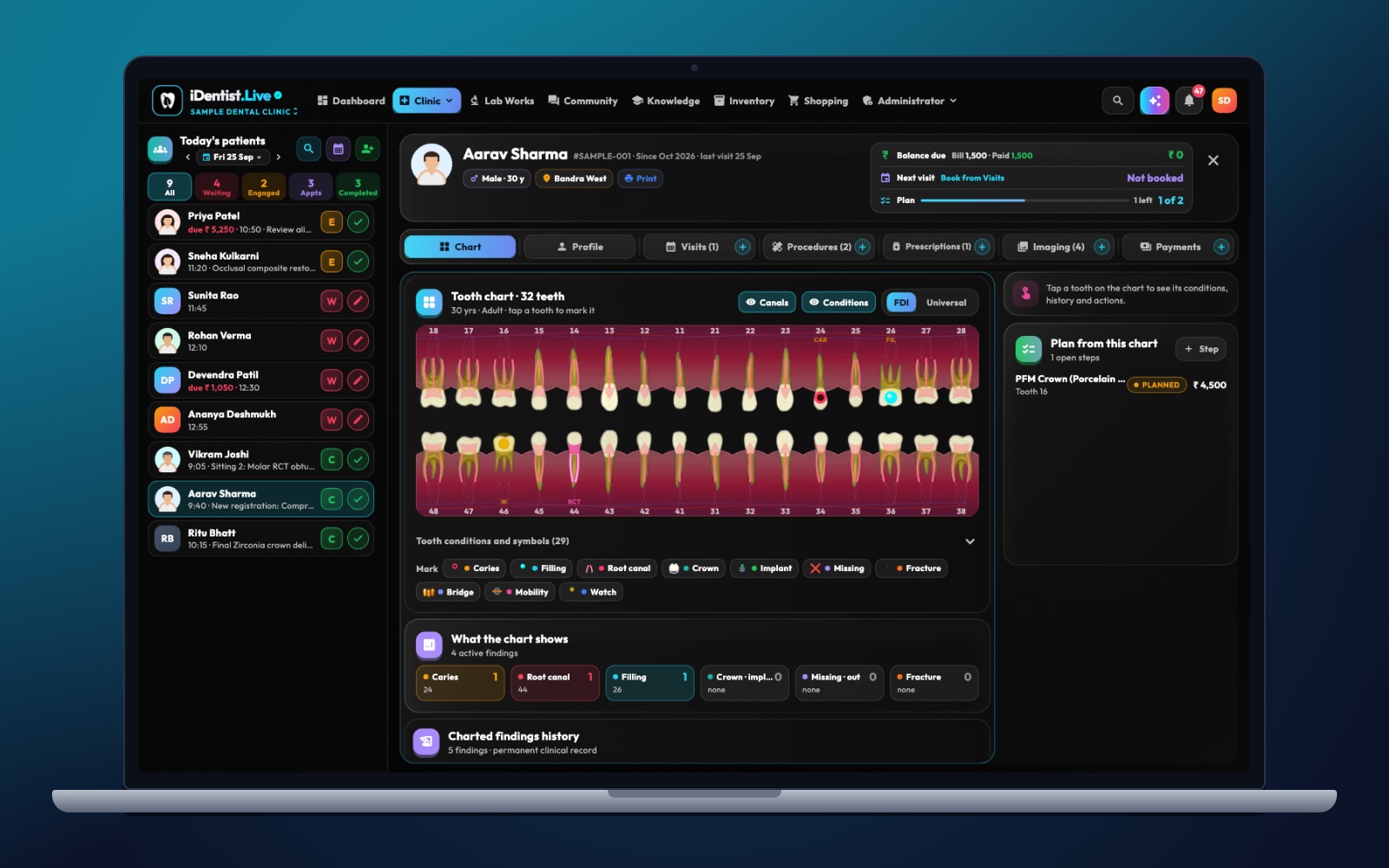
The real iDentist.Live screen, with demo data — no real patients.
How iDentist.Live helps
The patient-file chart shows the FDI number on each tooth, next to the condition controls and the charted history. So a note about 36 matches the tooth highlighted on screen, the X-ray and any lab order. The student workspace covers the theory; the clinic workspace shows what happens when a number is wrong.
- See the number on the tooth itself.
- The same number flows into notes, procedures and lab orders.
- Practise safely on made-up patients in the demo.
- FDI charting is part of the free app.
A real example
A referral asks to check the “lower left first molar” — in FDI that is 36. Before sending a lab order, the dentist checks the patient, the chart, the X-ray orientation and the planned restoration on 36. In a child with mixed teeth, they also check whether a nearby milk tooth is involved, instead of assuming every lower-left tooth starts with 3.
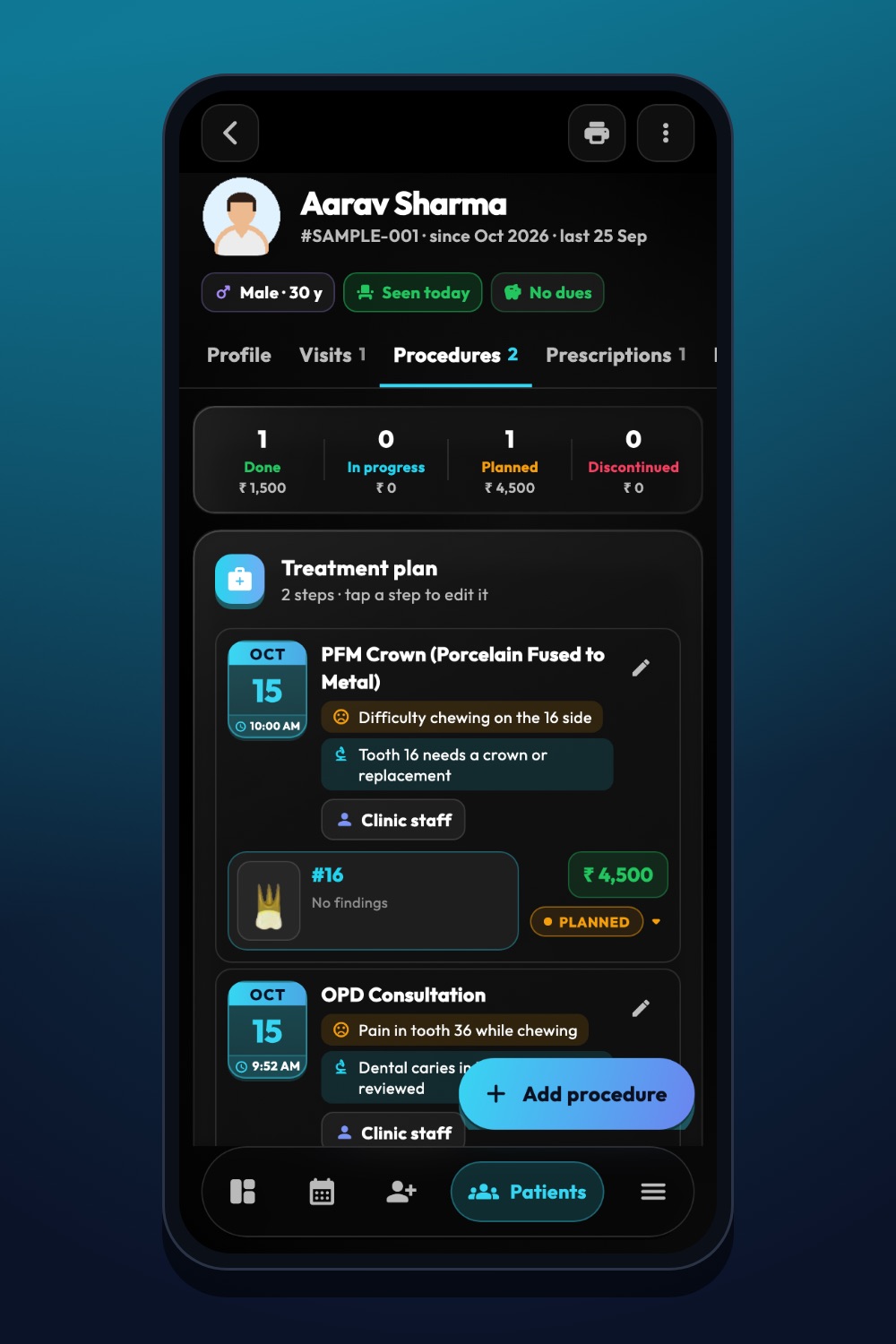
The real iDentist.Live screen, with demo data — no real patients.
Try it in iDentist.Live
In the demo, find 11, 26, 36 and 75. Say each arch, side and tooth name aloud. Then open a lab order and check that its tooth matches the patient chart.
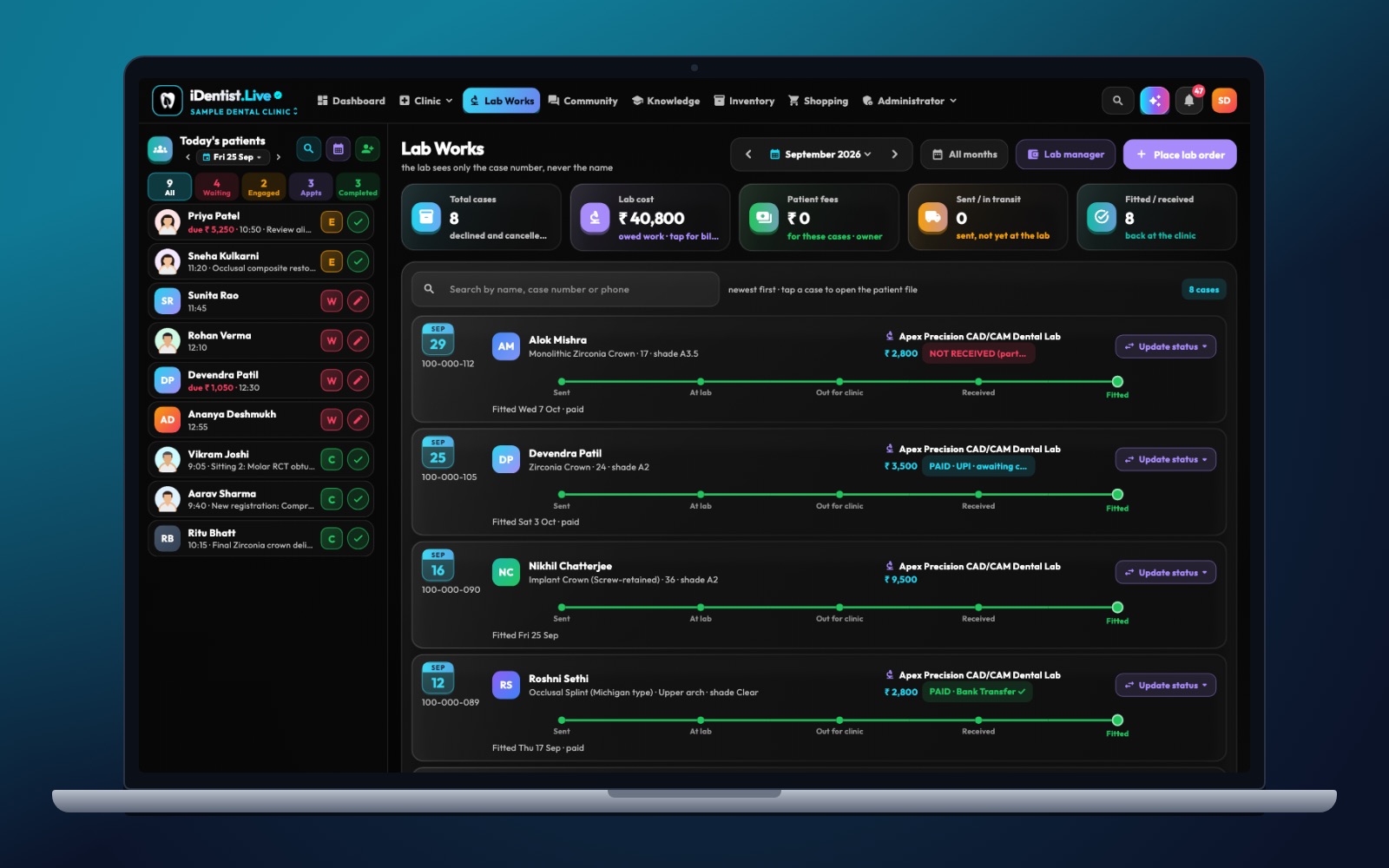
The real iDentist.Live screen, with demo data — no real patients.
What to measure
For learning, test both directions: number to tooth name, and tooth name to number. In a clinic, spot-check wrong-side corrections and make sure lab orders carry the full number.
Avoid these mistakes
Do not memorise a diagram without understanding the patient’s left and right. Do not mix FDI with the Universal or Palmer systems in one record without clearly saying which is which.
Questions people ask
What does the first digit mean?
The quadrant, and whether the tooth is permanent (1–4) or a milk tooth (5–8).
Is tooth 48 always there?
No. 48 is the position of the lower right permanent third molar; the tooth may be missing, unerupted or removed.
Does iDentist.Live use FDI numbers everywhere?
Yes — on the chart, in notes and procedures, and in lab orders.