
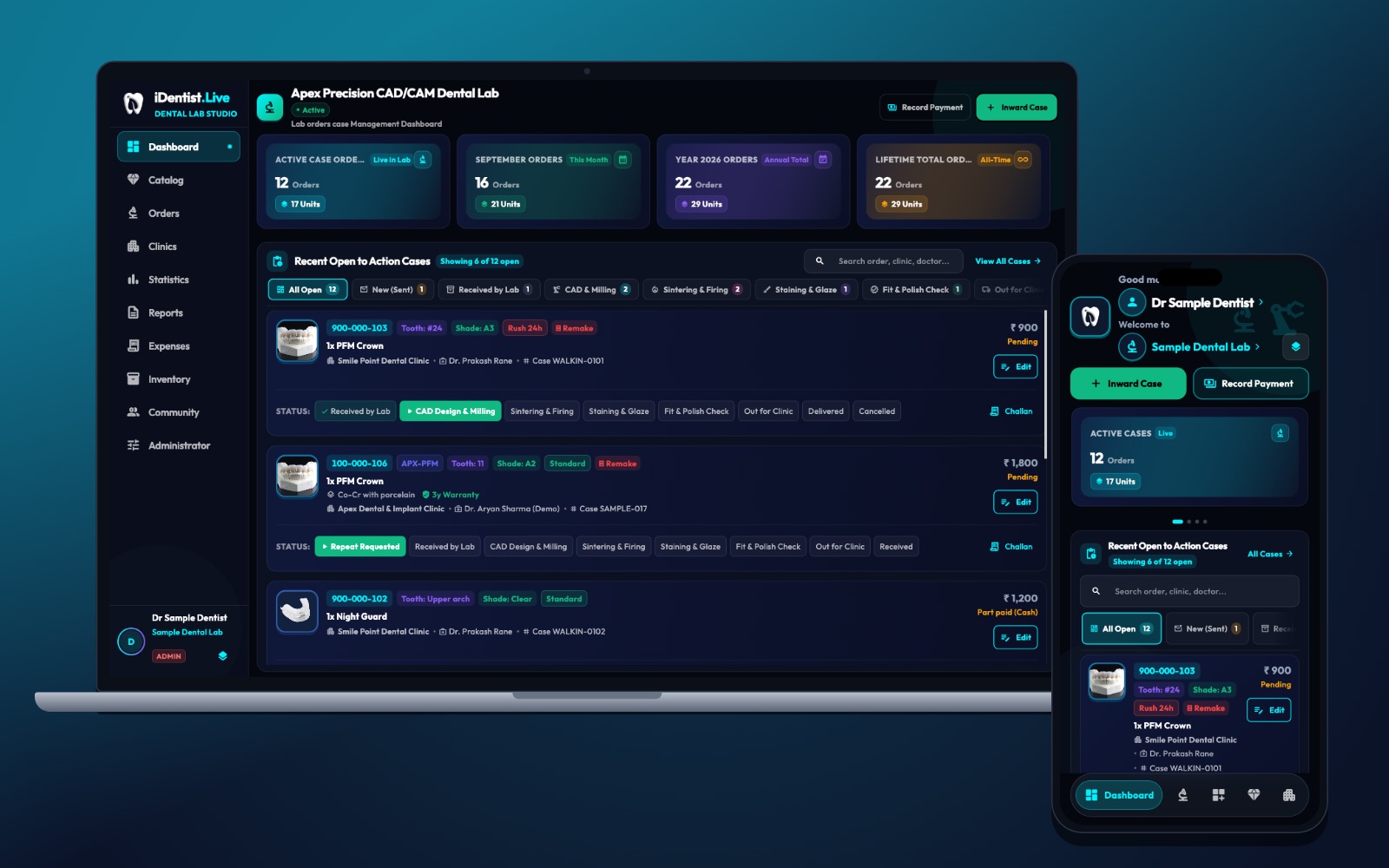
A dental lab needs three things: a clear way to receive cases, a simple production board, and a direct line back to the clinic. iDentist.Live gives every lab its own free workspace, built around the whole journey of a case.
Your lab gets its own home in iDentist.Live: cases arrive from clinics with the tooth, shade and material, move through clear stages to dispatch, and the clinic can follow along. The lab’s catalogue, case board and clinic links are free, with no limit on orders. Optional paid services are only for your own branded web address, hosting, SSL and Google Workspace.
Your lab gets its own workspace
A lab is not just a note in a clinic app. It has its own staff, machines, materials, prices and clinic partners. In iDentist.Live the lab dashboard opens to active cases, the work that needs action now, and each production stage.
A technician sees the restoration type, tooth, shade, urgency and the clinic it came from. The catalogue, linked clinics, stock, expenses, payments and reports each have their own place in the same workspace.
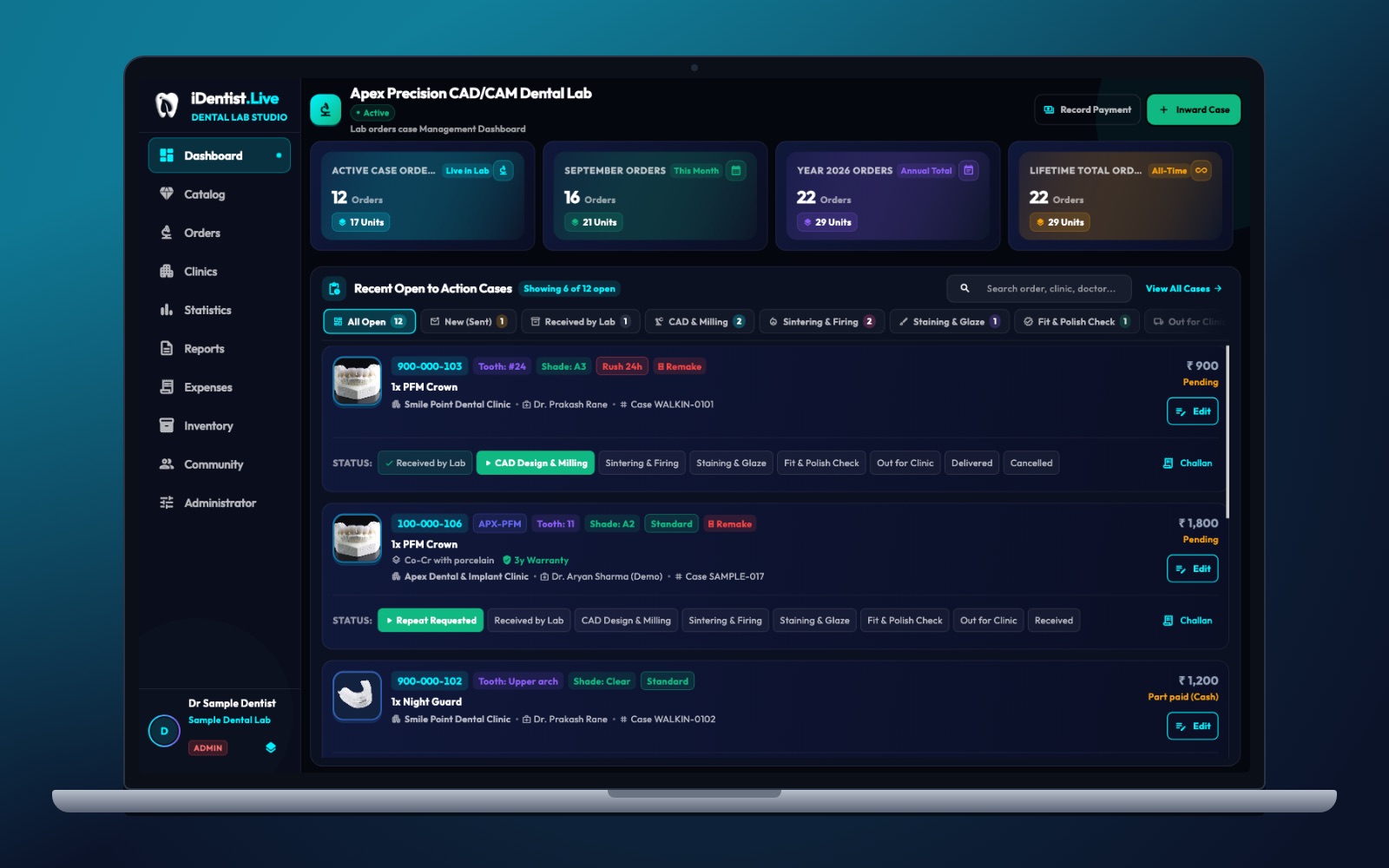
The real iDentist.Live screen, with demo data — no real patients.
Get the case right before the clock starts
A good work order says what is being made: the restoration, the FDI tooth or arch, material, shade, design notes, the scan or impression and the delivery date. Clinic and lab should agree when a case counts as accepted.
If a margin or bite is unclear, the lab asks one precise question and keeps the case waiting for an answer — it does not pretend production has started. Both sides can see that the case is waiting, and why.
Follow every stage, not just dispatch
A crown may go through: received, CAD design and milling, sintering or firing, staining and glaze, fit and polish check, and then out to the clinic. Different materials need different steps — the board helps you organise, while technicians follow the material maker’s instructions.
With a time and a person for each stage, the lab can tell its own delays apart from time spent waiting for the clinic. A repeat request stays attached to the original case, so a remake can be looked at fairly.
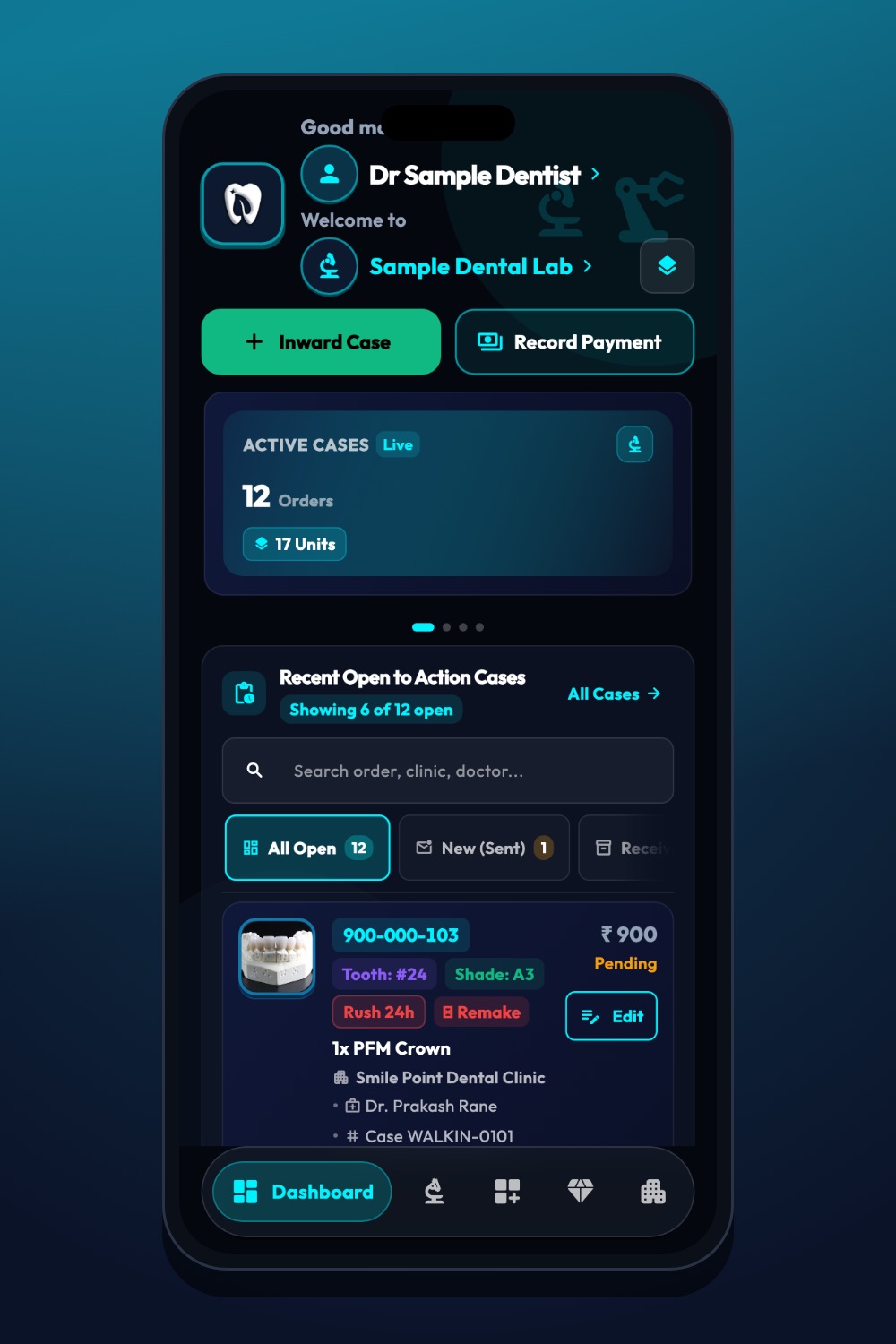
The real iDentist.Live screen, with demo data — no real patients.
Free for a growing lab
The lab’s catalogue, case board and clinic links are free, with no limit on orders. Optional paid services are only for your own branded web address, hosting, SSL and Google Workspace.
A lab can first organise its work and build trust with partner clinics, then decide later whether its own branding would help win more business. Clinics can also find your lab’s public business page and leave ratings and reviews.
See both sides in the demo
In the free demo, open a made-up case in the clinic’s Lab Works, then find the same case on the lab’s board. Read the tooth, shade and restoration, see what the technician needs next, and check how the clinic will know when it is dispatched. The lab never sees the patient’s full medical history — only what it needs to make the work.
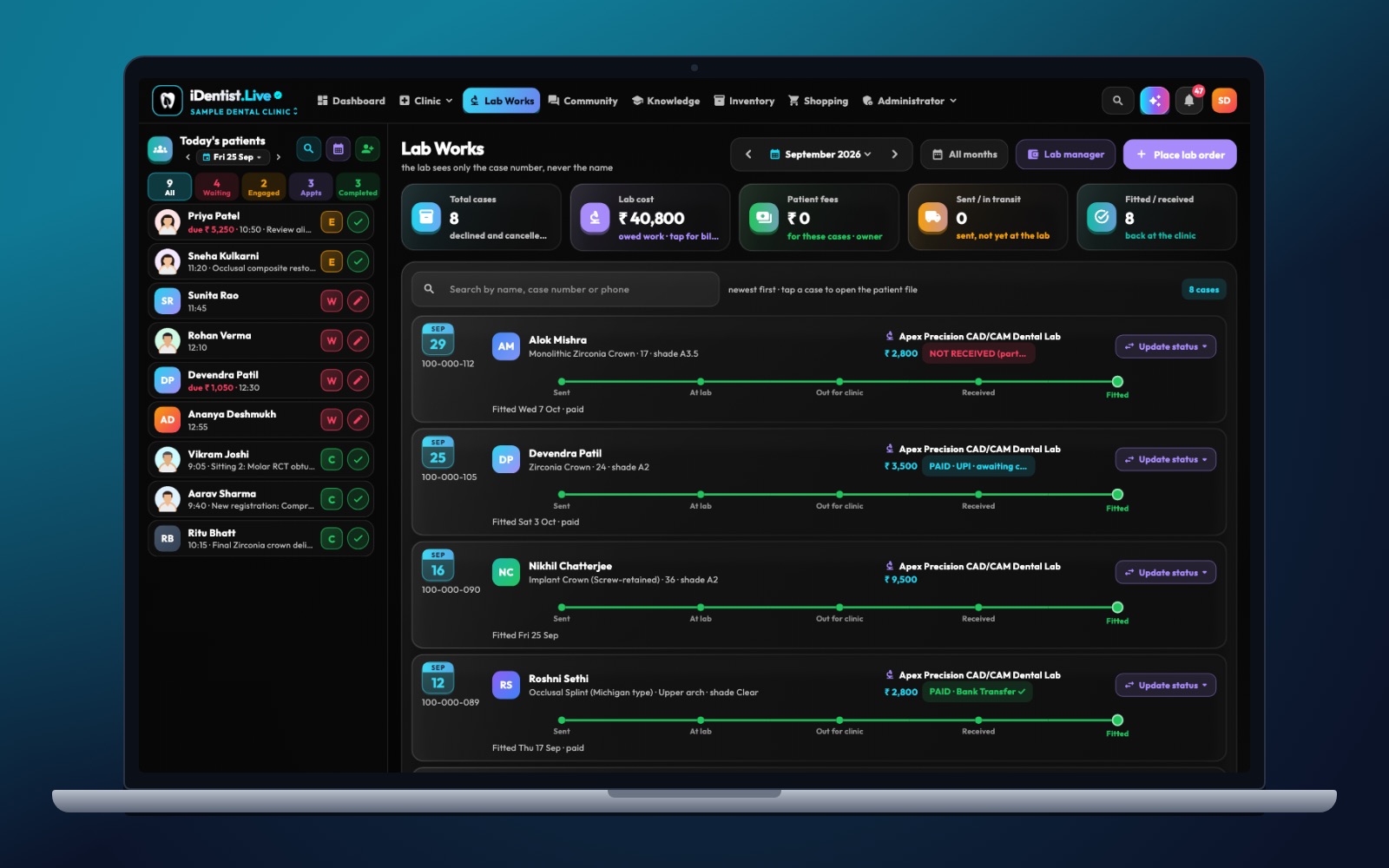
The real iDentist.Live screen, with demo data — no real patients.
Make every handover measurable
Say a clinic sends a scan for a zirconia crown. The lab checks the margin, opposing arch, bite, shade and delivery date before accepting. If something is missing, it asks a specific question instead of silently starting a deadline it cannot meet. Then design, milling, sintering, finishing and quality checks each become a stage. When the crown goes out, the clinic sees it and marks it fitted — or reports a fit problem. One order number ties it all together.
Look at more than monthly totals:
- Agree when the turnaround clock starts and what a complete case looks like.
- Keep a history when the shade, material or date changes.
- Report a small chairside adjustment separately from a full remake.
Questions people ask
Does the lab pay for every new clinic it works with?
No. Receiving and managing clinic orders is free, with no limit on orders.
Can a lab see the clinic’s whole patient file?
No. The lab sees only what it needs to make the work — the case details — not the patient’s full health record.
Does the app control milling or firing settings?
No. The board organises the work; trained technicians follow the material and machine instructions.