
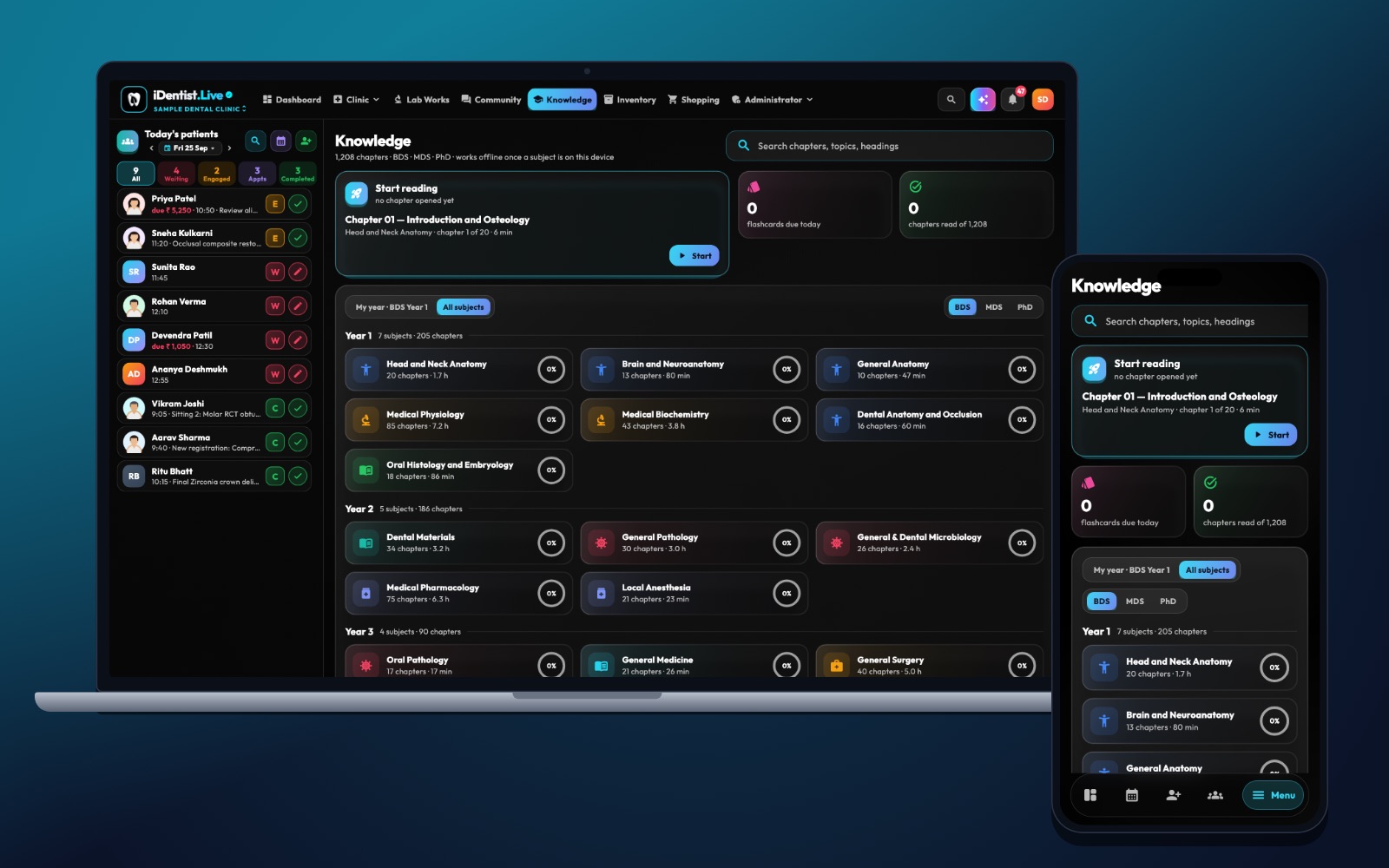
Learning dentistry online should build judgement, not just screen time. iDentist.Live gives students an organised library and knowledge base, and the wider app shows how that knowledge fits into real clinic records.
Start from the patient’s complaint, chart findings carefully, list possible diagnoses, compare treatment paths, and get feedback from a teacher — then try a similar case again later.
Make decisions, not just notes
Online practice works best when it asks you to decide and explain why — not to watch one more video. A good practice case trains history-taking, charting, possible diagnoses and treatment order. It should also show what information is missing, and when you should ask a supervisor.
Five steps for a practice case
- Start with the patient’s complaint. Write the main problem and history before looking at any diagnosis. Decide what else you would ask.
- Chart findings carefully. Use FDI tooth numbers and keep what you saw separate from what you assume. Choose only the tests you can justify.
- List possible diagnoses. For each, note the findings for and against it. Mark any warning signs that need urgent in-person care.
- Compare treatment paths. Think about simpler options, alternatives, order of treatment, the patient’s wishes, cost and follow-up. Say when the evidence is not enough to decide.
- Get feedback and repeat. Compare your reasoning with your teacher’s feedback. Try a similar case later without looking at the answer.
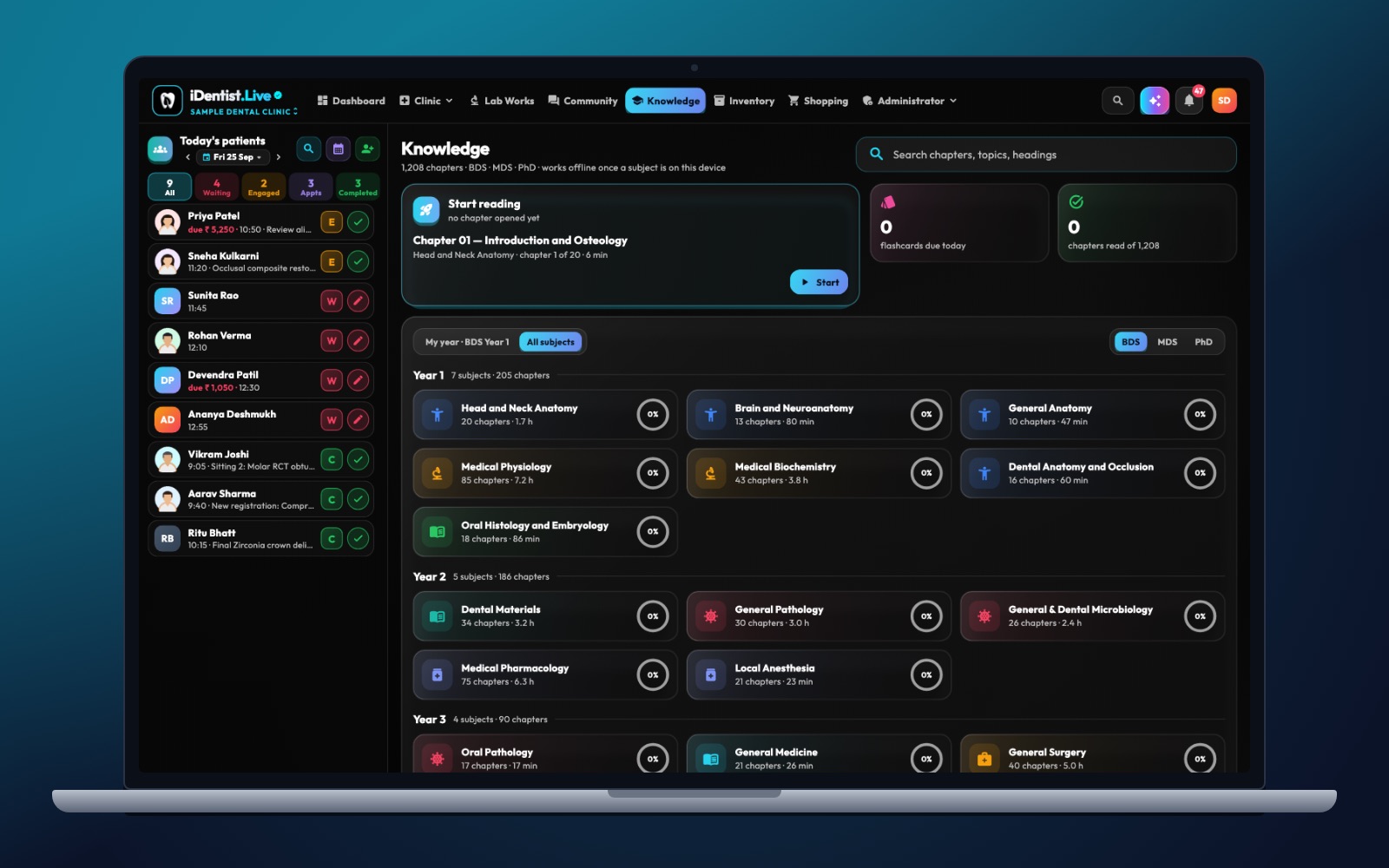
The real iDentist.Live screen, with demo data — no real patients.
How iDentist.Live helps
The student workspace has a searchable, year-wise library and a knowledge base with chapter guides, bookmarks and read-aloud. Each chapter’s self-check questions and flashcards turn reading into recall. The clinic demo’s patient file and FDI chart then give you a real structure to practise with.
- Books and subjects grouped by year, so you start in the right place.
- Search, bookmarks, read-aloud and offline subjects.
- Self-check questions and flashcards — no scores, just honest practice.
- Free for every student.
A real example
In a practice case of back-tooth pain, you first get the symptoms and a basic history. You choose what to examine, mark the suspected tooth, ask for an X-ray only if it is justified, then explain two possible diagnoses and which finding would separate them. Feedback looks at your reasoning and safety. You finish with a patient-friendly explanation and a follow-up plan.
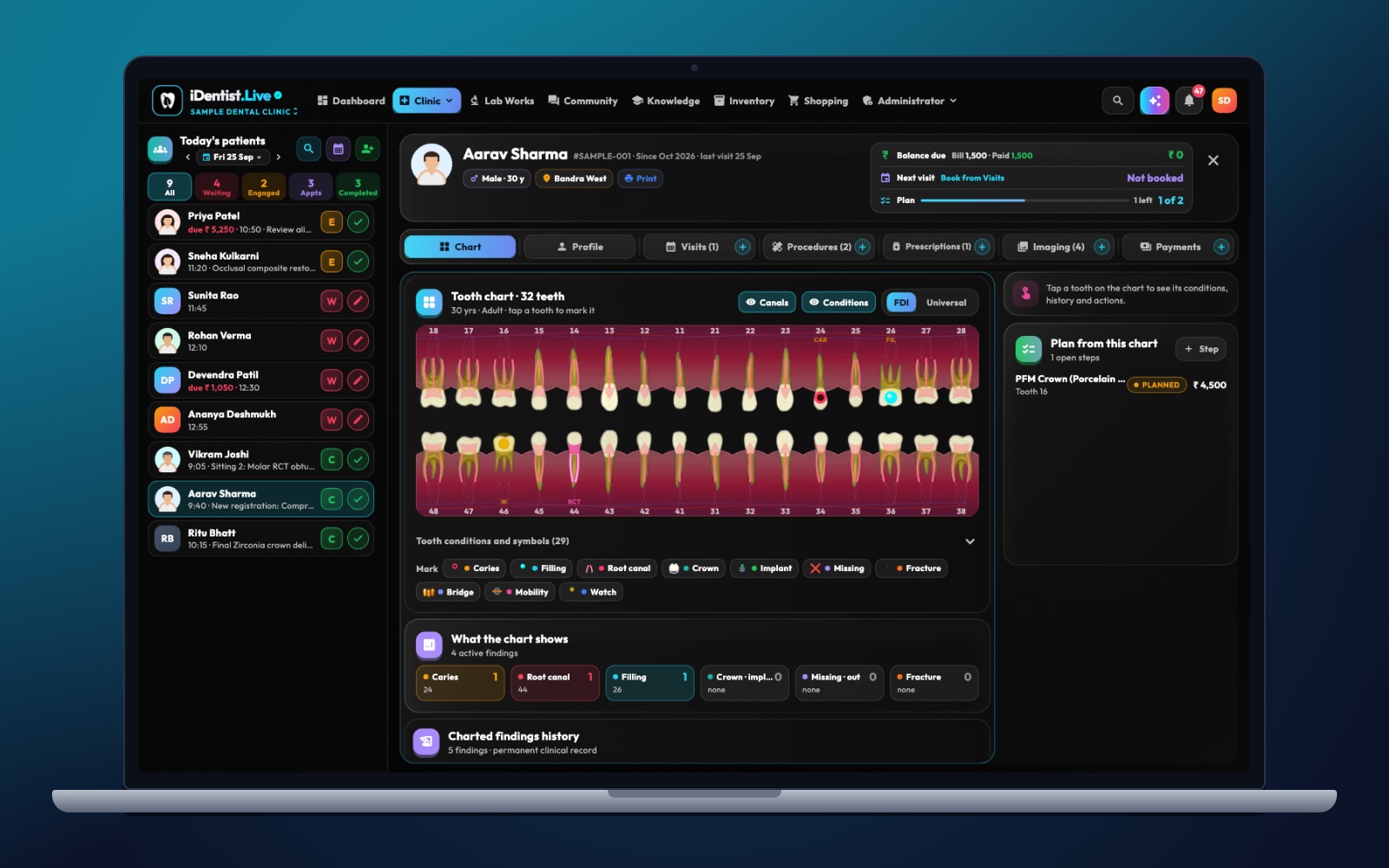
The real iDentist.Live screen, with demo data — no real patients.
Try it in iDentist.Live
Pick one topic in the student workspace and write three questions you would ask in a matching case. Use the demo patient file to see where each finding belongs. Then compare your plan with your teacher’s feedback — online practice is a rehearsal for supervised care, never a diagnosis on its own.
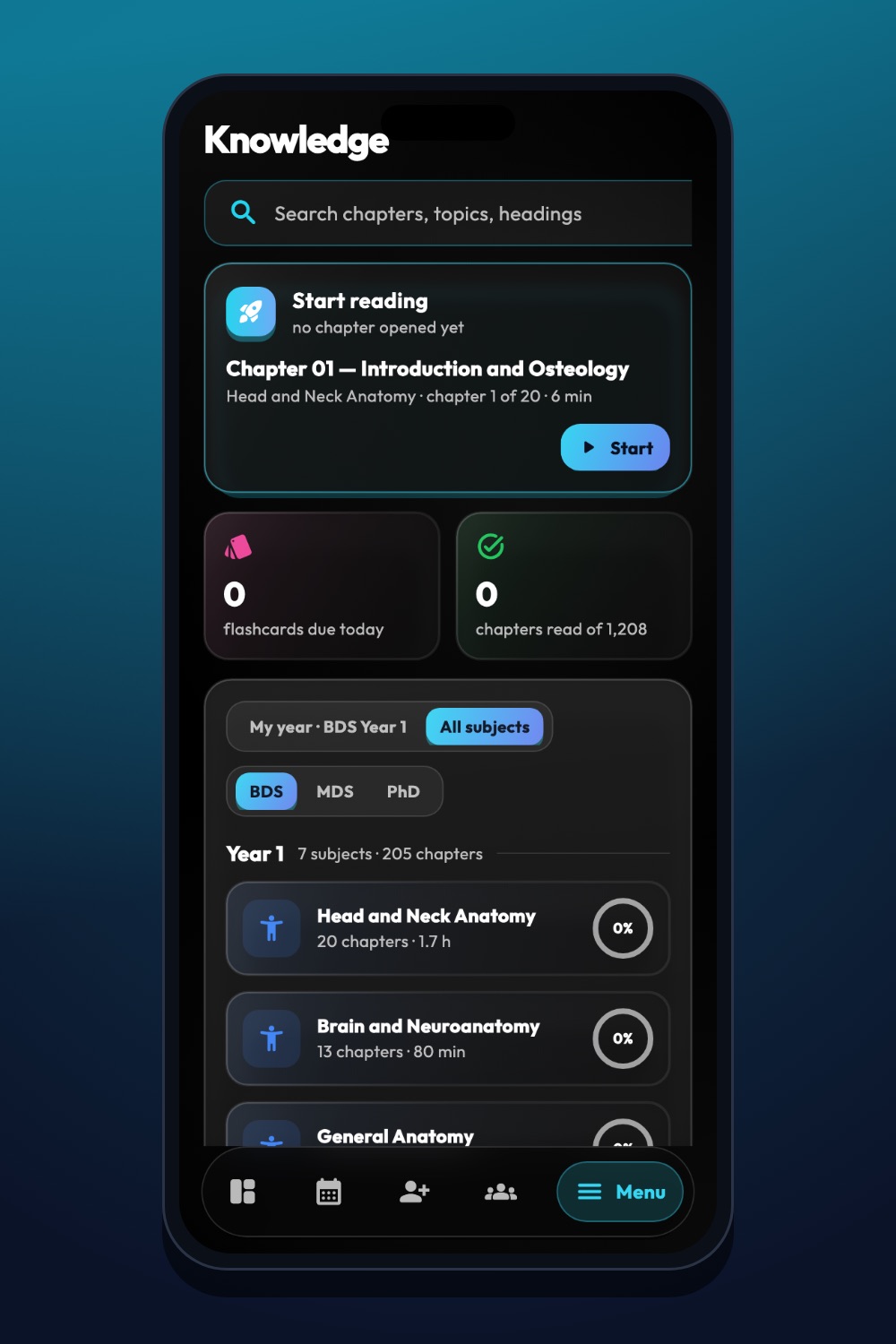
The real iDentist.Live screen, with demo data — no real patients.
What to measure
Look at the quality of your reasoning: the right history questions, correct tooth numbers, spotting warning signs and explaining uncertainty. Time on a page alone says little. Your study-time graph is useful for planning, not as proof of learning.
Stay safe
Do not treat recognising an image as a full diagnosis, never use real patient pictures without permission, and do not let any score stand for clinical competence.
Questions people ask
How long should one practice case take?
Long enough to make and explain real choices. Several short cases with feedback often teach more than one long passive session.
What should I do after a wrong answer?
Find the missing finding or step, then try a similar case later without looking at the earlier answer.
Can I study offline?
Yes. Download a subject and its chapters work with no internet.