
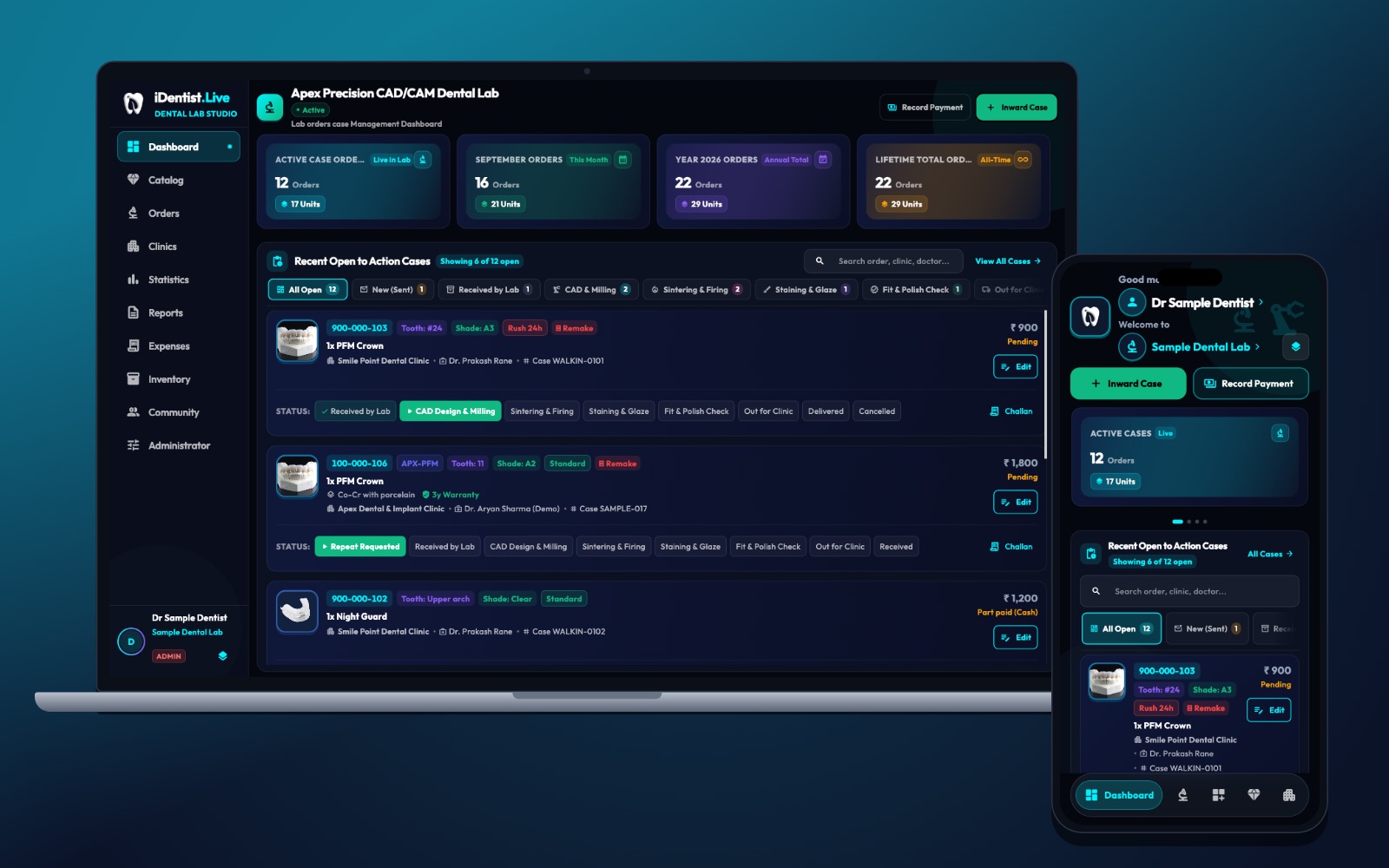
A remake should teach the clinic and the lab something, not become another hidden cost. iDentist.Live keeps the case, its stage history and any repeat request in one connected order, so both partners can see what changed.
Agree what a complete case looks like, show clear stages to both sides, use design approvals only where they help, record remake reasons the same way every time, and review patterns together.
The real cost of a remake
A remake costs more than new material. It uses chair time, technician time, shipping, the patient’s travel — and trust. Stage updates help when they show a problem early and keep the questions and answers together.
The aim is to learn whether a failure came from the scan, the design, production, transport or the clinical fit — not to blame someone from one status label.
Five steps to fewer remakes
- Agree what “complete” means. Define the scan or impression, margin, bite, shade, material and prescription the lab needs before accepting.
- Show the important stages. Clinic and lab both see when a case is accepted, designed, being made, quality-checked and dispatched. Mark blocked cases with an owner and an exact question.
- Use design approvals where they help. For complex aesthetics, implants or unusual bites, approve the design before production. Skip extra approvals for routine work.
- Record remake reasons the same way. Separate scan quality, a changed clinical condition, shade, design, manufacture, breakage and unknown. Attach evidence and keep the original order.
- Review together. Hold a short clinic–lab review of repeated causes. Change one thing, then compare results over time.
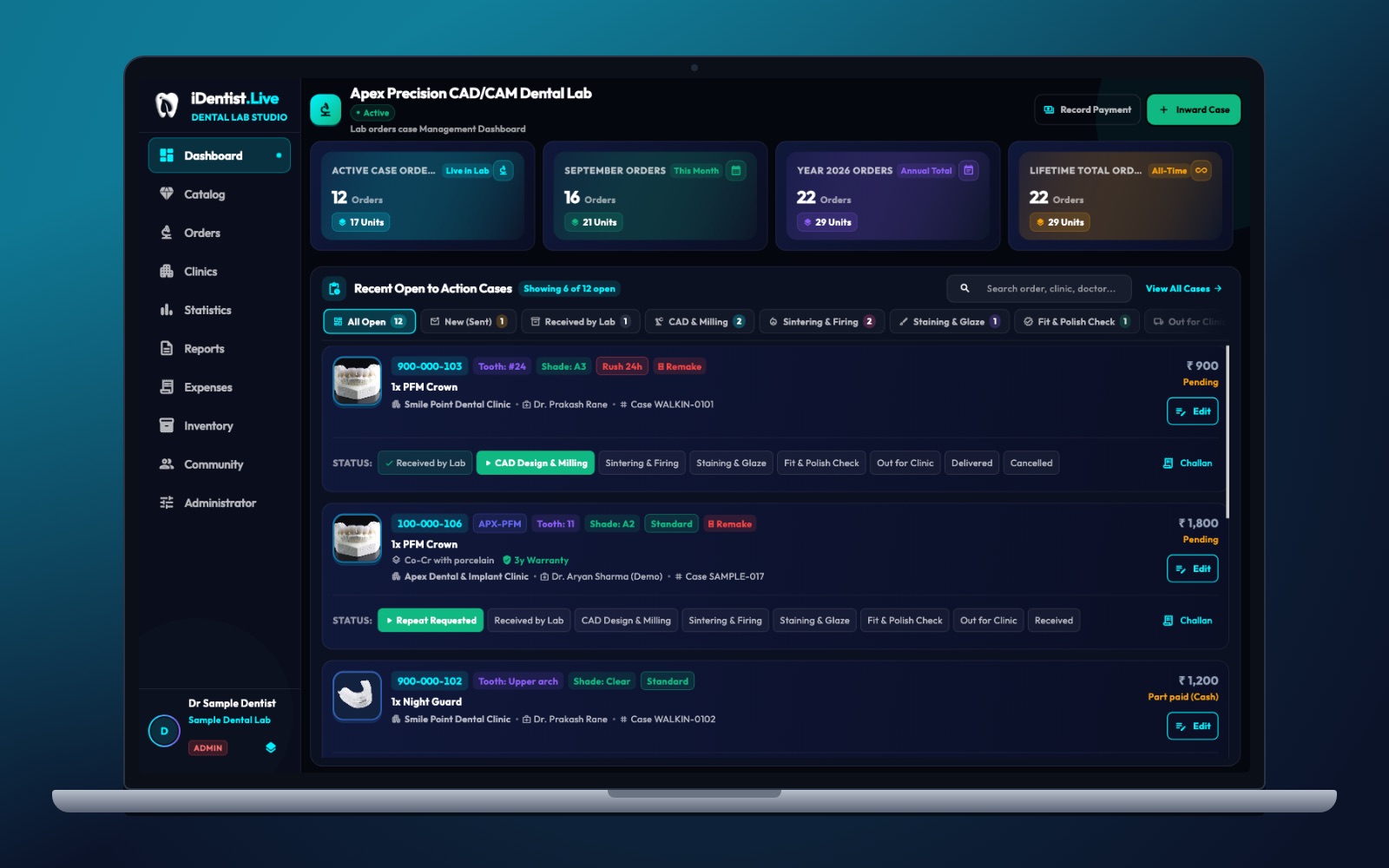
The real iDentist.Live screen, with demo data — no real patients.
How iDentist.Live helps
The lab board shows a repeat request clearly, not as a new unrelated order. A remake can come from the scan, the prescription, the design, the making, transport or a change in the patient’s mouth. A board cannot stop that on its own, but a shared order gives both sides the evidence to ask better questions. The clinic’s Lab Works and the lab’s board meet at the order, while the patient’s private chart stays inside the clinic.
- Remakes stay visible on the case board.
- The original tooth, restoration, shade and stage history stay available.
- Clinic and lab follow the same issue from report to replacement.
- Labs can review remake and cancellation reports next to case volume.
A real example
A crown comes back from fitting with an open contact. The case history shows an accepted scan, an approved design, a passed quality check and the clinic’s fit note. Both teams compare the original scan, any change in the neighbouring tooth and the check record. If the cause is unclear, they mark it “unknown, under review” instead of assigning blame. The next cases test whether an extra contact check helps.
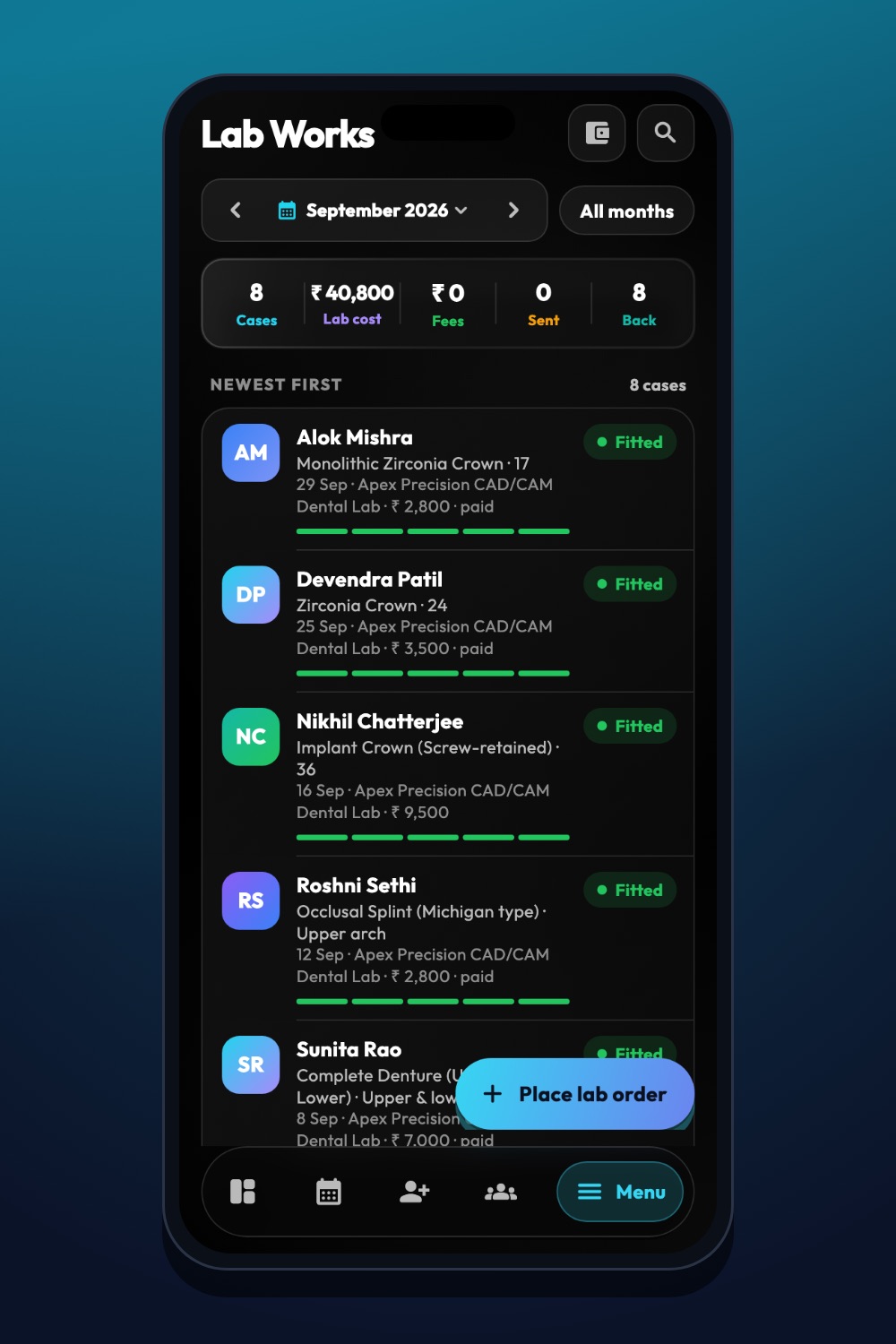
The real iDentist.Live screen, with demo data — no real patients.
Try it in iDentist.Live
In the free demo, pick a case marked as a repeat request on the lab board. Write down the original prescription, the fit problem, any change in the patient and the next step. In a real case, keep both versions and agree the cause only after looking at the evidence.
What to measure
Track remakes per 100 units delivered, the direct cost, chair time lost, how often a reason is recorded, and the time from report to replacement. Look at each restoration type and each clinic–lab pair.
Keep it honest
Stage updates alone do not prevent remakes — accurate evidence does. Never delete the first case when a remake order is opened.
Questions people ask
Should every adjustment count as a remake?
No. Define an adjustment, a repair and a full remake separately, so your numbers stay comparable.
Who decides if a restoration is clinically acceptable?
The treating dentist, in the patient’s clinical context. The lab provides the making and quality-check evidence.
Does the lab see the patient’s full record when investigating?
No. The lab sees the case and its history, not the patient’s private chart.