
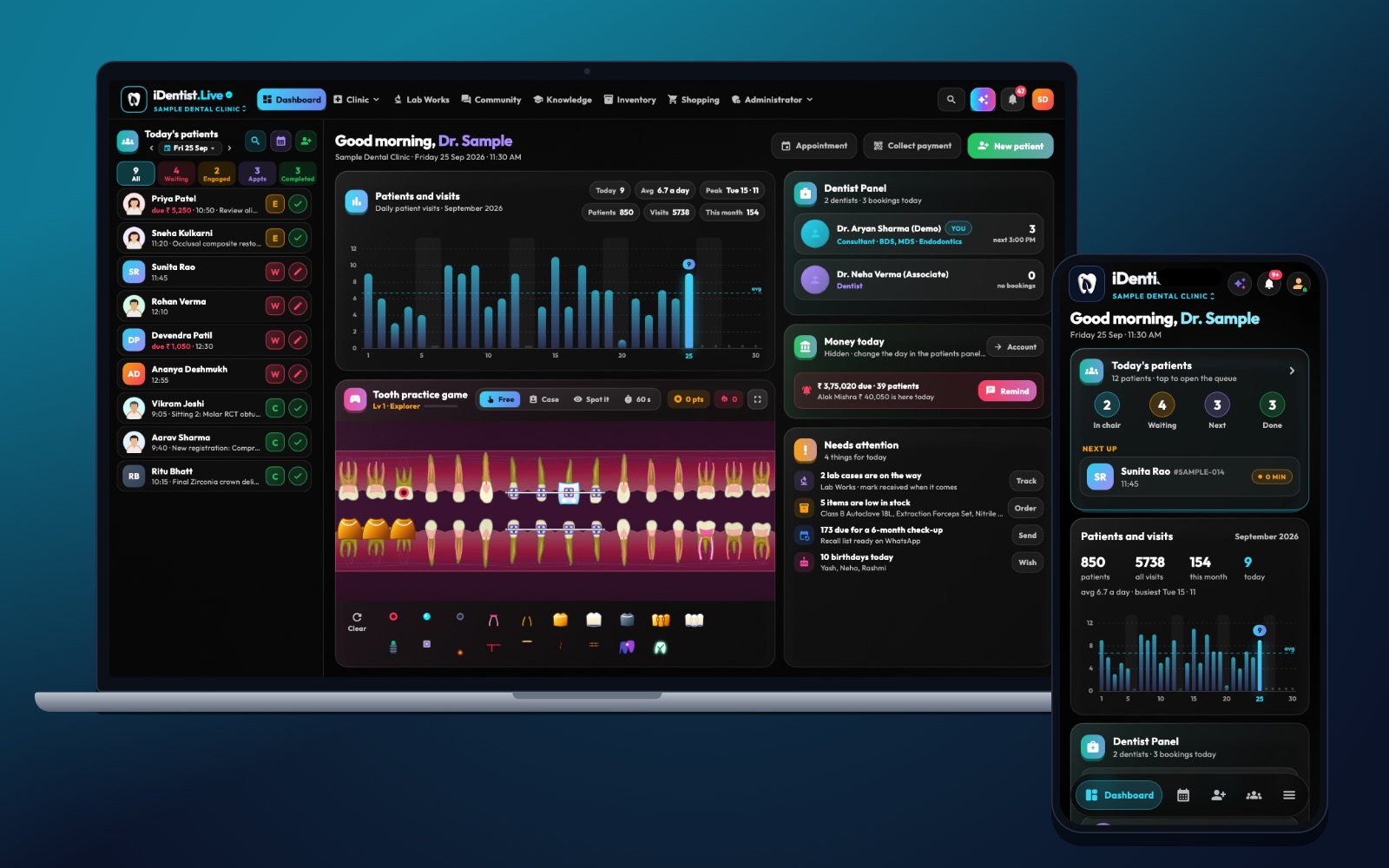
A new dental clinic needs a smooth working day before it needs fancy software. iDentist.Live gives a new owner one place to start: patients, appointments, chairs, stock, billing, and links to labs and suppliers — free from the first patient.
Decide what treatments you will offer, plan how patients and instruments move through the clinic, buy equipment with good service support, set up records before the first patient, and practise a full opening day.
Opening is a sequence, not a shopping list
A new clinic opens safely when the location, equipment, staff, infection control, records and money all work together. This checklist is an order of work, not a list of things to buy. Licences, biomedical waste, X-ray rules, accessibility and tax differ by place, so check the rules for your exact site before you sign contracts or order equipment.
Five steps to a safe opening
- Decide your services. List the treatments you will really offer in the first year, the number of patients you expect, who you will refer to, and your staff. This decides space, equipment, materials and appointment lengths.
- Plan how people and instruments move. Map the patient’s path, the treatment rooms, clean storage, the dirty-instrument route, waste and staff areas. Design sterilisation so work flows one way.
- Buy equipment with service support. Compare chairs, compressor, suction, steriliser, X-ray and power backup by total cost, installation, repair response and spare parts.
- Set up records before the first patient. Patient registration, medical history, consent, the tooth chart, notes, billing, backups and staff access should all be ready.
- Practise opening day. Run a pretend patient from booking to cleaning and payment. Check sterilisation records, emergency kit, lab handover, stock and data recovery.
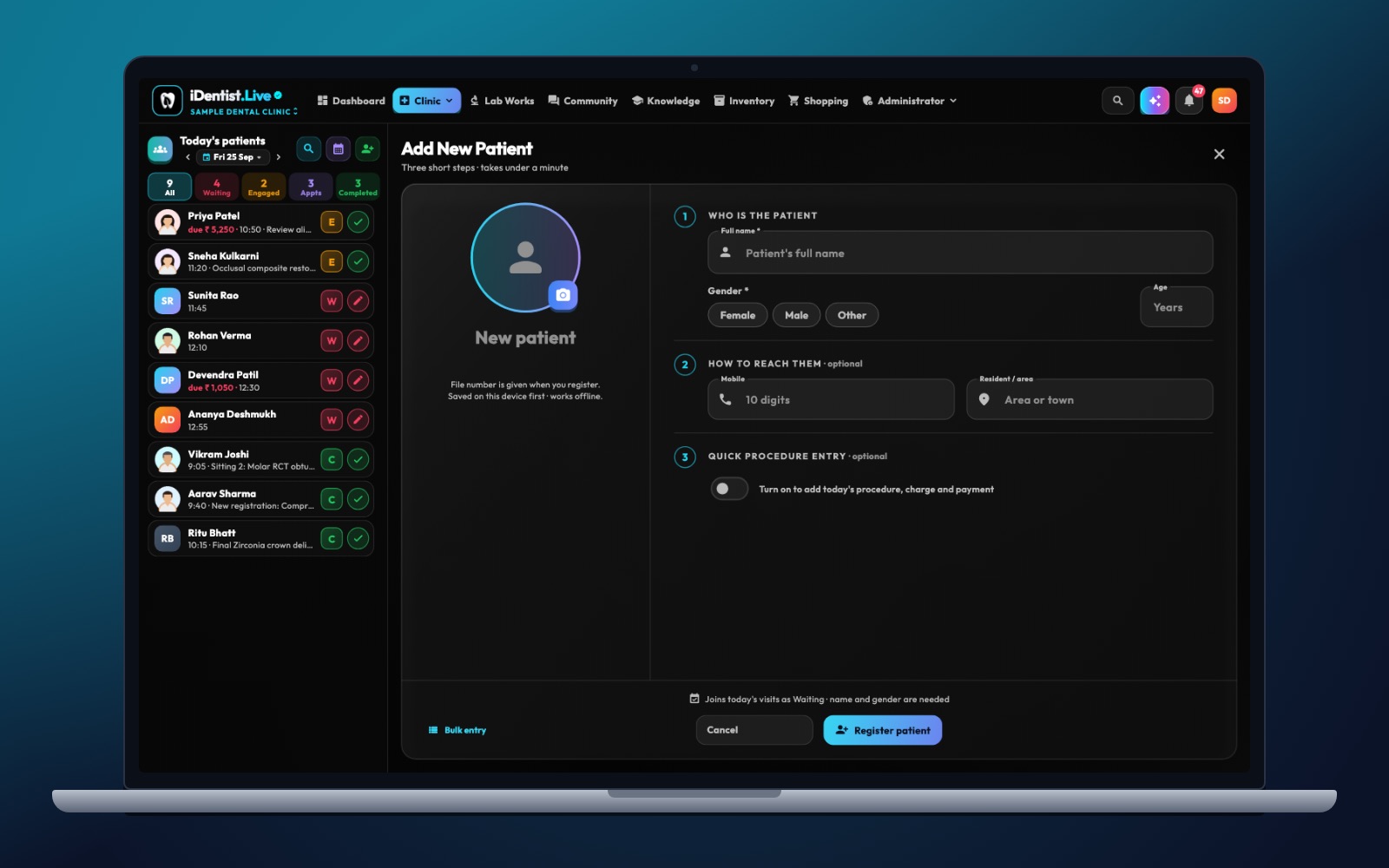
The real iDentist.Live screen, with demo data — no real patients.
How iDentist.Live helps a new clinic
iDentist.Live is most useful at opening time because it covers so much. Start free with your first patient and appointment, and keep using it as you add staff, materials, lab partners and more patients — with no patient limit. The dashboard is the centre of the day, the patient file holds the clinical story, and the lab and supplier workspaces connect your partners. If you later want your own web address, hosting, SSL and Google Workspace, those optional paid services are there.
- Start free: patients, records, appointments and daily management.
- Every patient’s chart, visits, images, prescriptions and payments together.
- Lab work and supplier orders without phone calls and paper slips.
- Your own branding later, if you want it.
A real example
A two-chair clinic for general fillings and crowns needs different stock and lab partners than an implant centre. The owner lists the likely treatments and plans room by room before buying. A practice run shows the steriliser is installed but nobody owns the load checks, and that X-ray exports cannot be attached to records yet. Both are fixed before the first patient arrives.
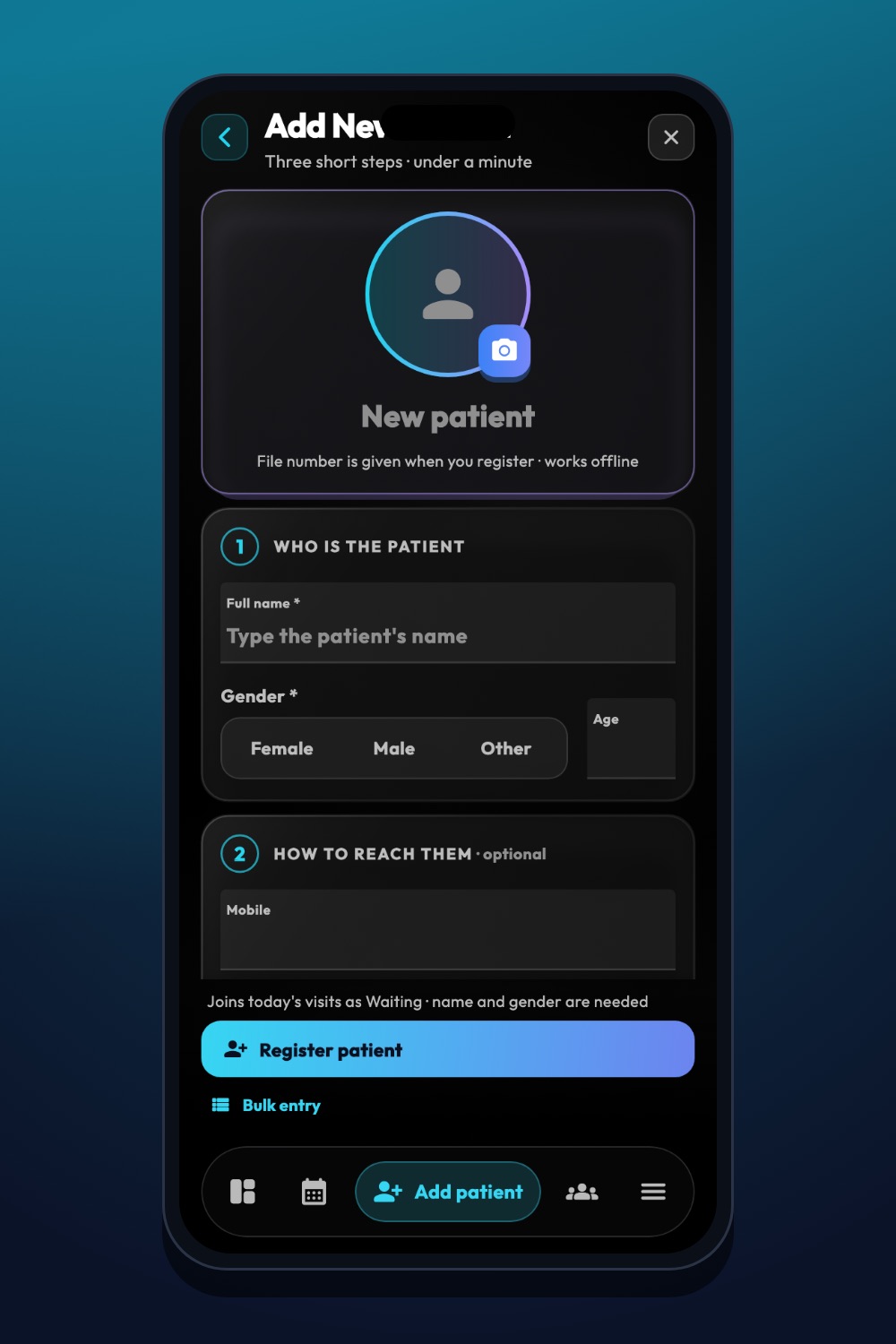
The real iDentist.Live screen, with demo data — no real patients.
Try it in iDentist.Live
Do an opening-day practice in the free demo: add a made-up patient, book an appointment, open the patient file, look at stock and follow a lab order. Write down any licence, equipment, staff or infection-control step that software cannot solve, and finish those before your first real patient.
How to know you are ready
Tick off each signed-off step: permits, staff training, equipment service, infection-control checks, finding a patient record, issuing a bill and restoring a backup. After opening, watch for bottlenecks and incidents, not just the number of visits.
Avoid these mistakes
Do not buy advanced equipment before you are clear about your services and its upkeep cost. Never open with untested infection control, an unclear emergency plan, or only one copy of patient records that nobody has checked.
Questions people ask
What should a new clinic buy first?
Decide your services and check the site rules first, then buy equipment that supports that work and has reliable service.
When should the software be set up?
Before the first real patient, with a practice patient journey and a check that records can be found and restored.
Does a new clinic have to pay for iDentist.Live?
No. The everyday tools are free from the first patient, with no limit as you grow.