
How to use iDentist.Live
Short, step-by-step guides with a video for each — from installing the app to using every feature in your clinic, lab or shop.
AGet the app
Install iDentist.Live on your phone, tablet or computer.
 1:17Use it on the webAny computer, nothing to download▶ Video + steps
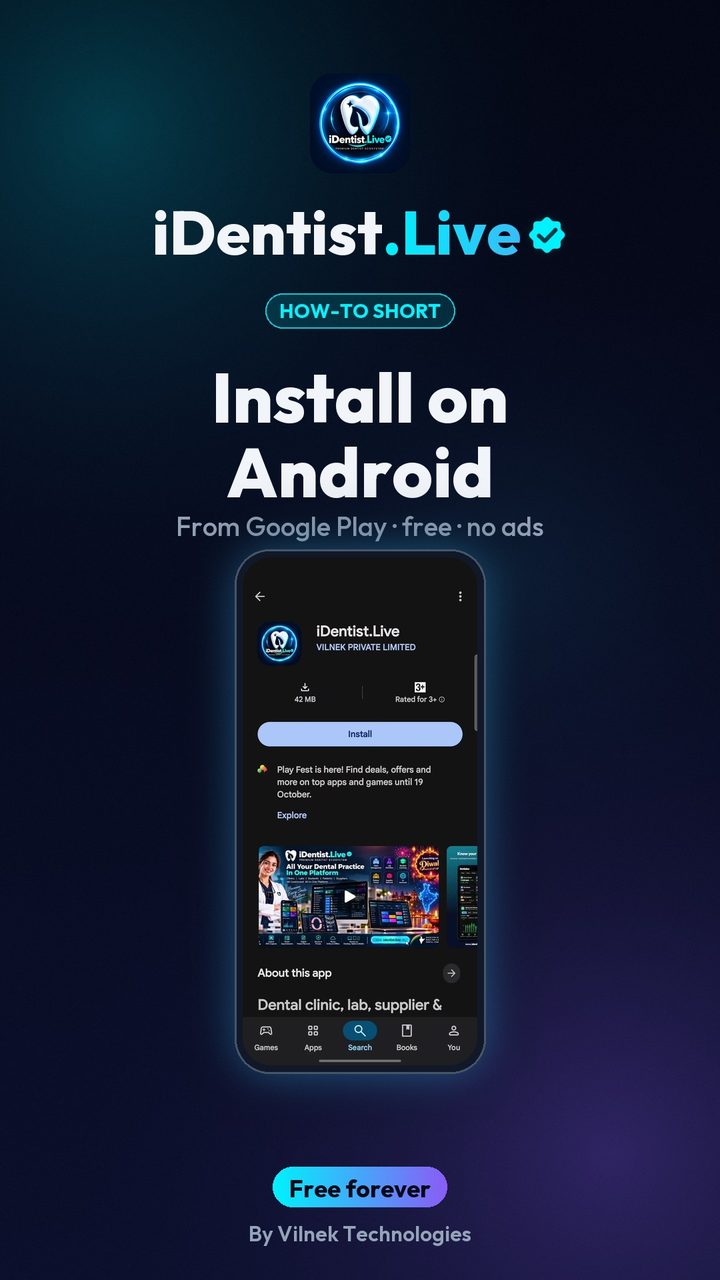 0:43Install on AndroidPhone or tablet, from Google Play▶ Video + steps
Install on WindowsMicrosoft Store or direct downloadComing soon
Install on iPhone or iPadFrom the App StoreComing soon
Install on a MacFrom the Mac App StoreComing soon
Keep it up to dateHow updates arriveComing soon
BRegister and set up
Create your account and set up your clinic, team and partners.
Register on a phoneDentist and clinic set-upComing soon
Register on a computerThe same on a big screenComing soon
Add your teamStaff and visiting doctorsComing soon
Add your dental labFind or add a lab, send a caseComing soon
Add your supplierFind or add a supplier, orderComing soon
Your patients' portalWhat patients seeComing soon
CUse every feature
One short guide for each part of the app, with real use.
 5:16The patient fileChart, plan, prescriptions, X-rays, payments▶ Video + steps
 3:47Bills, GST and UPITake payments and check every rupee▶ Video + steps
 2:41Lab worksSend a case, every stage live▶ Video + steps
 1:56Appointments and chairsBook without clashes, check in▶ Video + steps
 1:44Stock and restockingLow stock, counts, reorder▶ Video + steps
Working offlineKeep working without internetComing soon