
Stock and restocking in iDentist.Live
Know what's running low, keep your counts right in a tap, and reorder from your suppliers — free forever.
▶ Plays from YouTube when you tap it — Google's privacy terms apply.
The low-stock alert
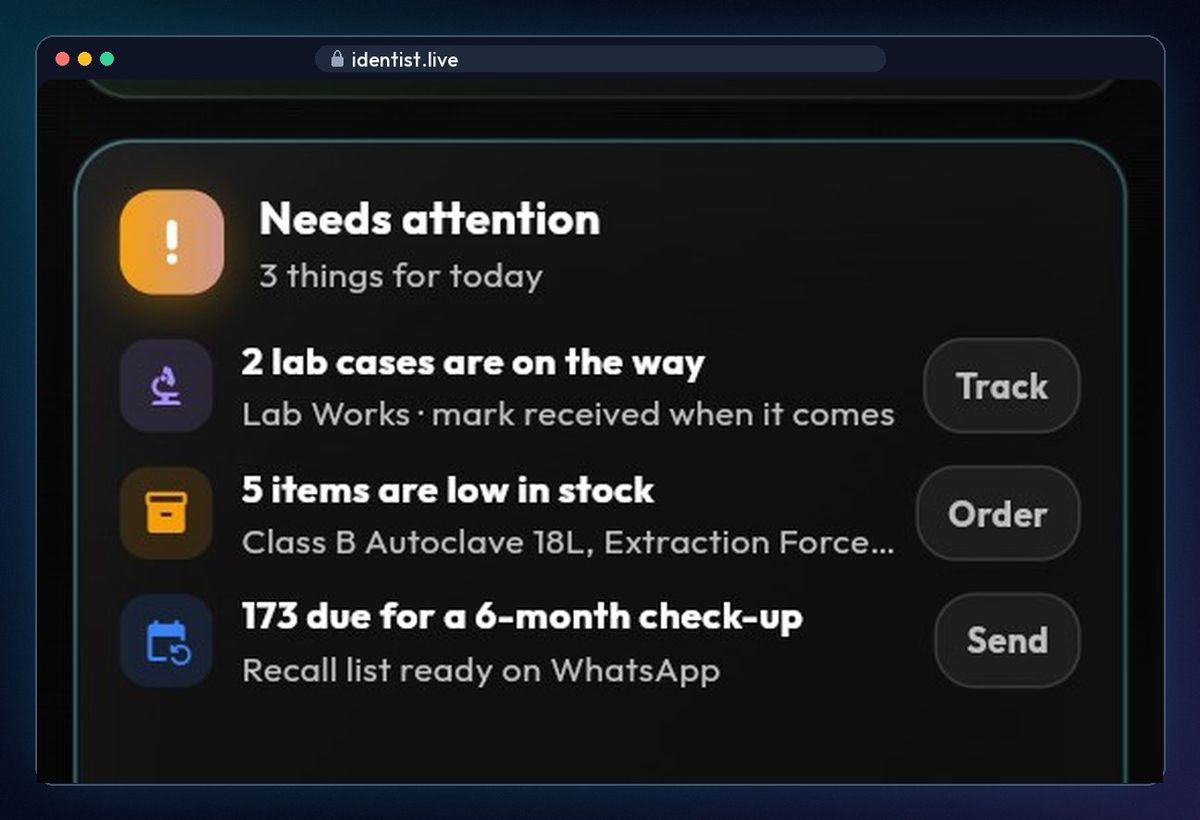
The dashboard warns you first: under Needs attention it says how many items are low in stock, and names them.
Your inventory
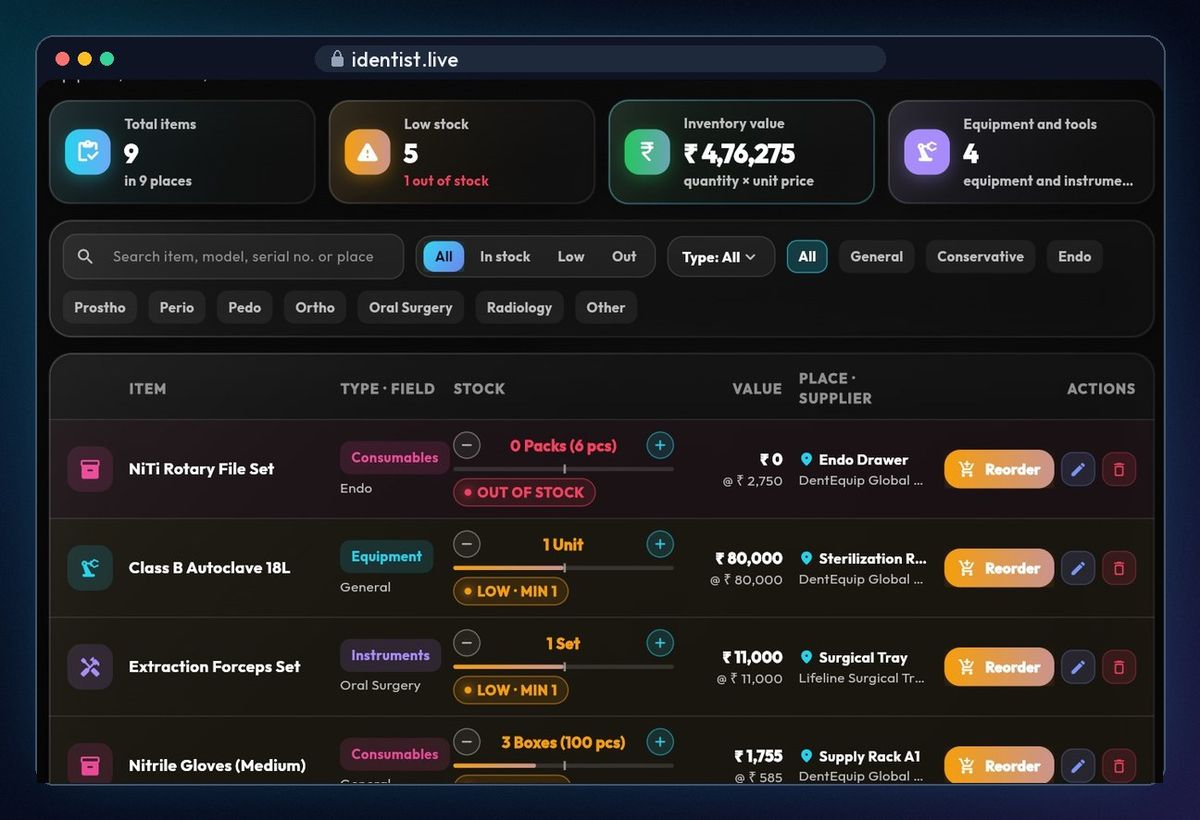
Open Stock. Equipment, instruments, consumables and materials are listed with low stock first. The cards show total items, low and out of stock, the value of everything you hold, and your equipment and tools.
Search and filter
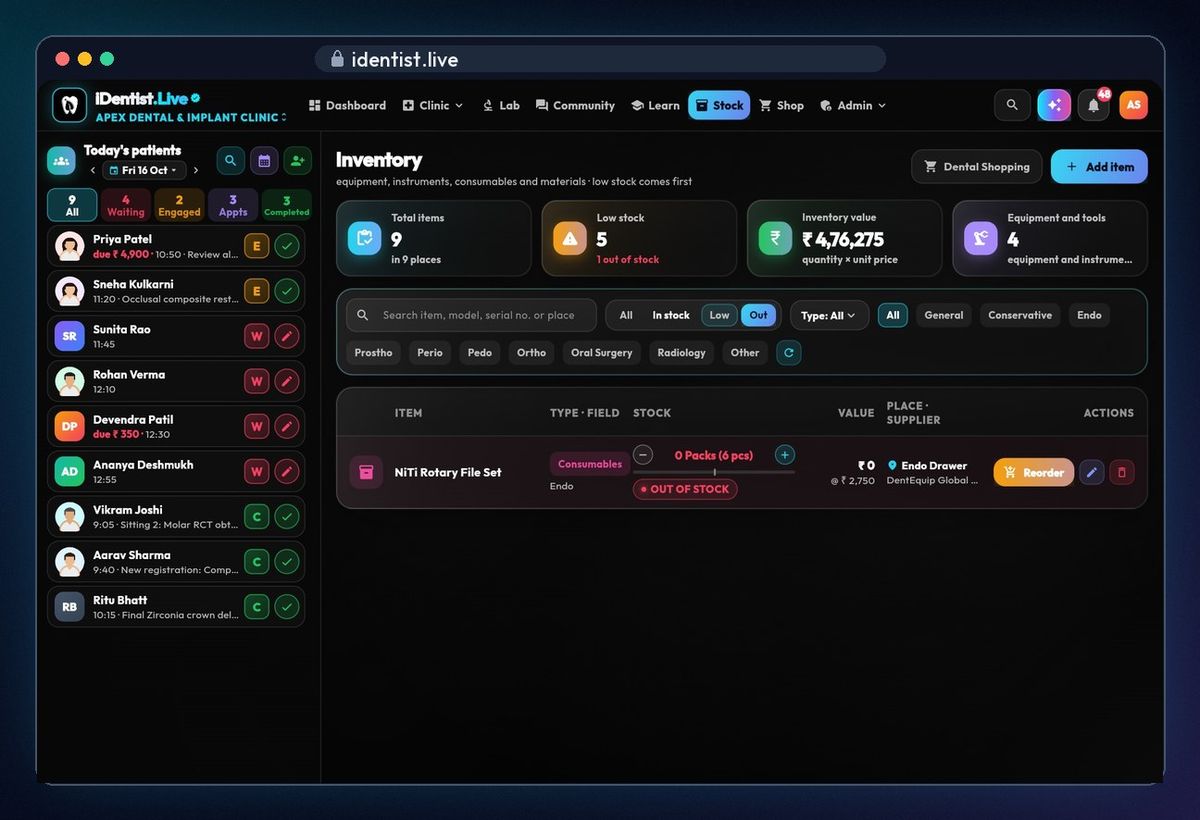
Search by name, model, serial number or place, or filter: in stock, low, out, by type, or by clinical field. Red means out of stock; amber means low.
Update counts in a tap
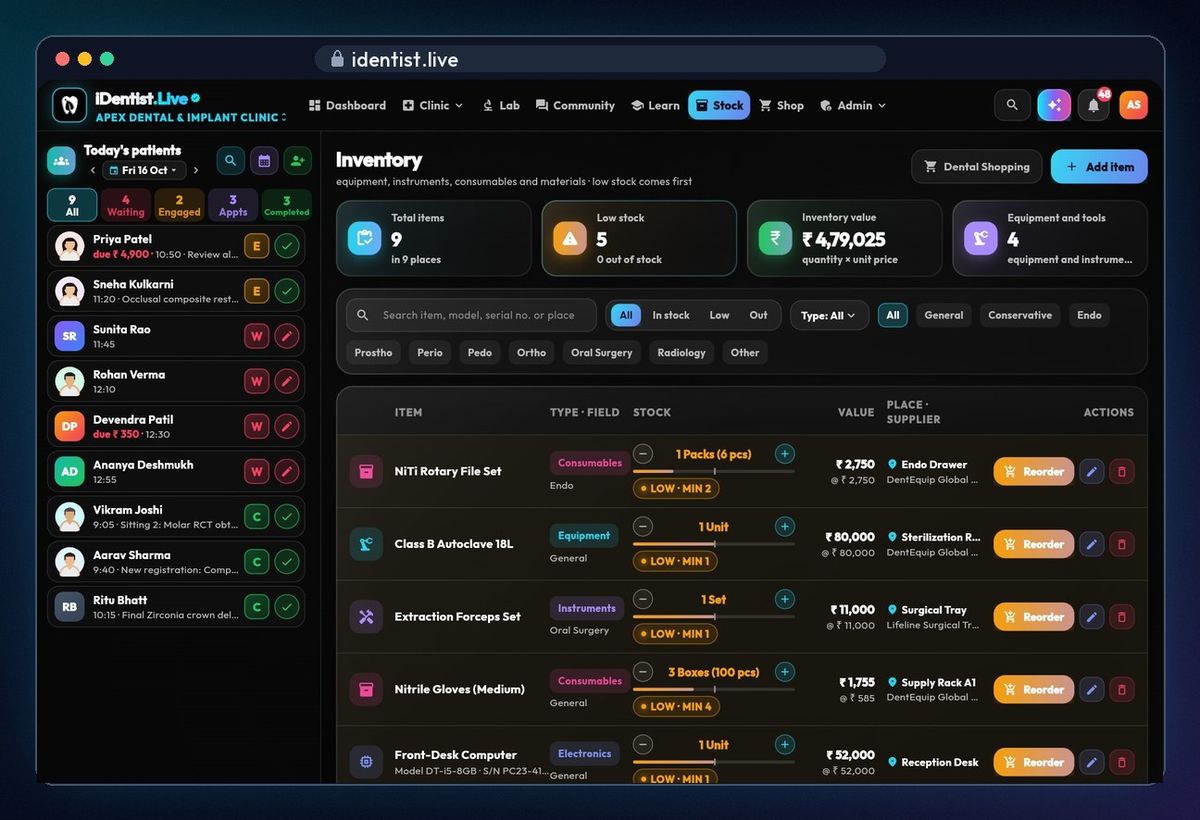
Used a pack, or got one in? Tap − or +. The stock, the value and the low-stock count change at once.
Edit any detail
Tap the pencil: name, type, field, quantity, unit, reorder level, cost, supplier, model and serial number, location, and notes such as maintenance dates or warranty.
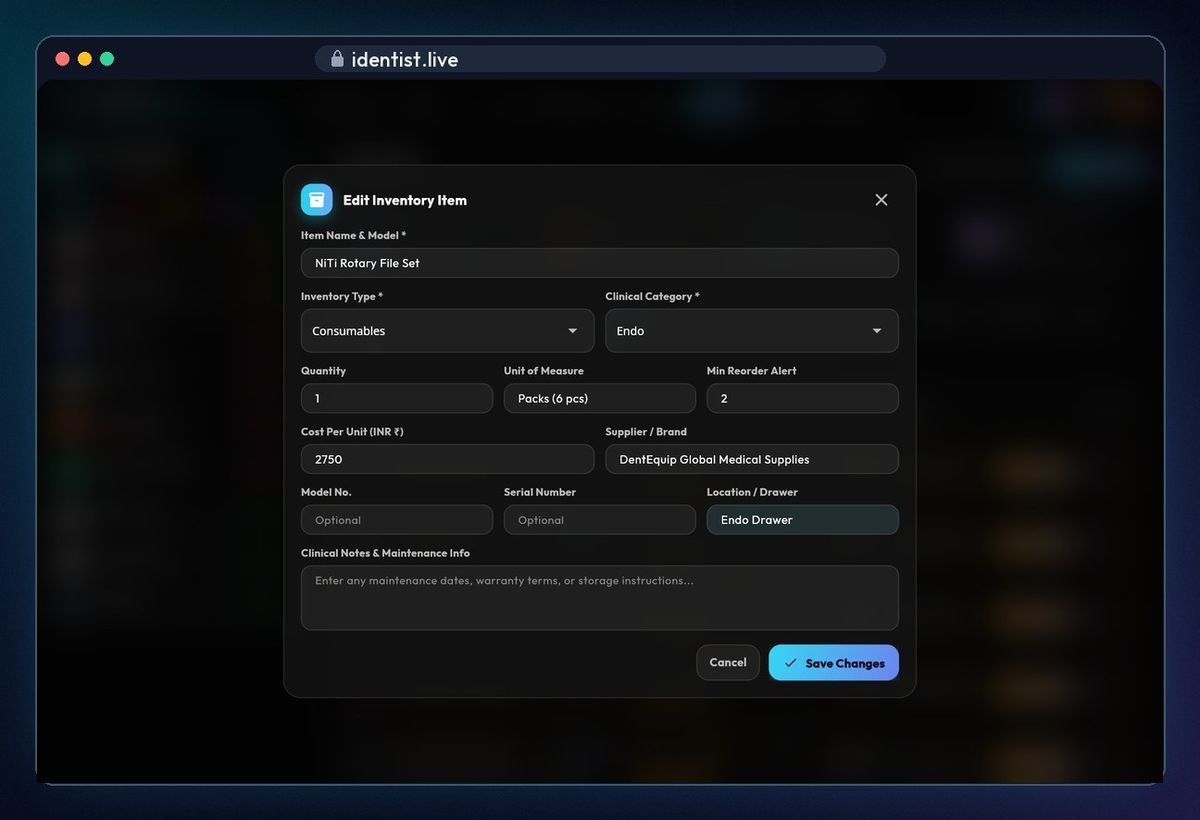
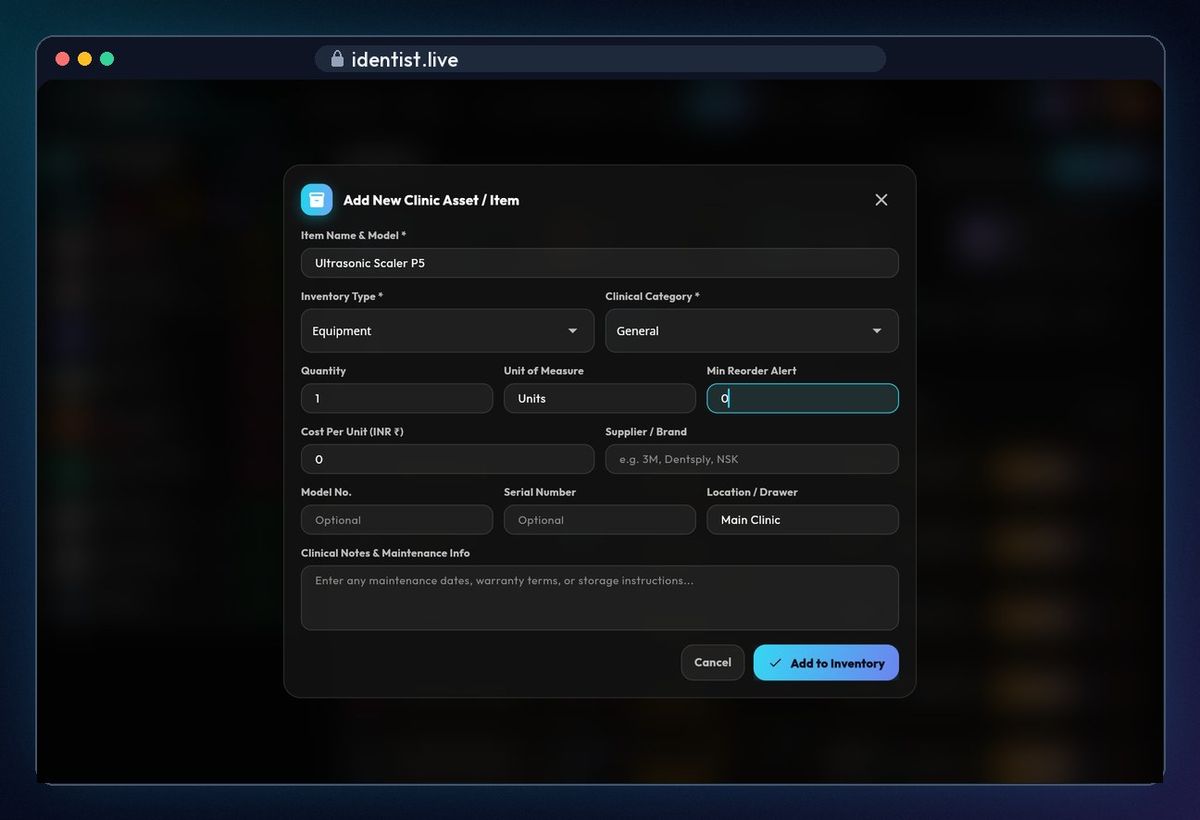
Add a new item
Tap Add item, type the name, the cost and the reorder level, and tap Add to Inventory.
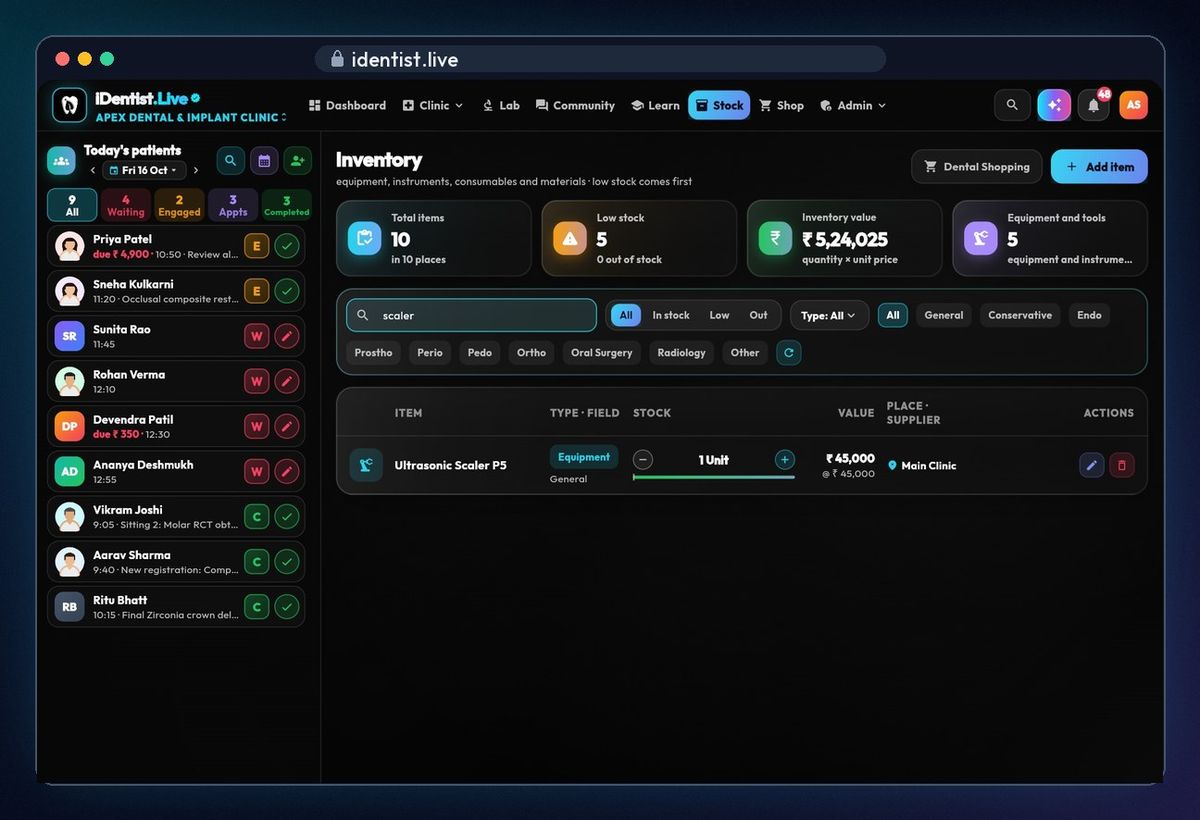
It's in the list
Search for it — it's there at once, and the totals have updated.
Reorder
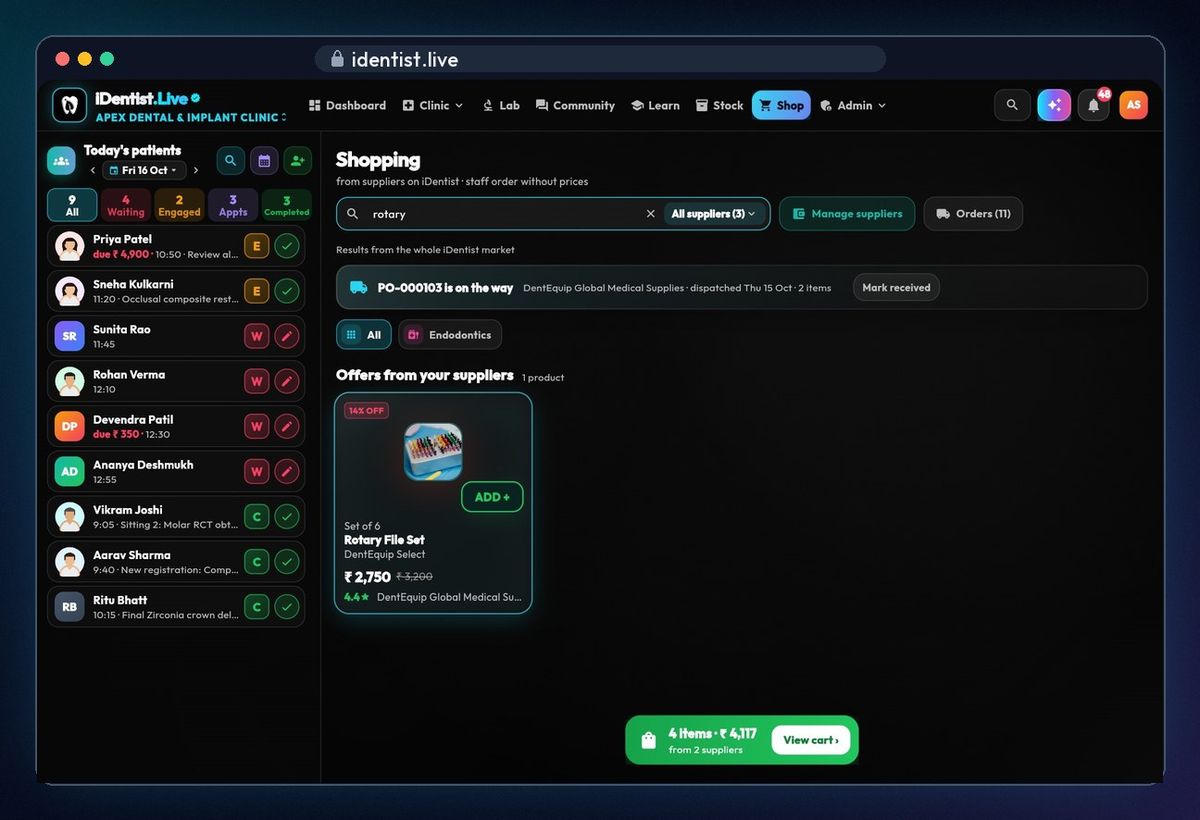
When something runs low, tap Reorder. Dental Shopping opens with offers from your suppliers.
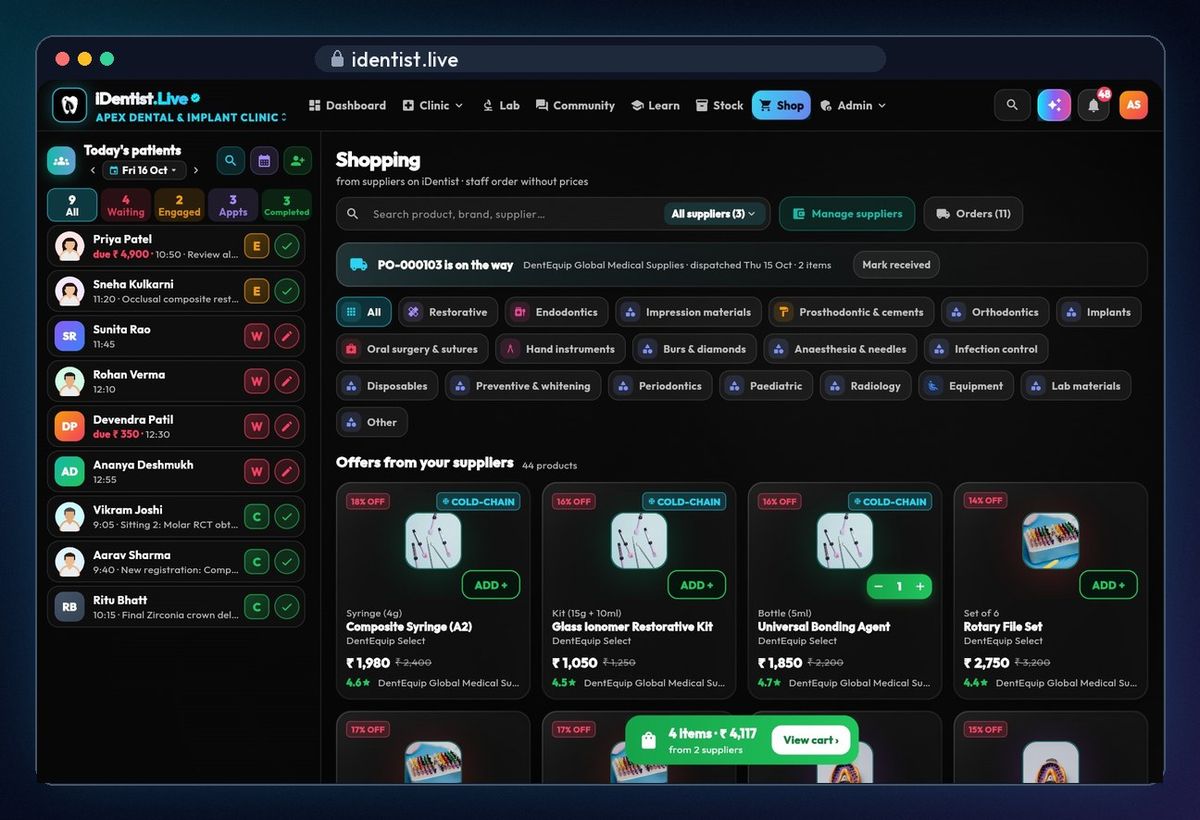
Add to cart
Search for the item and add it to your cart. Ordering, delivery and Mark received are in the Shopping guide.
If something goes wrong
- A new item shows as low straight away? Its reorder level is at or above the quantity — tap the pencil and lower the reorder level (for a single machine, 0).
- Can't find an item? Clear the search and set the filters back to All.
- Supplier not in Dental Shopping? Add them under Manage suppliers in Shopping.
Questions people ask
When does an item count as low?
When its quantity is at or below the reorder level you set for it.
Does it work without internet?
Yes. Changes are saved on your device first and sync by themselves when you're back online.
Is it free?
Yes. The main app is free, and always will be.
More how-to guides
 1:17Use it on the webAny computer, nothing to download
 0:43Install on AndroidPhone or tablet, from Google Play
 5:16The patient fileChart, plan, prescriptions, X-rays, payments
 3:47Bills, GST and UPITake payments and check every rupee
 2:41Lab worksSend a case, every stage live
 1:56Appointments and chairsBook without clashes, check in