
How to install iDentist.Live on Android
Get iDentist.Live on your Android phone or tablet from Google Play. It takes about a minute, it is free, and there are no ads.
▶ Plays from YouTube when you tap it — Google's privacy terms apply.
Open Google Play
Open the Play Store on your Android phone or tablet, and tap Search at the bottom.
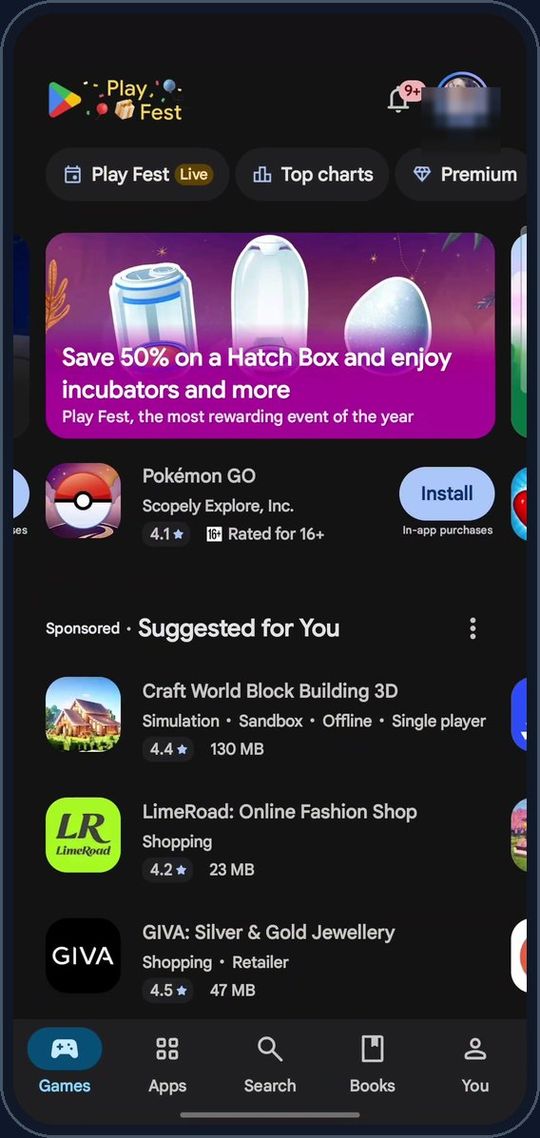
Search for iDentist.Live
Type iDentist.Live and pick it from the suggestions.
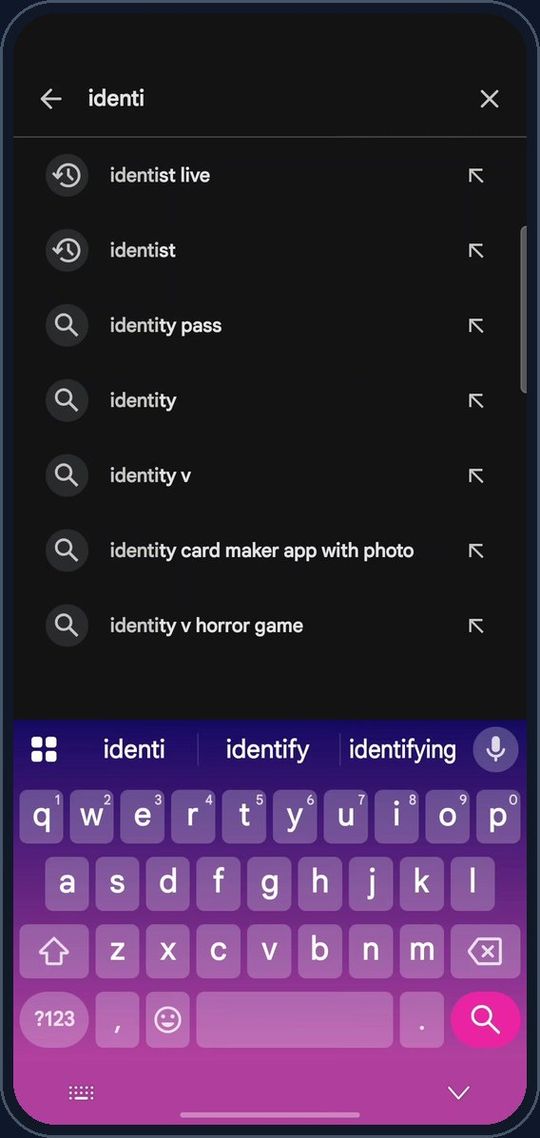
Pick iDentist.Live
Tap iDentist.Live by VILNEK PRIVATE LIMITED — the blue tooth icon.
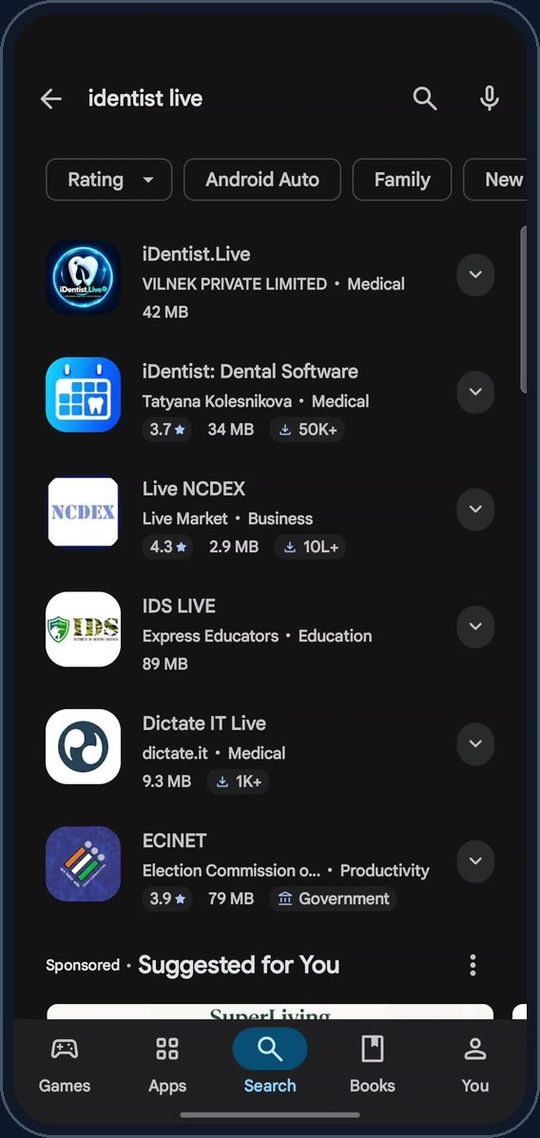
💡 Apps with similar names are not ours; look for VILNEK PRIVATE LIMITED.
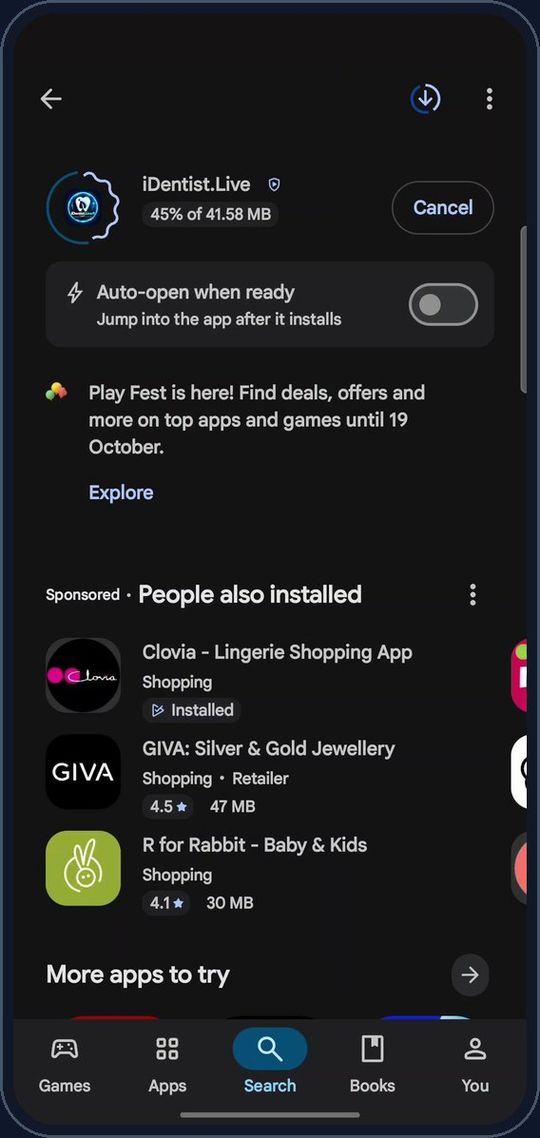
Tap Install
On the app page, tap Install. It is free, with no ads (about 42 MB).
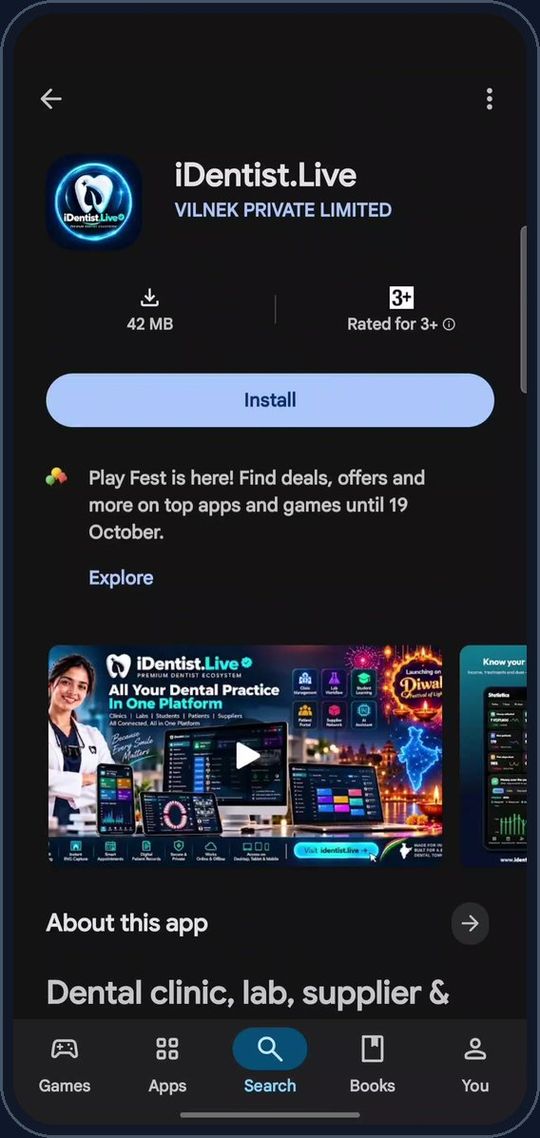
Wait a few seconds
It downloads and installs by itself. Keep Wi-Fi or mobile data on.
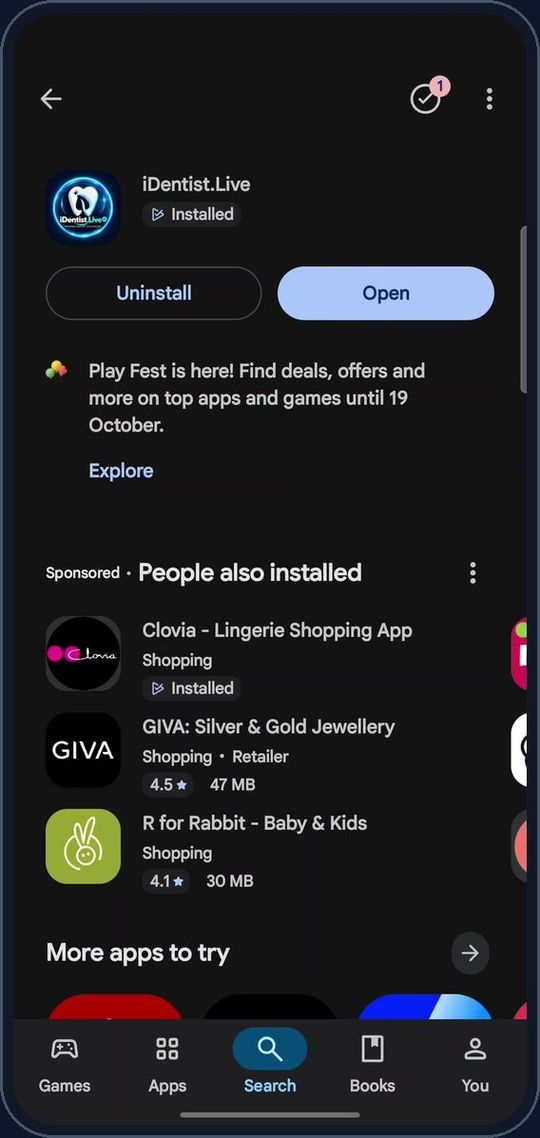
Tap Open
When it is ready, tap Open — or tap the iDentist.Live icon on your home screen. It starts in about a second.
Sign in
Sign in with your mobile number and the six-digit SMS code, or Continue with Google.
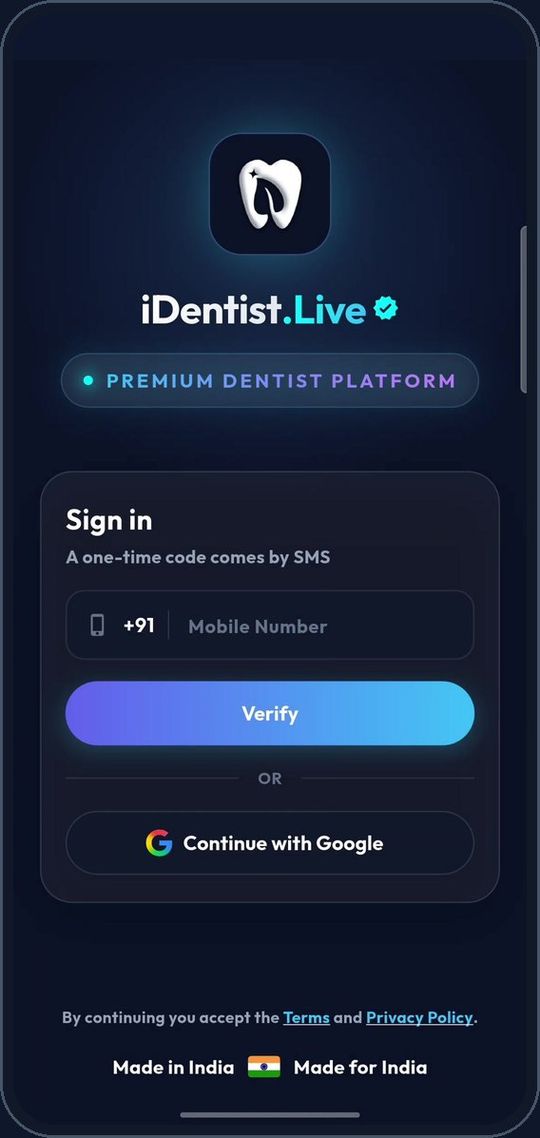
💡 New here? The same steps create your account.
If something goes wrong
- Can't find it? Search for iDentist.Live exactly, or open identist.live on the phone and tap Android.
- Install button not working? Free up some space (about 42 MB) and check that Google Play is signed in.
- Already installed? You will see Open instead of Install.
Questions people ask
Does it work on Android tablets?
Yes. Held upright it shows the phone layout, larger; turned sideways it shows the wide layout.
Is it really free?
Yes. The main app is free, and always will be, with no ads. Only the optional Go Premium (your own branded apps and website) is paid.
Can I use the same account on a computer?
Yes. Sign in with the same mobile number on the web, Windows, Mac, iPhone or iPad; your records stay in step.
More how-to guides
 1:17Use it on the webAny computer, nothing to download
 5:16The patient fileChart, plan, prescriptions, X-rays, payments
 3:47Bills, GST and UPITake payments and check every rupee
 2:41Lab worksSend a case, every stage live
 1:56Appointments and chairsBook without clashes, check in
 1:44Stock and restockingLow stock, counts, reorder