
How to use iDentist.Live on the web
Use iDentist.Live on any computer, right in your web browser. Nothing to download — and it is free forever.
▶ Plays from YouTube when you tap it — Google's privacy terms apply.
Open identist.live
Open Chrome, Edge or Safari on any computer. Type identist.live in the address bar and press Enter. The start screen opens.
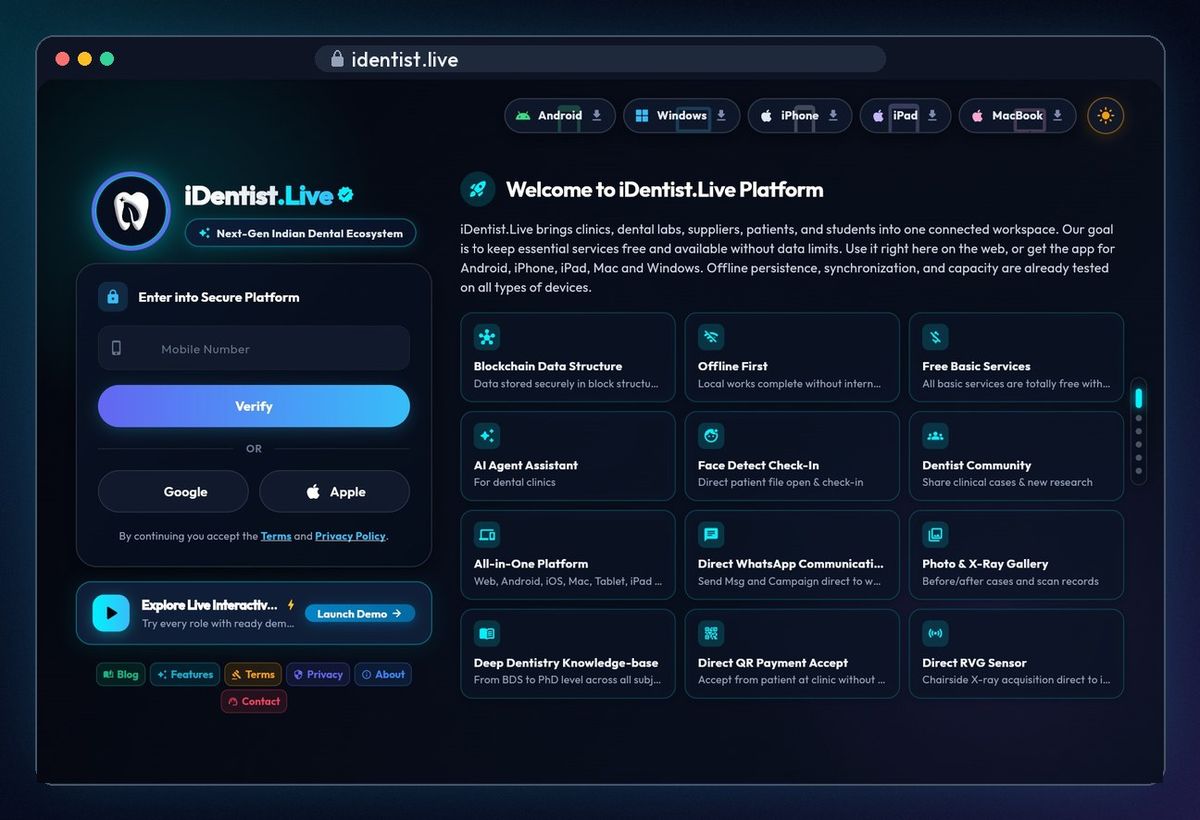
💡 At the top you can also get the app for Android, iPhone, iPad, Mac and Windows.
Sign in with your mobile number
Type your mobile number and click Verify. Enter the six-digit code that comes by SMS. You can also use Google or Apple.
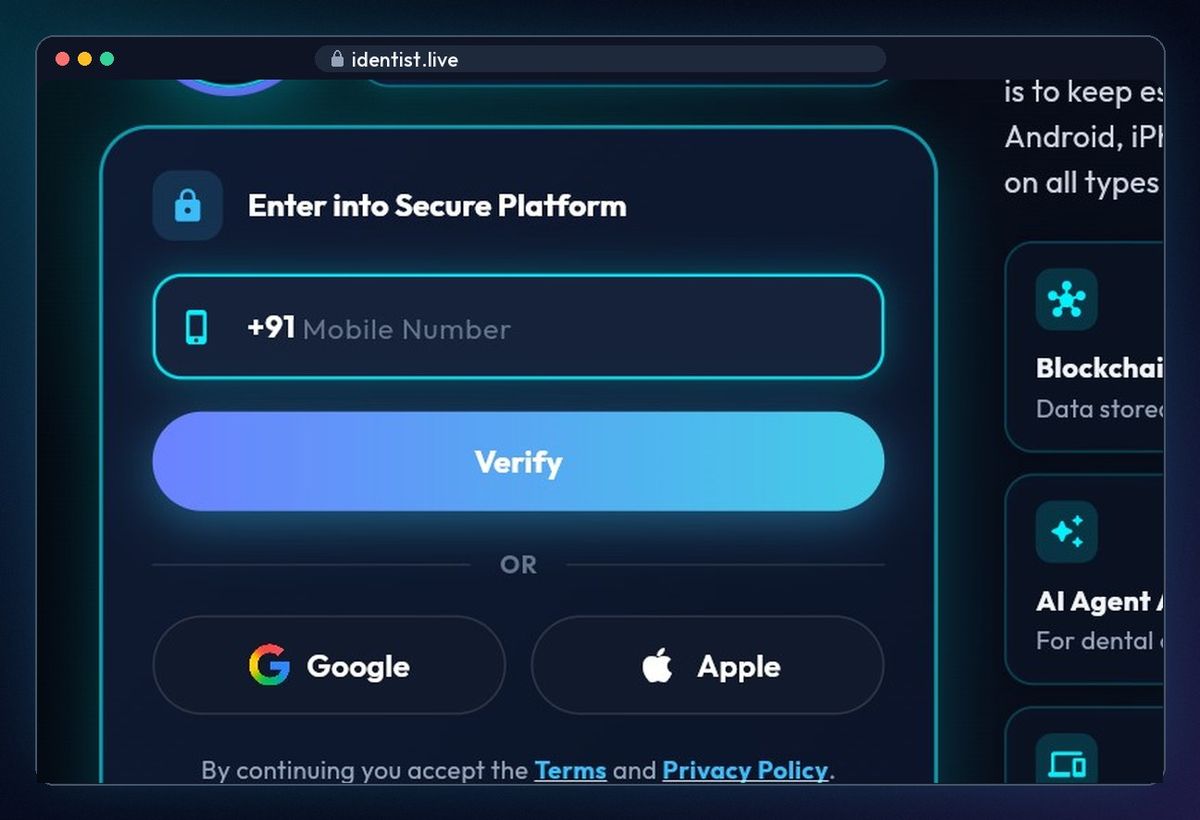
💡 New here? The same steps create your account.
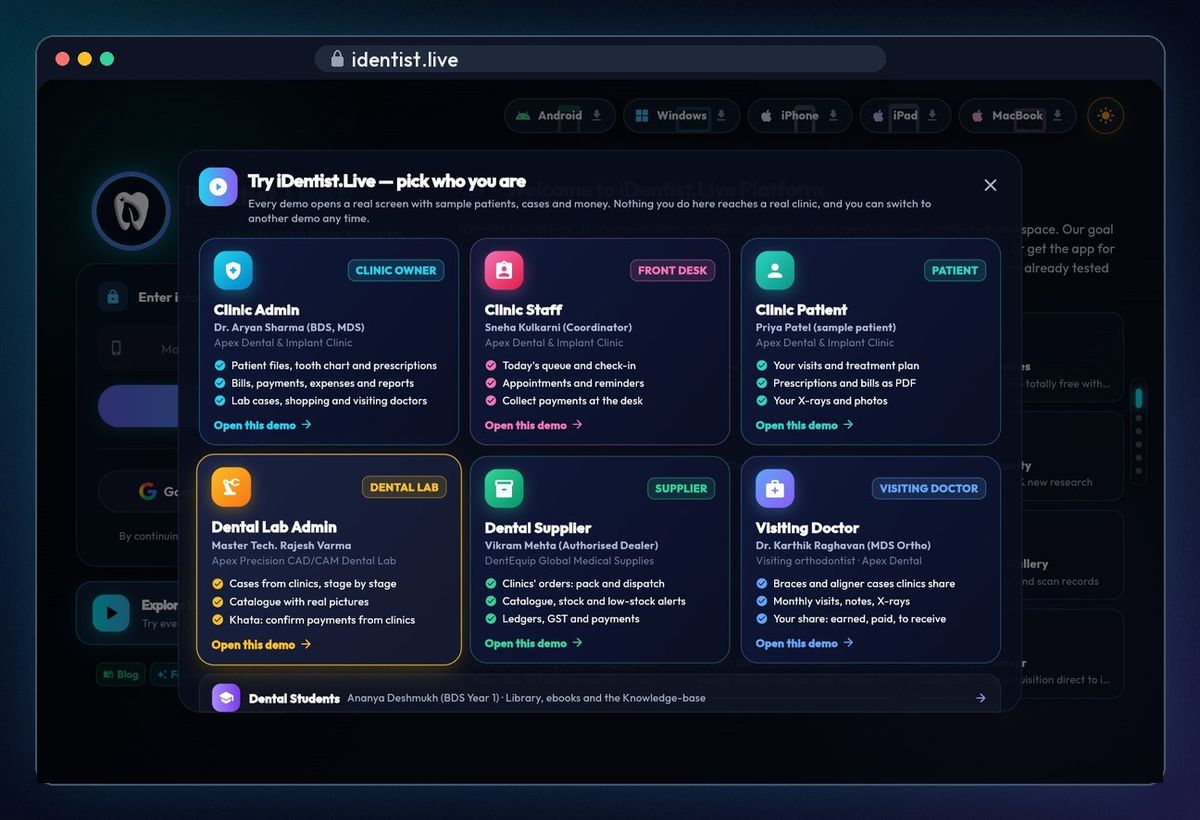
Or try the Demo first
Click Launch Demo, then pick who you are — for example Clinic Admin. No account needed, and nothing you do reaches a real clinic.
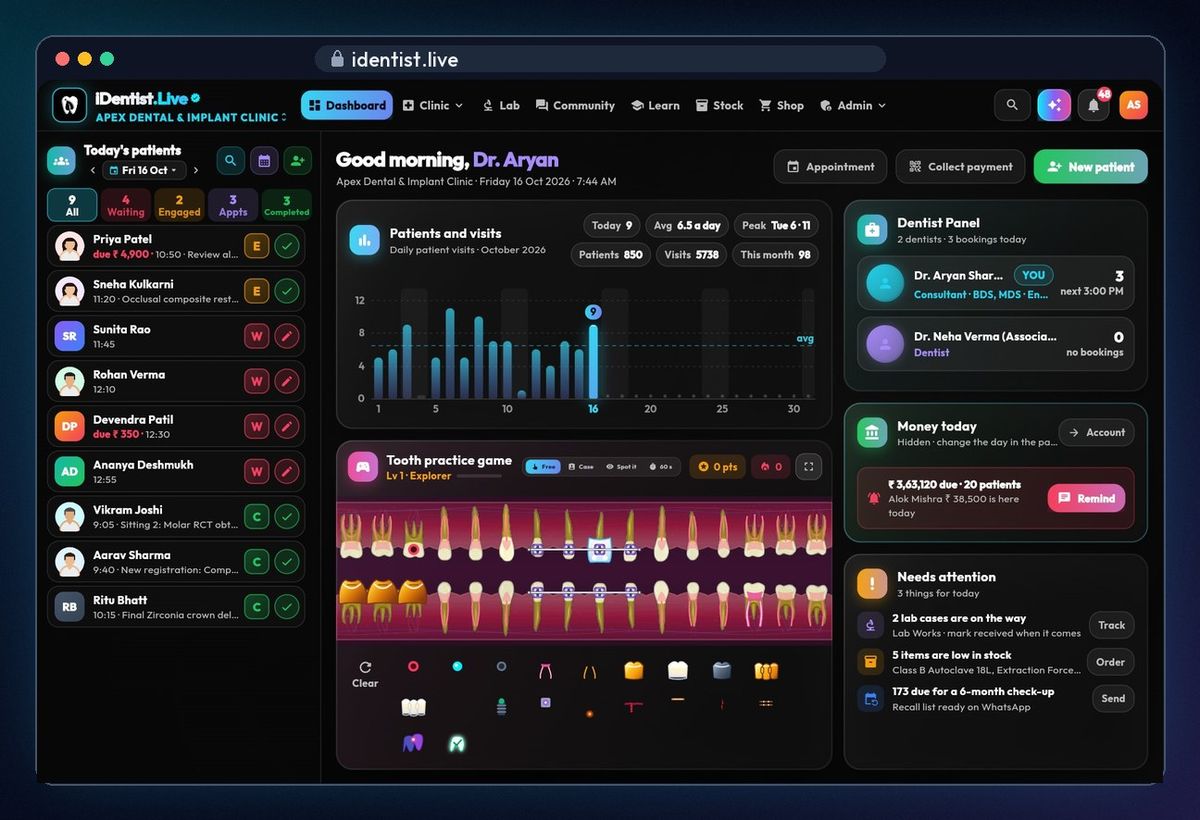
Your clinic dashboard
Today's patients are on the left, with the visits chart, today's money and what needs your attention. The menu at the top opens clinic, lab, stock, shop and admin.
💡 On a shared computer, sign out from your profile when you are done.
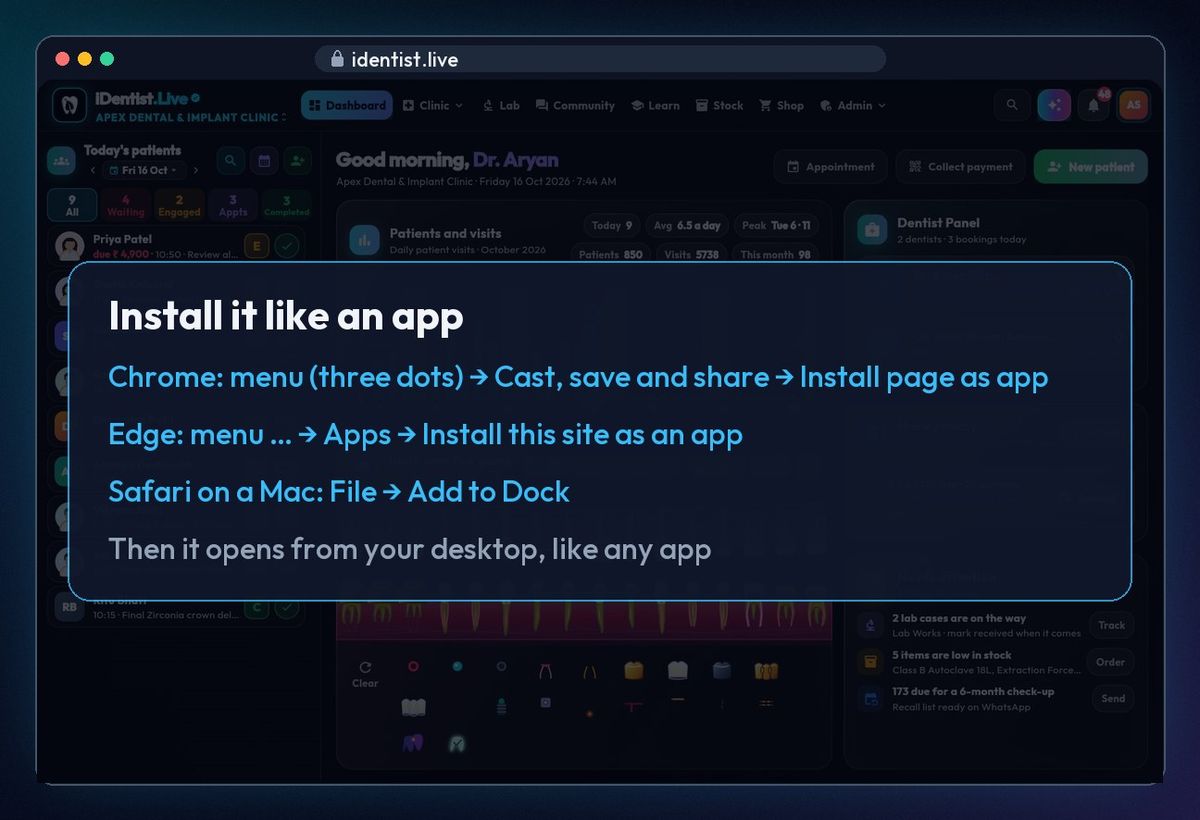
Install it like an app (optional)
Chrome: menu (three dots) → Cast, save and share → Install page as app. Edge: menu → Apps → Install this site as an app. Safari on a Mac: File → Add to Dock. It then opens from your desktop, like any app.
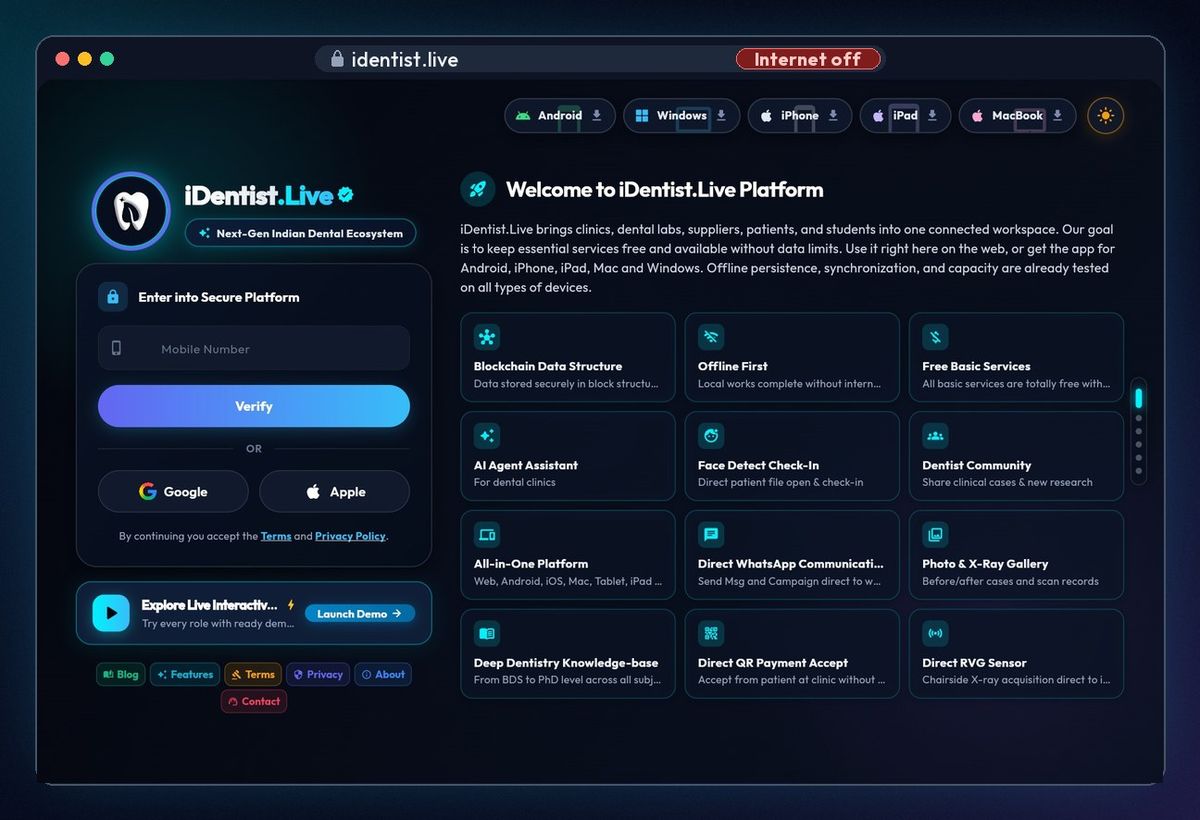
It opens even with no internet
After your first visit, iDentist.Live starts even when the internet is off. Try it: turn the Wi-Fi off and reload.
If something goes wrong
- Page not opening? The first visit needs the internet. Check the Wi-Fi, then reload.
- SMS code not coming? Check the number, wait a minute, then ask for a new code — or use Google or Apple.
- Old screens after an update? Close the tab and open identist.live again.
Questions people ask
Do I have to download anything?
No. It works in the browser. The apps for phones and computers are optional.
Is it really free?
Yes. The main app is free, and always will be. Only the optional Go Premium (your own branded apps and website) is paid.
Can I use the same account on my phone?
Yes. Sign in with the same mobile number on any device; your records stay in step.
More how-to guides
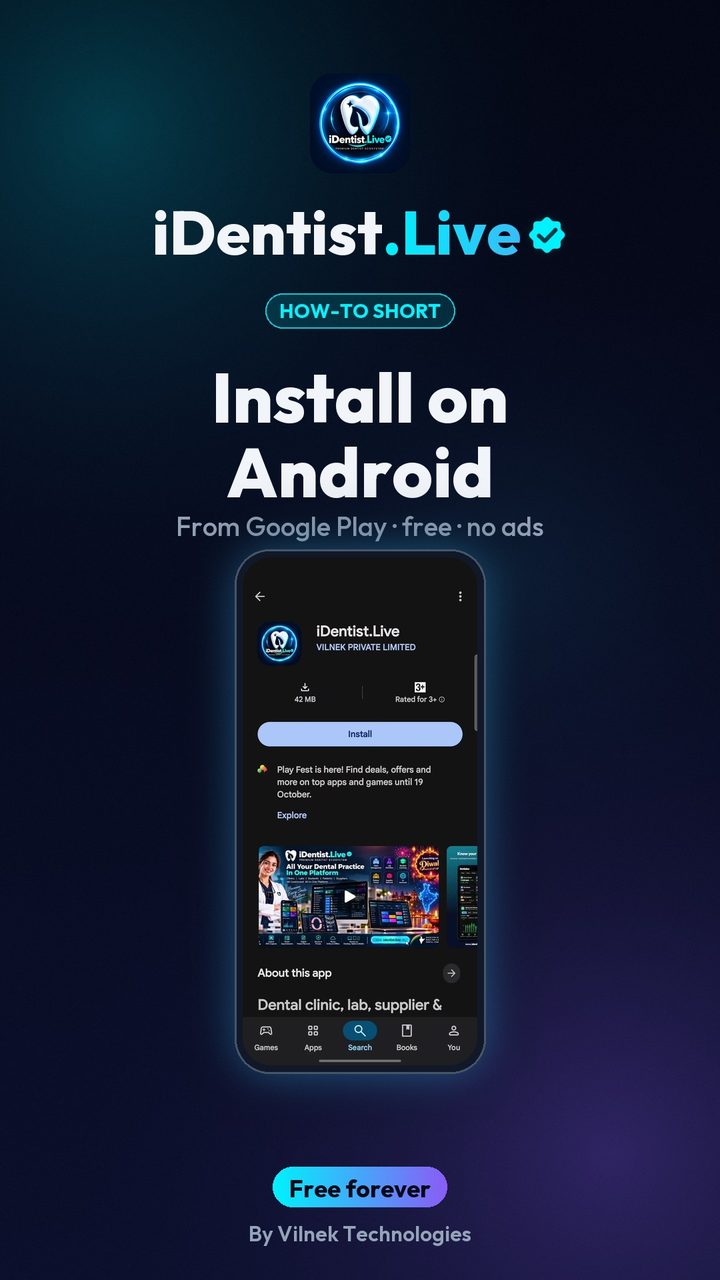 0:43Install on AndroidPhone or tablet, from Google Play
 5:16The patient fileChart, plan, prescriptions, X-rays, payments
 3:47Bills, GST and UPITake payments and check every rupee
 2:41Lab worksSend a case, every stage live
 1:56Appointments and chairsBook without clashes, check in
 1:44Stock and restockingLow stock, counts, reorder