
Your clinic page and patient reviews in iDentist.Live
Your clinic's own page — hours, services, photos and patient reviews — and you decide which reviews show and what patients see. Free forever.
▶ Plays from YouTube when you tap it — Google's privacy terms apply.
Open your page
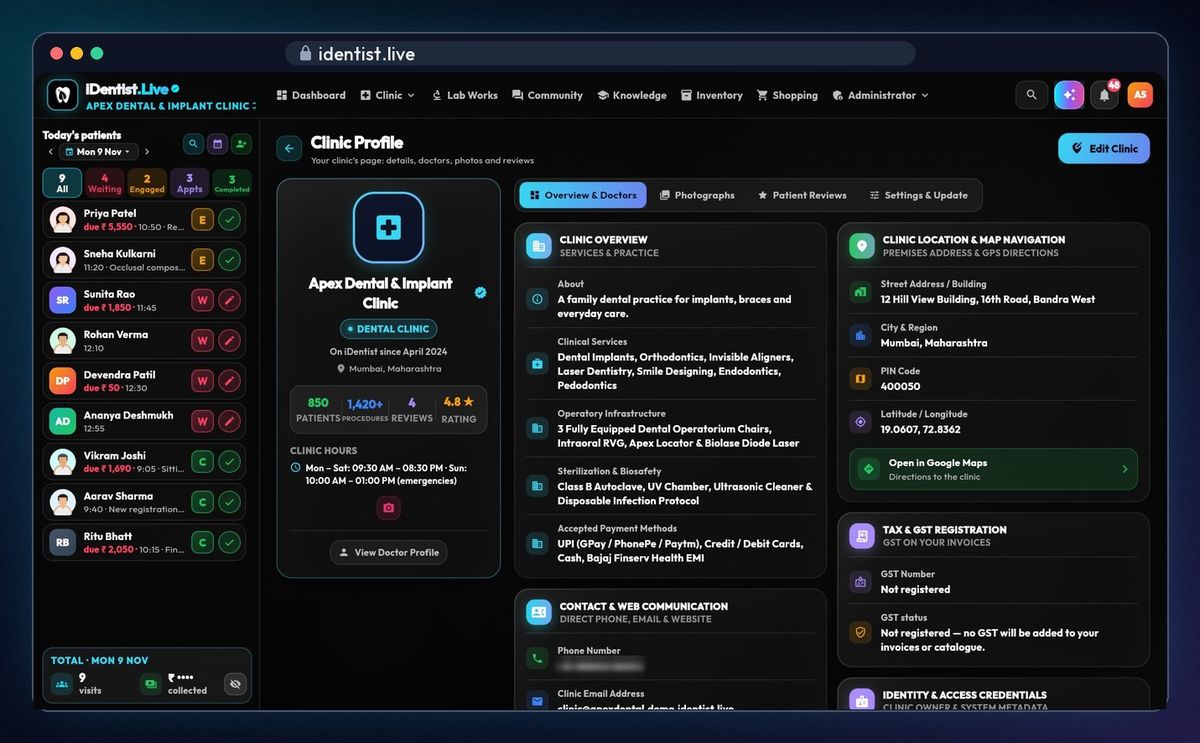
Tap your profile at the top right, then Attached Clinic and View Clinic Profile: patients, procedures, rating, hours, services, equipment, sterilisation, payments and your location on Google Maps.
Photos
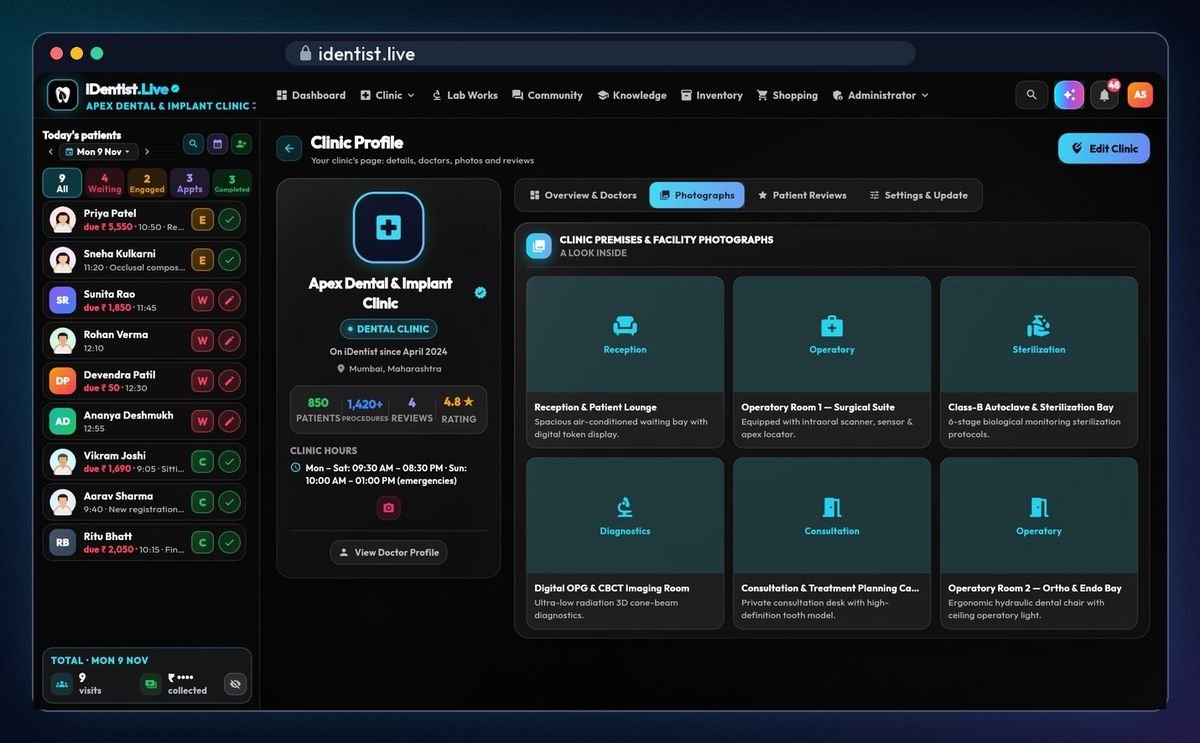
Photographs: your reception, operatories, sterilisation and imaging.
Reviews
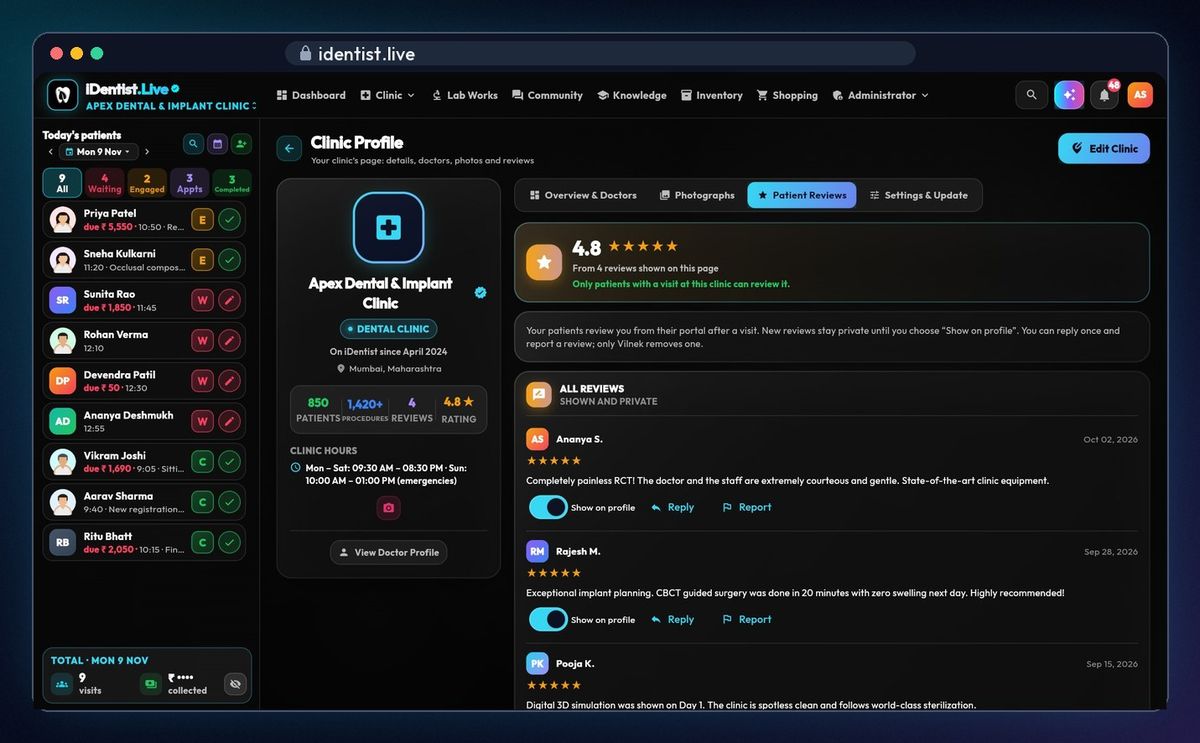
Only patients who had a visit at your clinic can review it. A new review stays private until you choose Show on profile. Reply once, or report a review; only Vilnek removes one.
Who sees what
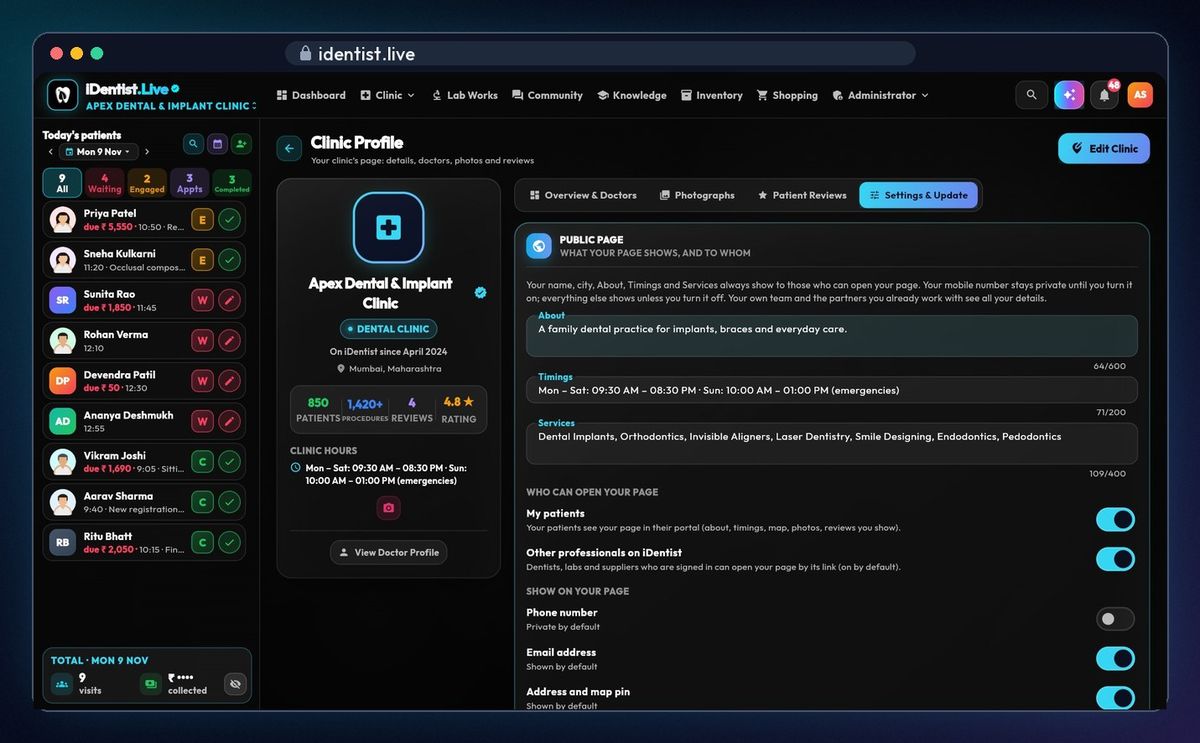
Settings & Update: who can open your page, and what shows on it — phone, email, address and map pin, website, social links — each with its own switch. Edit Clinic changes your details.
If something goes wrong
- A review is missing from your page? New reviews stay private until you tap Show on profile.
- Want to remove a review? Report it; only Vilnek removes reviews.
Questions people ask
Who can review my clinic?
Only patients who had a visit at your clinic, from their own portal.
Is it free?
Yes. The main app is free, and always will be.
More how-to guides
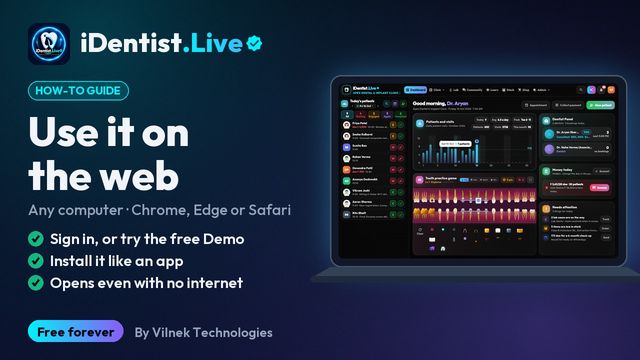 1:17Use it on the webAny computer, nothing to download
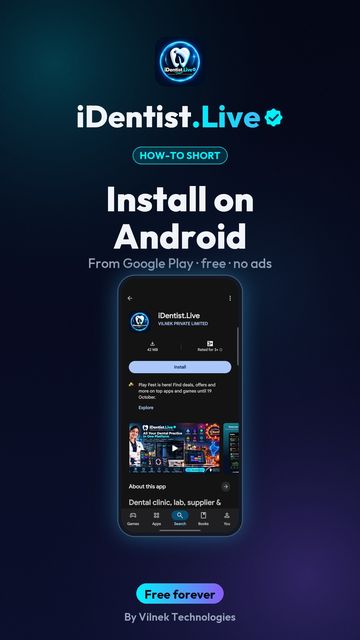 0:43Install on AndroidPhone or tablet, from Google Play
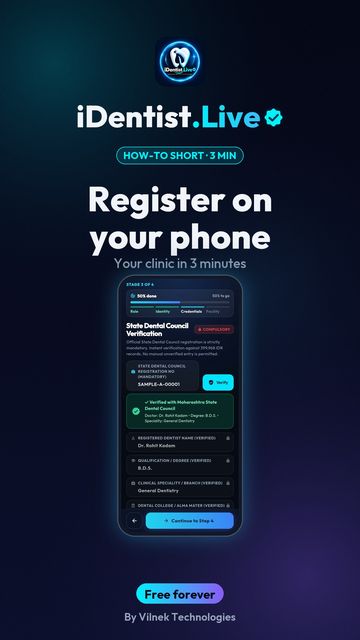 1:30Register on a phoneDentist and clinic set-up
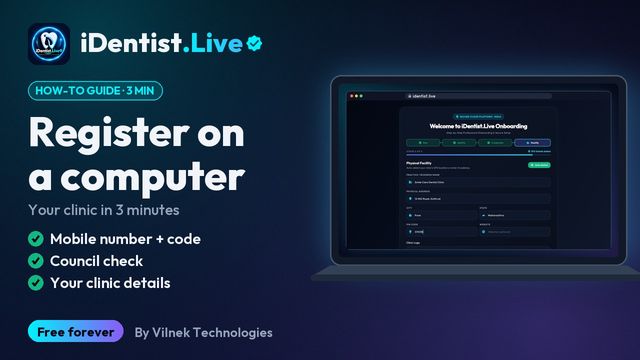 1:35Register on a computerThe same on a big screen
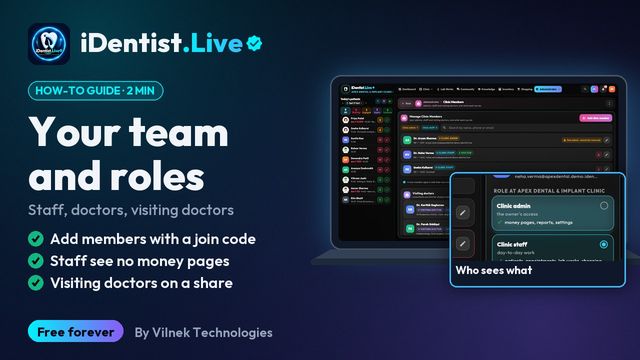 1:45Your team and rolesStaff, doctors, visiting doctors
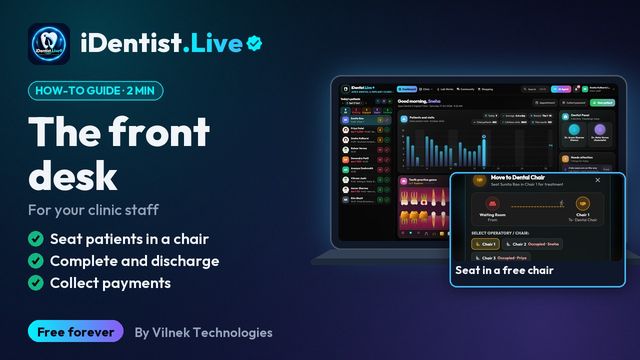 1:19The front deskFor your clinic staff
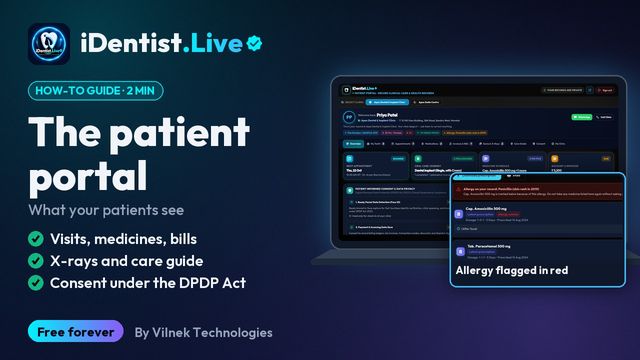 1:22The patient portalWhat your patients see
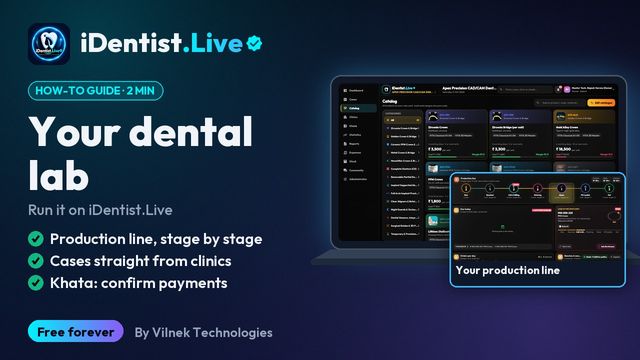 1:22For dental labsProduction line, cases, khata
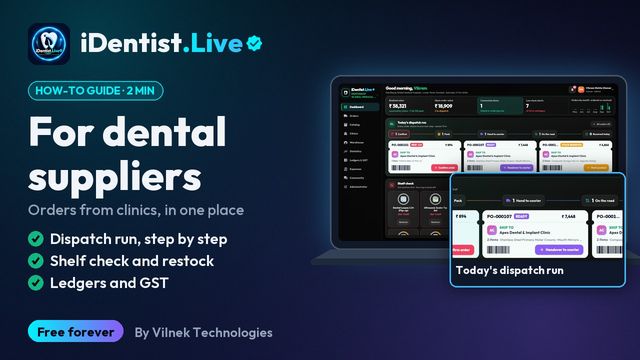 1:25For dental suppliersDispatch, stock, ledgers
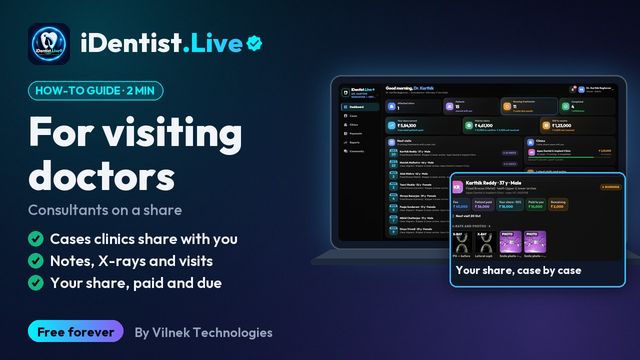 1:15For visiting doctorsShared cases and your share
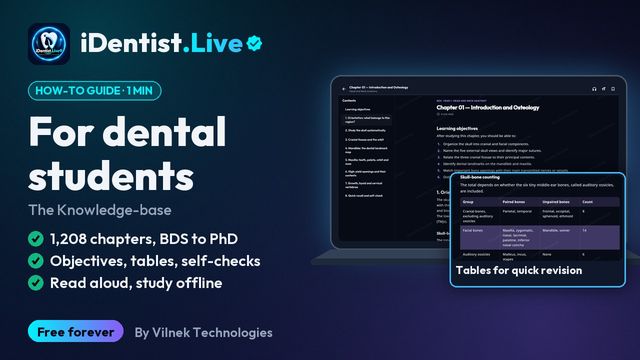 1:12For dental students1,208 chapters, BDS to PhD
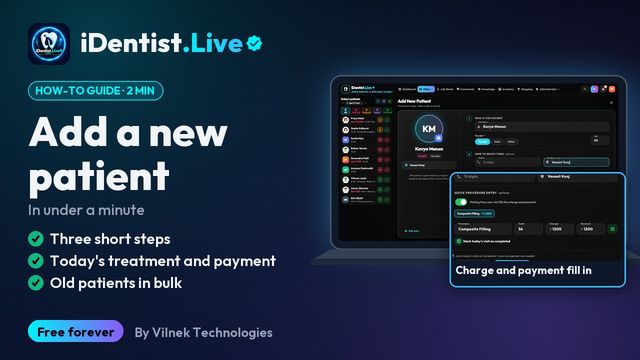 1:36Add a new patientUnder a minute, or in bulk
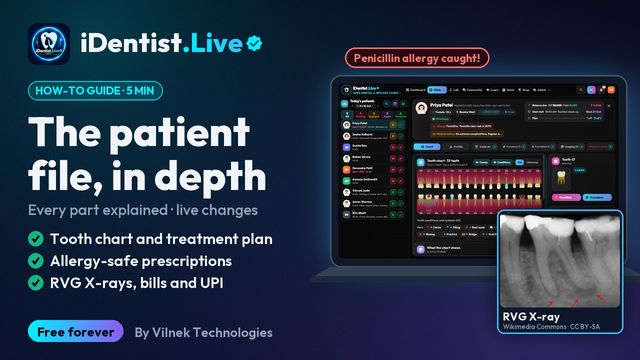 5:16The patient fileChart, plan, prescriptions, X-rays, payments
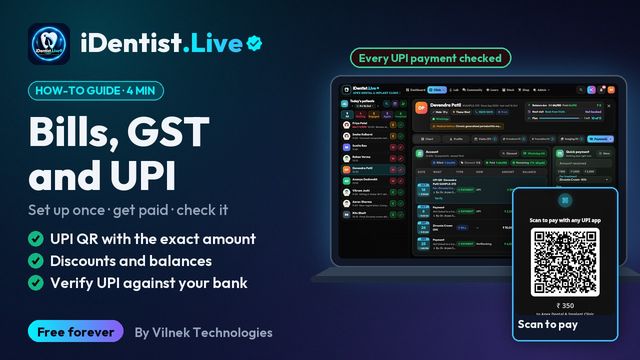 3:47Bills, GST and UPITake payments and check every rupee
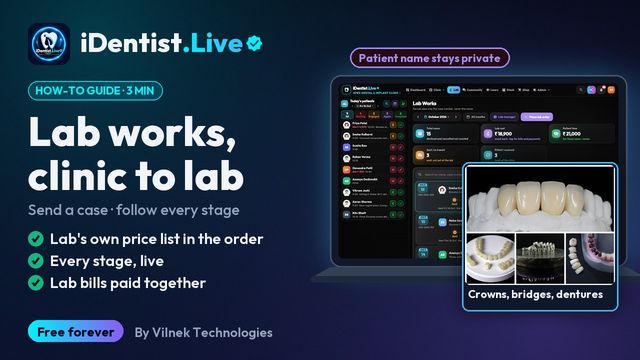 2:41Lab worksSend a case, every stage live
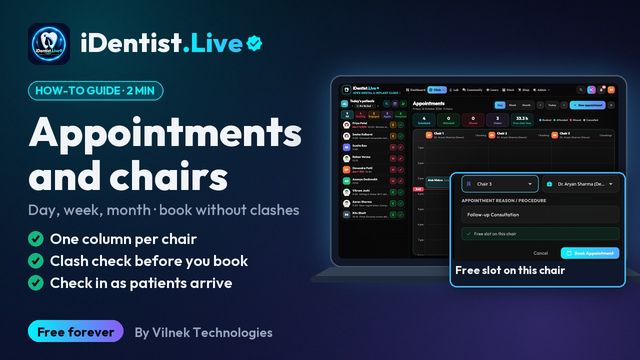 1:56Appointments and chairsBook without clashes, check in
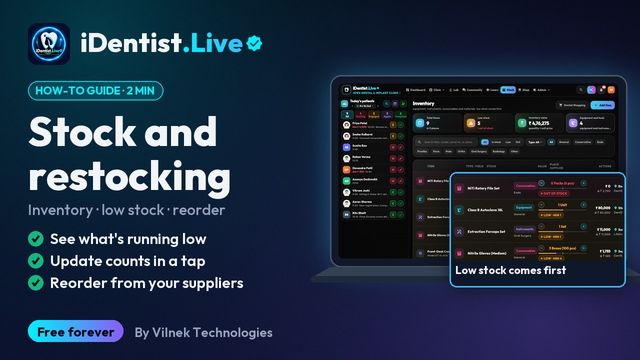 1:44Stock and restockingLow stock, counts, reorder
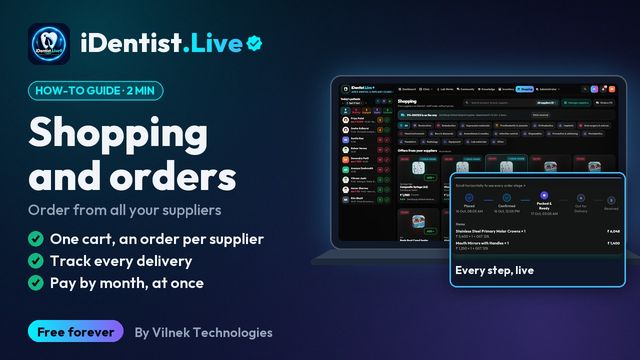 1:51Shopping and ordersOne cart, track, pay suppliers
 1:34Expenses and accountsEvery rupee in and out
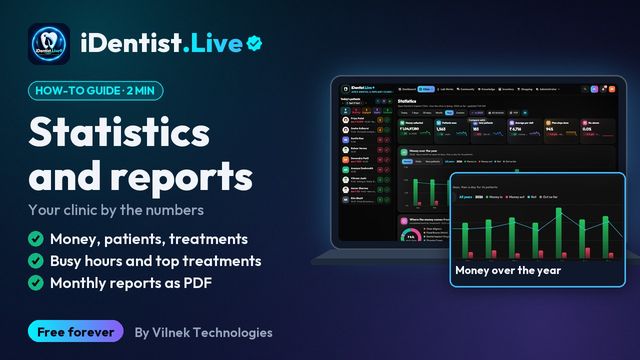 1:59Statistics and reportsYour clinic by the numbers
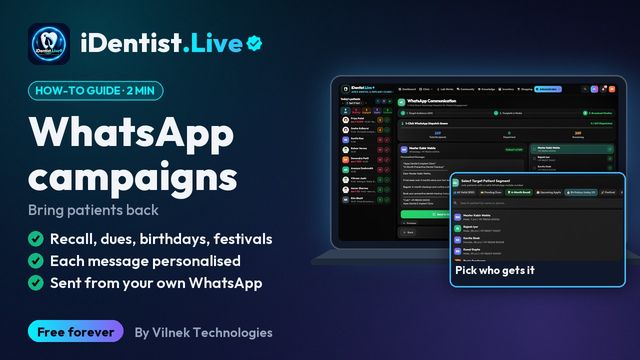 1:30WhatsApp campaignsDues, recall and wishes
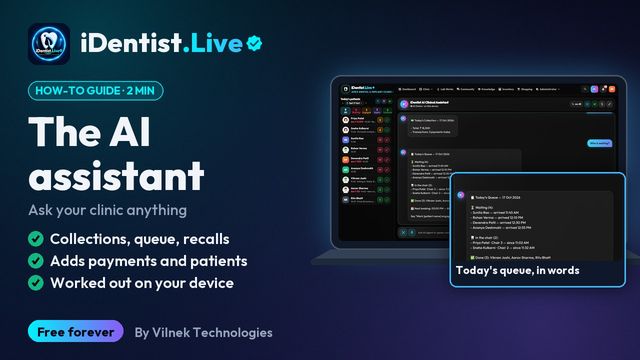 1:24The AI assistantAsk your clinic anything
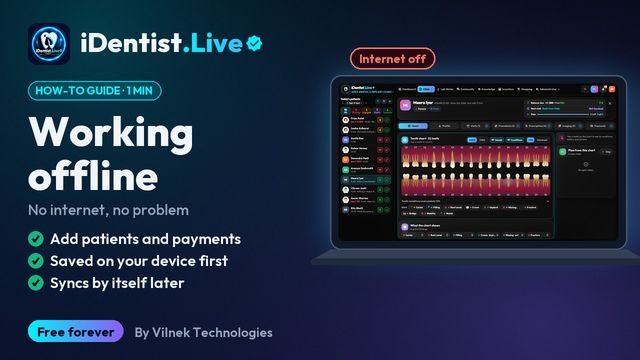 1:10Working offlineKeep working, syncs by itself
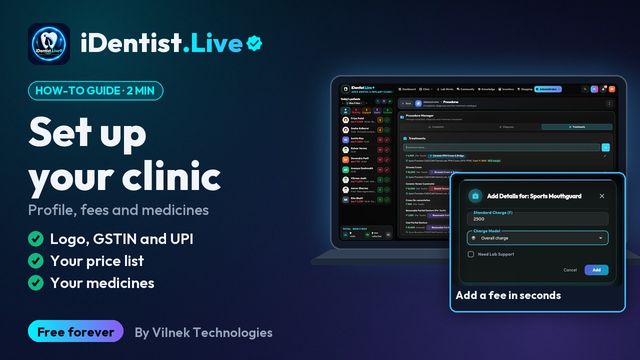 1:18Set up your clinicProfile, fees and medicines
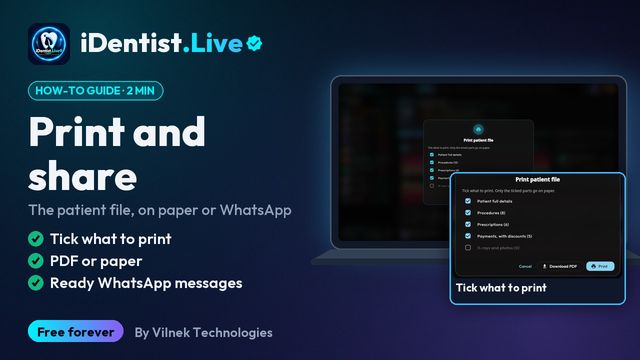 1:09Print and shareThe patient file, on paper or WhatsApp
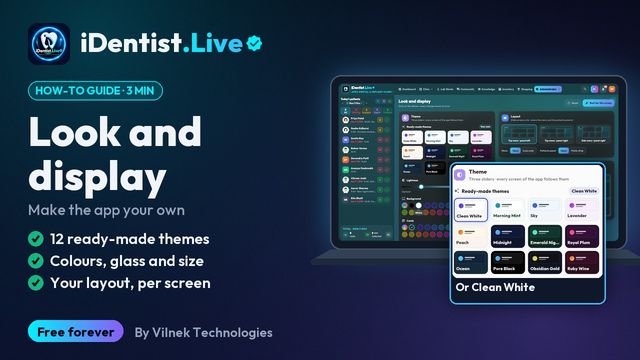 2:57Look and displayThemes, colours, glass, layout and size
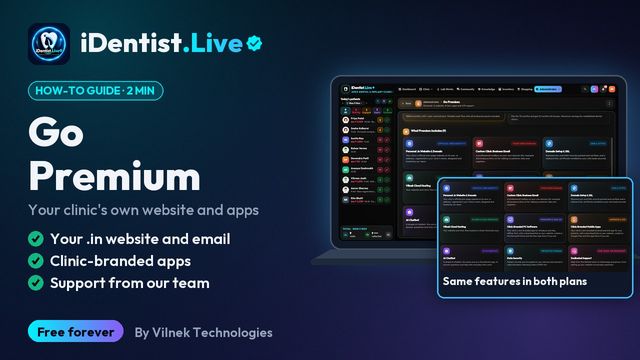 1:12Go PremiumYour own website, apps and support