
Register your dental clinic on a computer — iDentist.Live
Sign in with your mobile number, pass the Dental Council check and set up your clinic in about three minutes — free forever.
▶ Plays from YouTube when you tap it — Google's privacy terms apply.
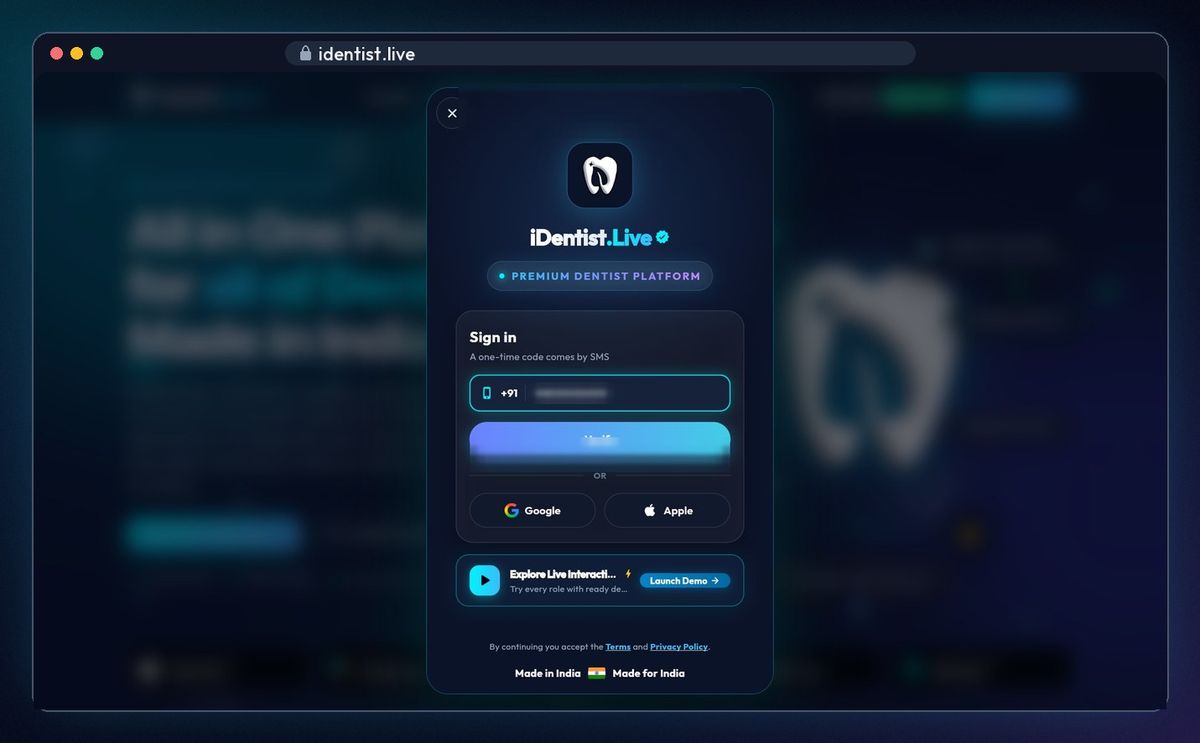
Sign in with your mobile
Open identist.live and click Start free on the web. Sign-in opens on the home page: type your mobile number and click Verify.
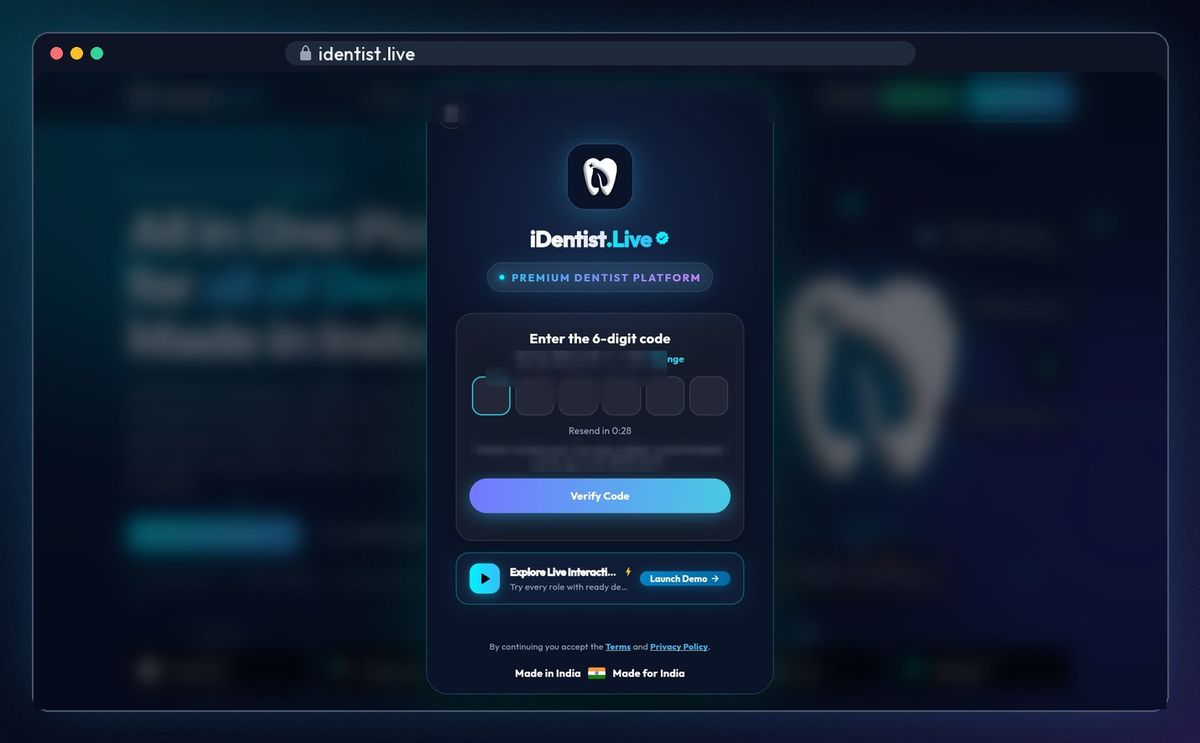
Type the code
A six-digit code comes by SMS. Type it; on a phone it often fills in by itself.
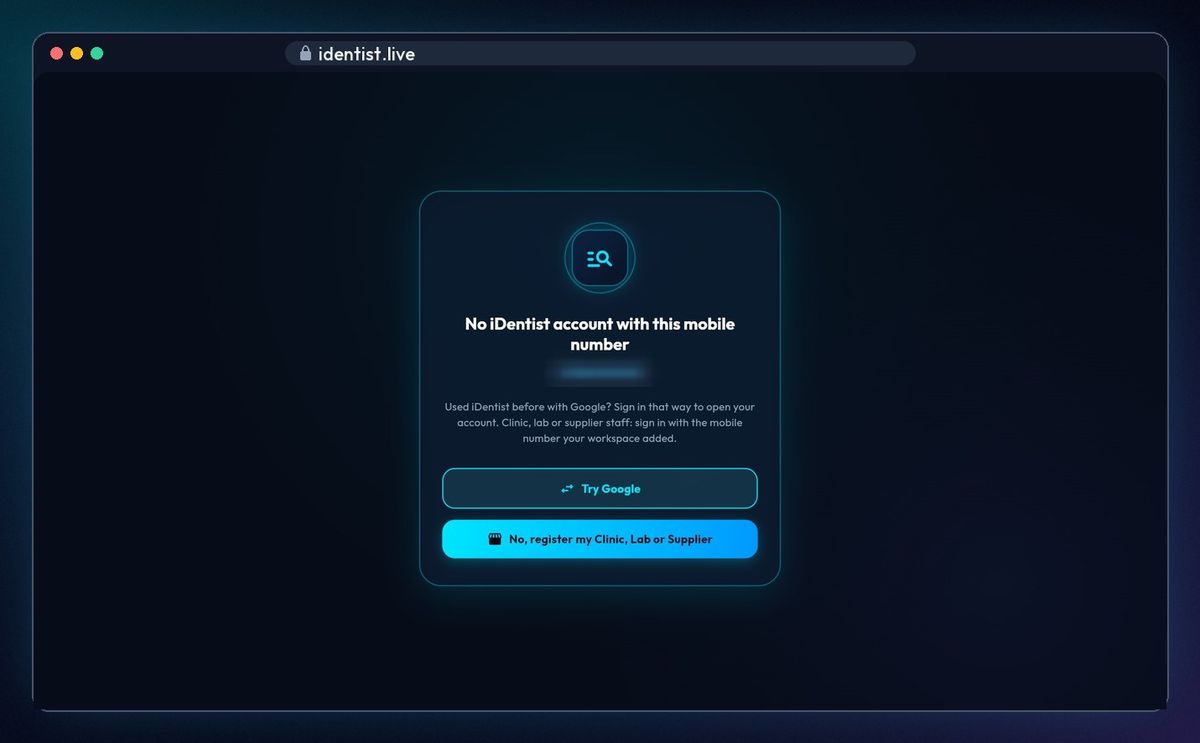
Choose to register
A new number has no account yet. Click No, register my Clinic, Lab or Supplier. Used Google before? Click Try Google instead.
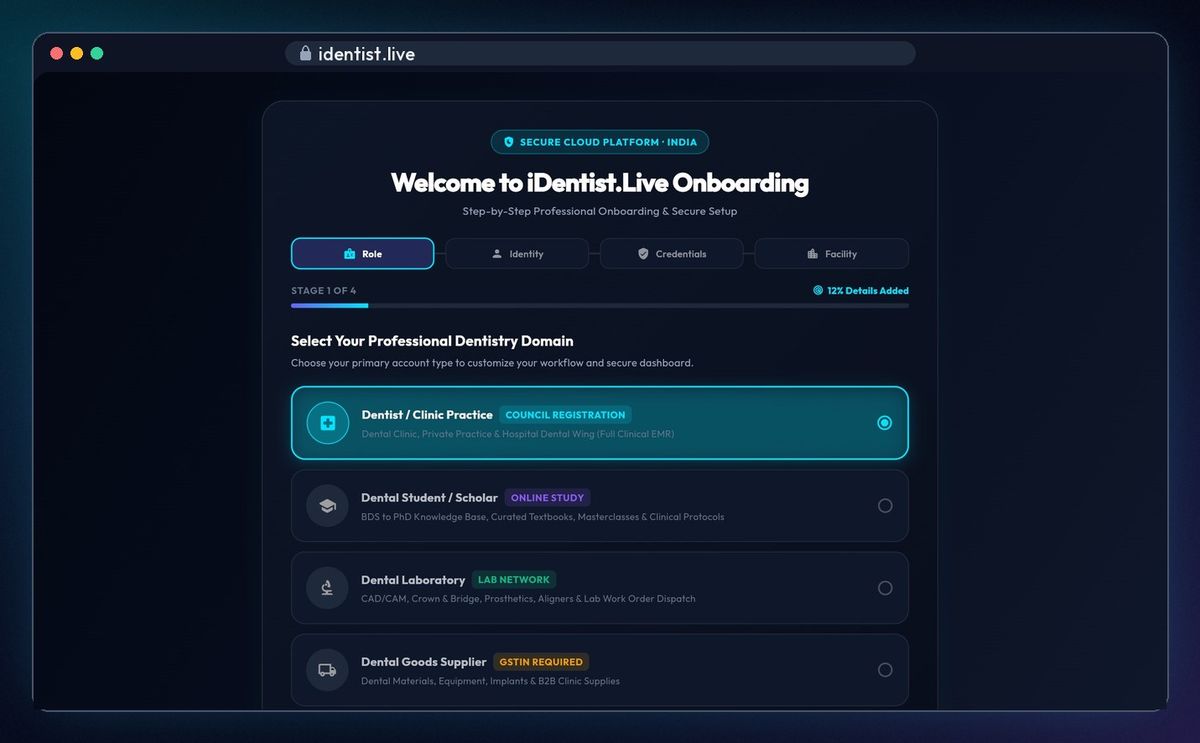
Stage 1 · Role
Pick Dentist / Clinic Practice, Dental Student, Dental Laboratory or Dental Goods Supplier, then Continue.
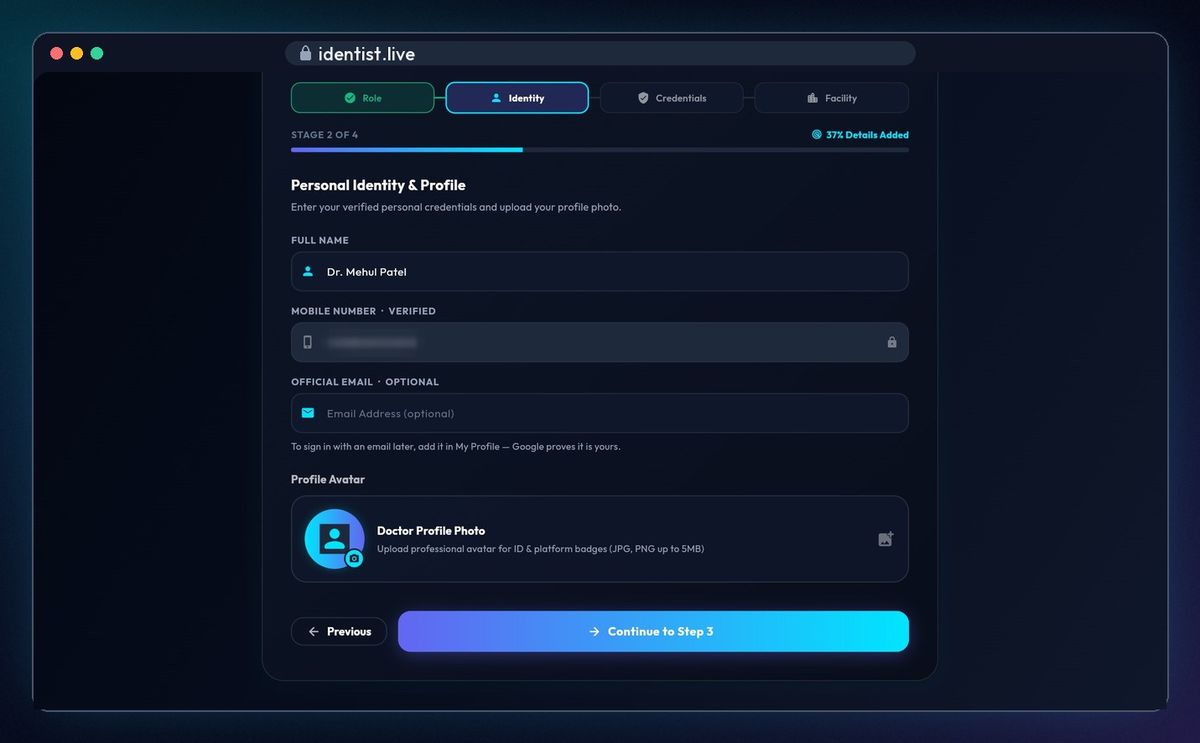
Stage 2 · Identity
Type your full name. Your mobile number is already verified; an email and a profile photo are optional.
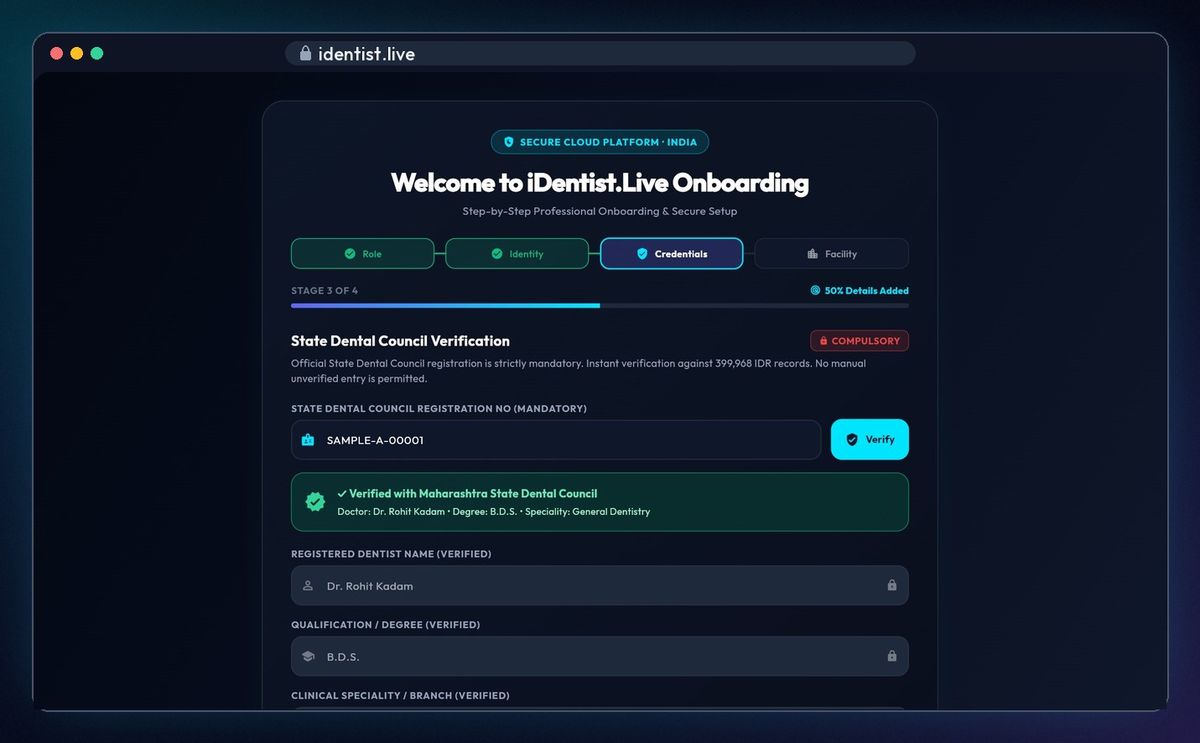
Stage 3 · Credentials
Type your State Dental Council registration number and click Verify. Your name, degree, speciality and college fill in from the official register — every dentist is checked this way.
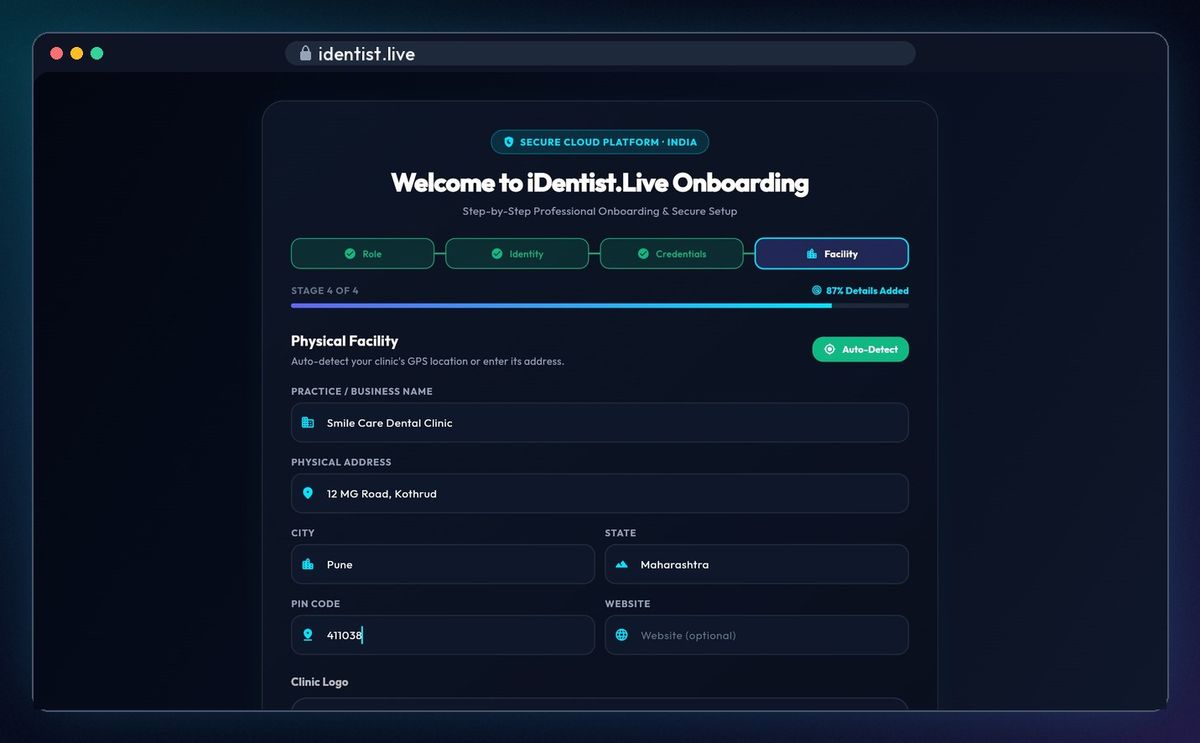
Stage 4 · Facility
Type your clinic's name, address, city, state and PIN code, or click Auto-detect. Add your clinic logo if you like, then click Complete Registration.
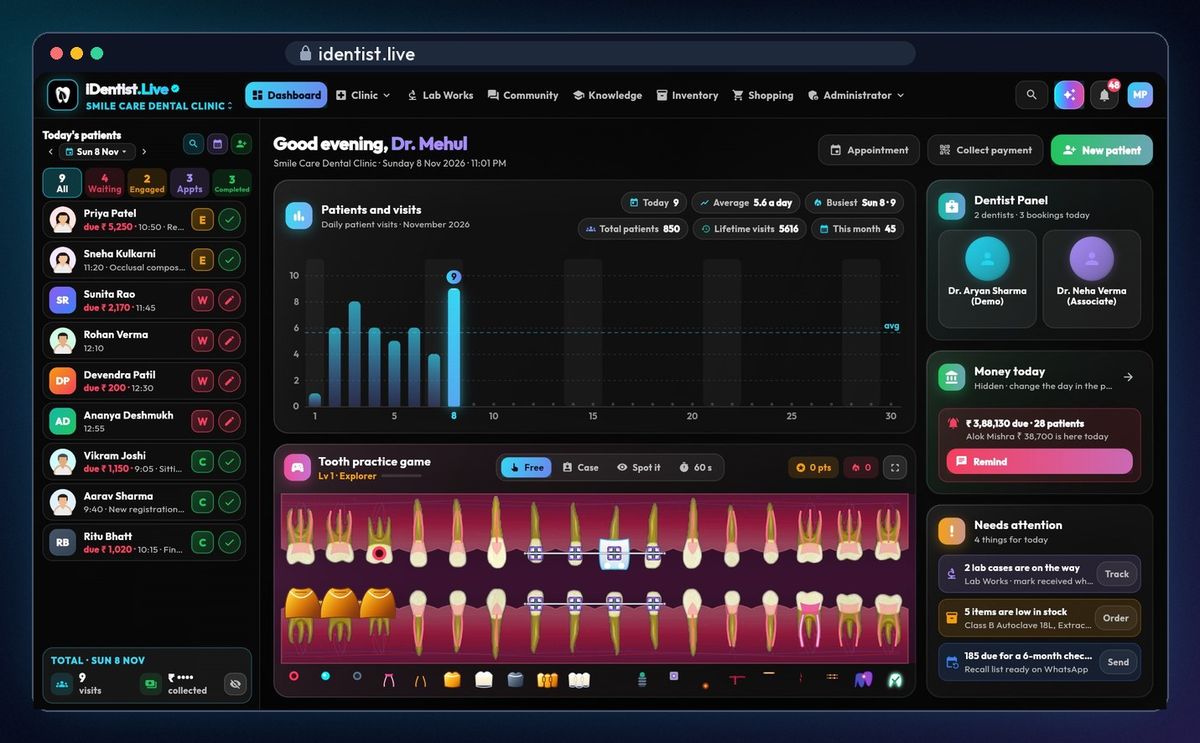
Your clinic is ready
Your clinic opens at once, ready for your first patient. Next, add your team, your dental lab and your supplier.
If something goes wrong
- No SMS code? Check the number, wait a moment, and tap Resend when it appears.
- Council number not found? Type it exactly as it is on your certificate, with its letters.
- Used iDentist before with Google? On the “No account” screen tap Try Google to open that account instead of making a new one.
Questions people ask
Do I need a computer to register?
No. You can register on a phone or a computer; the steps are the same, and one account works on every device.
Why does iDentist.Live check my council number?
So that every dentist on iDentist.Live is a real, registered dentist. Your name, degree and college come from the official State Dental Council register.
Is it free?
Yes. The main app is free, and always will be.
More how-to guides
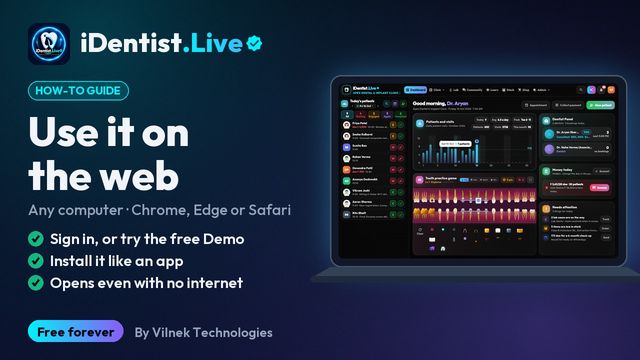 1:17Use it on the webAny computer, nothing to download
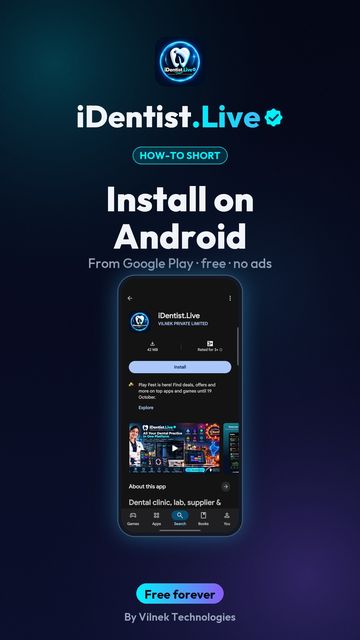 0:43Install on AndroidPhone or tablet, from Google Play
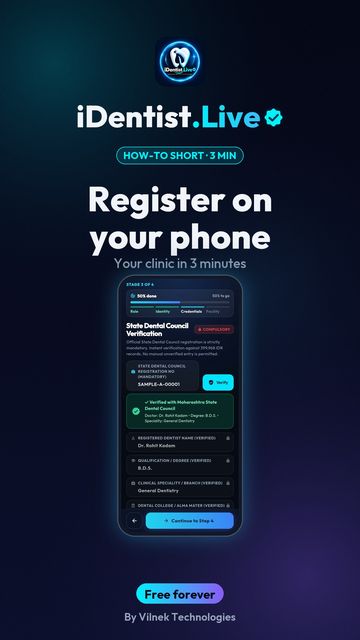 1:30Register on a phoneDentist and clinic set-up
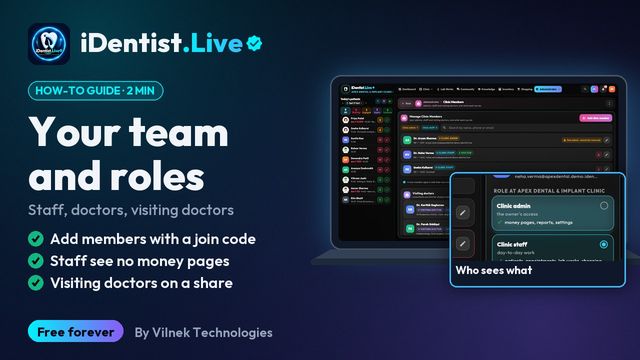 1:45Your team and rolesStaff, doctors, visiting doctors
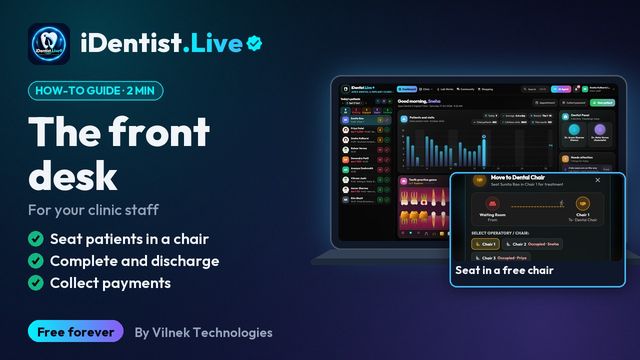 1:19The front deskFor your clinic staff
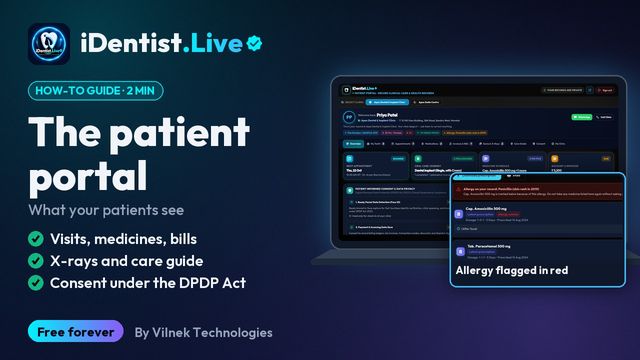 1:22The patient portalWhat your patients see
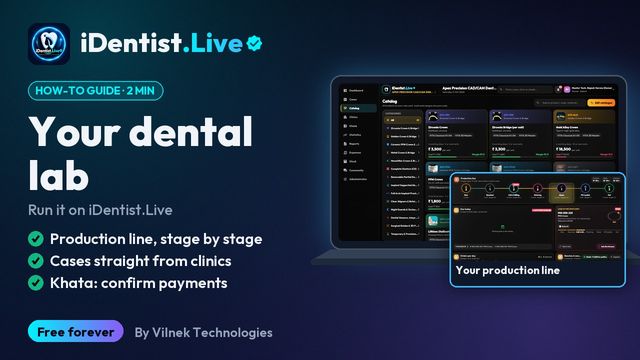 1:22For dental labsProduction line, cases, khata
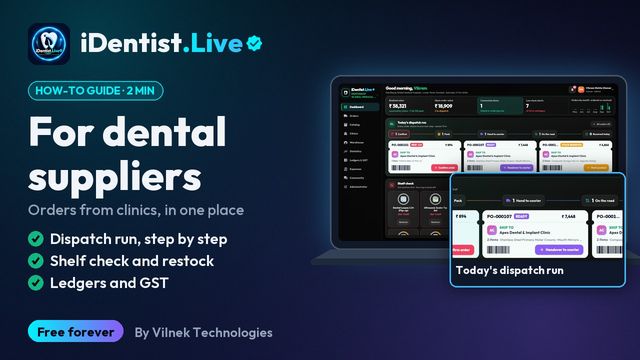 1:25For dental suppliersDispatch, stock, ledgers
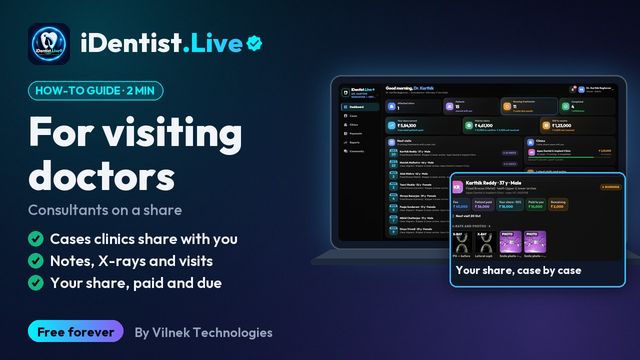 1:15For visiting doctorsShared cases and your share
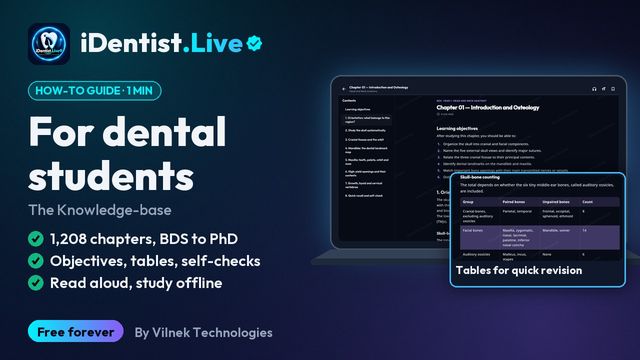 1:12For dental students1,208 chapters, BDS to PhD
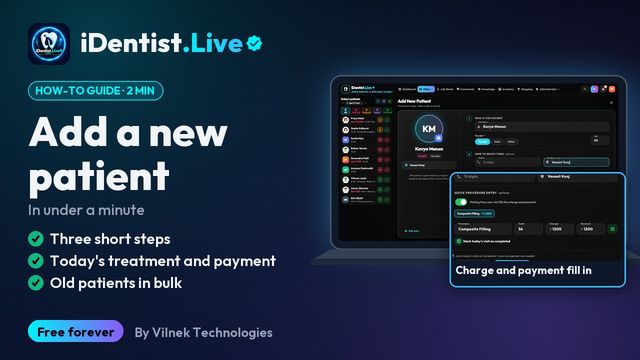 1:36Add a new patientUnder a minute, or in bulk
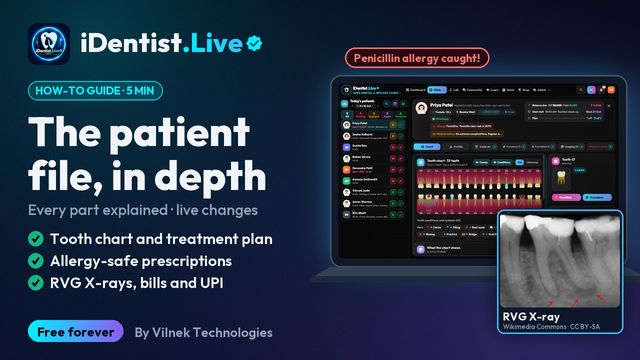 5:16The patient fileChart, plan, prescriptions, X-rays, payments
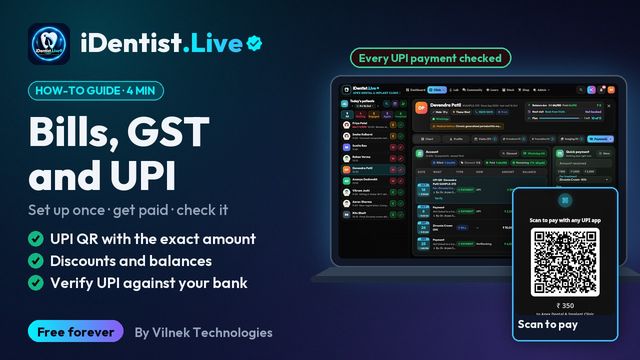 3:47Bills, GST and UPITake payments and check every rupee
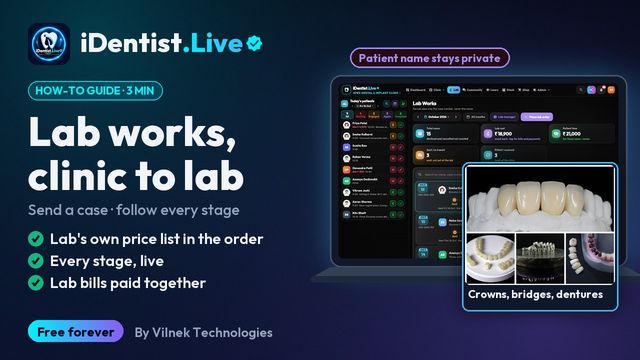 2:41Lab worksSend a case, every stage live
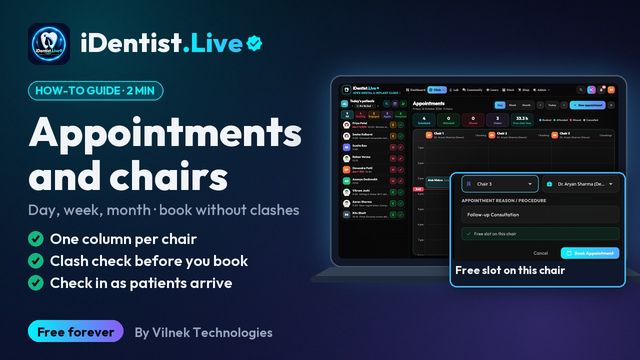 1:56Appointments and chairsBook without clashes, check in
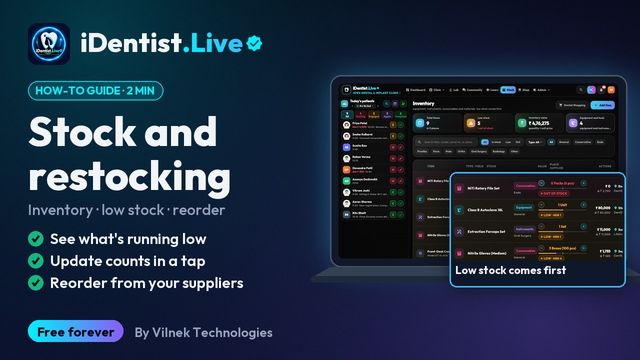 1:44Stock and restockingLow stock, counts, reorder
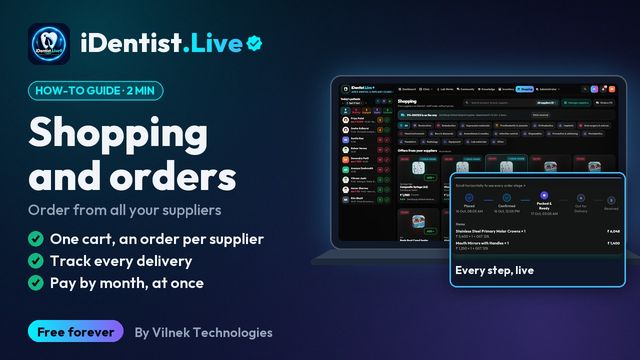 1:51Shopping and ordersOne cart, track, pay suppliers
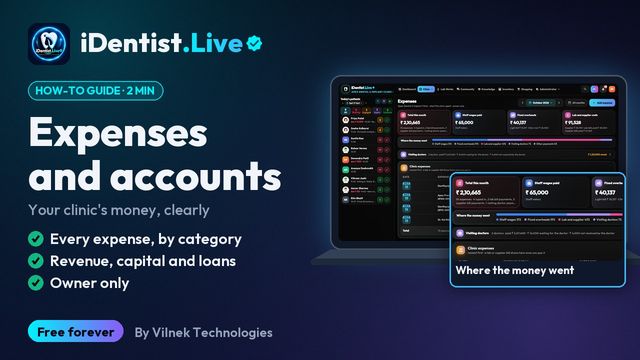 1:34Expenses and accountsEvery rupee in and out
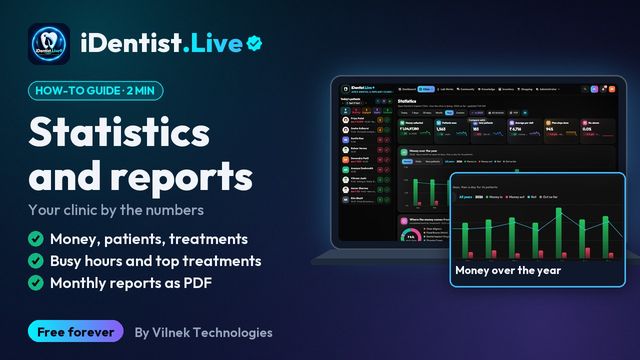 1:59Statistics and reportsYour clinic by the numbers
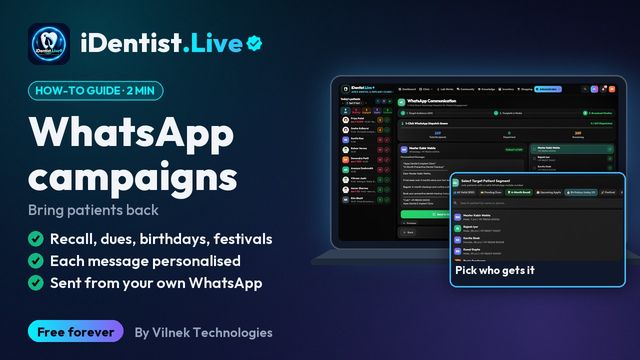 1:30WhatsApp campaignsDues, recall and wishes
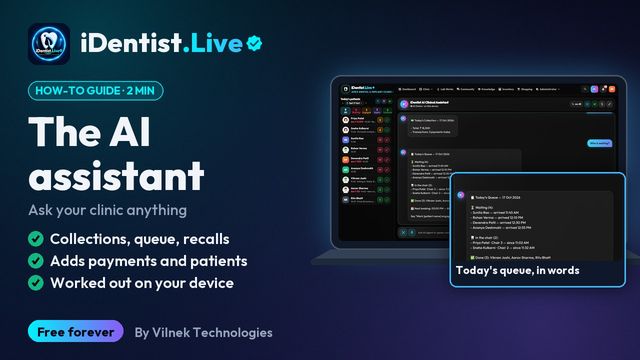 1:24The AI assistantAsk your clinic anything
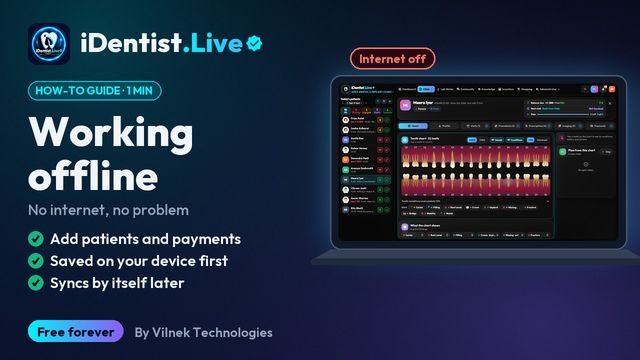 1:10Working offlineKeep working, syncs by itself
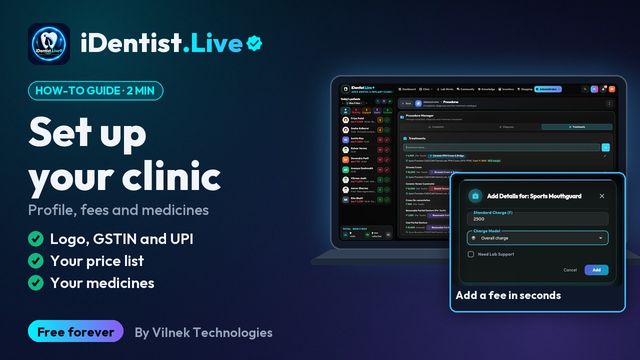 1:18Set up your clinicProfile, fees and medicines
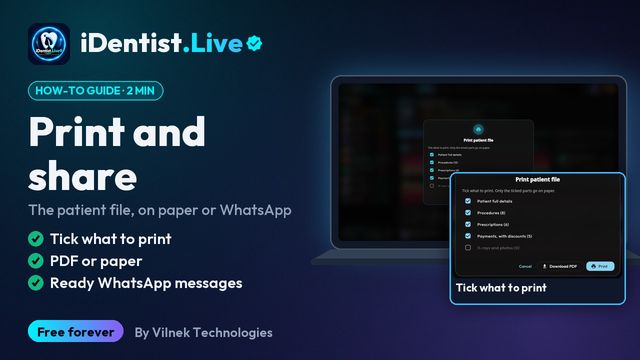 1:09Print and shareThe patient file, on paper or WhatsApp
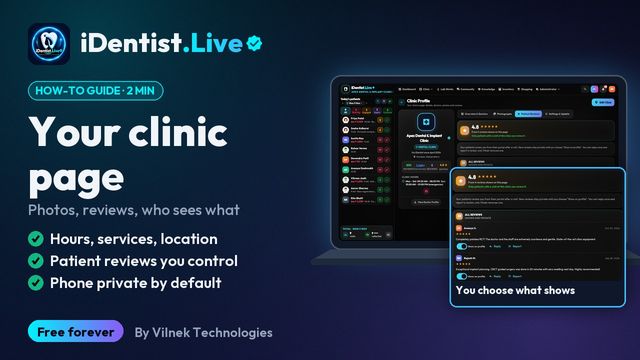 1:27Your clinic pagePhotos, reviews, who sees what
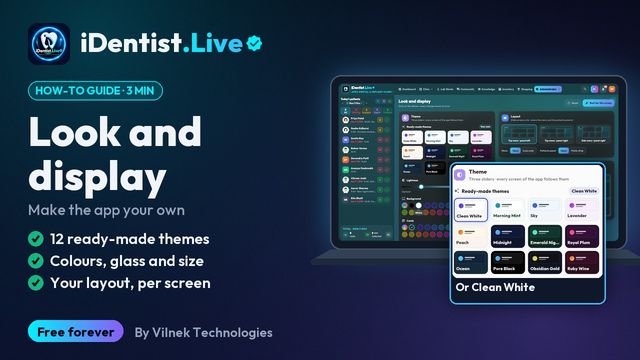 2:57Look and displayThemes, colours, glass, layout and size
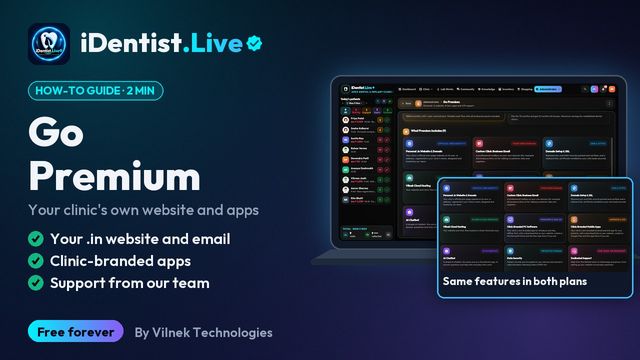 1:12Go PremiumYour own website, apps and support